
























Progress Indicator
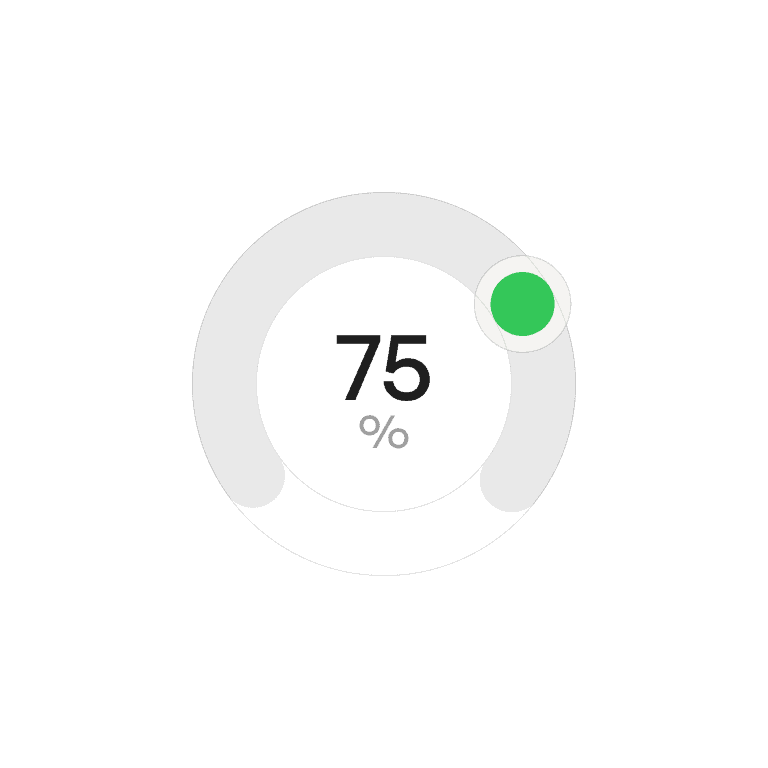
A progress indicator communicates the status of an ongoing process, showing users that work is happening and how much has been completed or remains.
Philosophy

Progress indicators reduce uncertainty by making waiting times visible.
They provide feedback that the system is working.
They help set expectations for duration.
They reassure users and reduce frustration during delays.
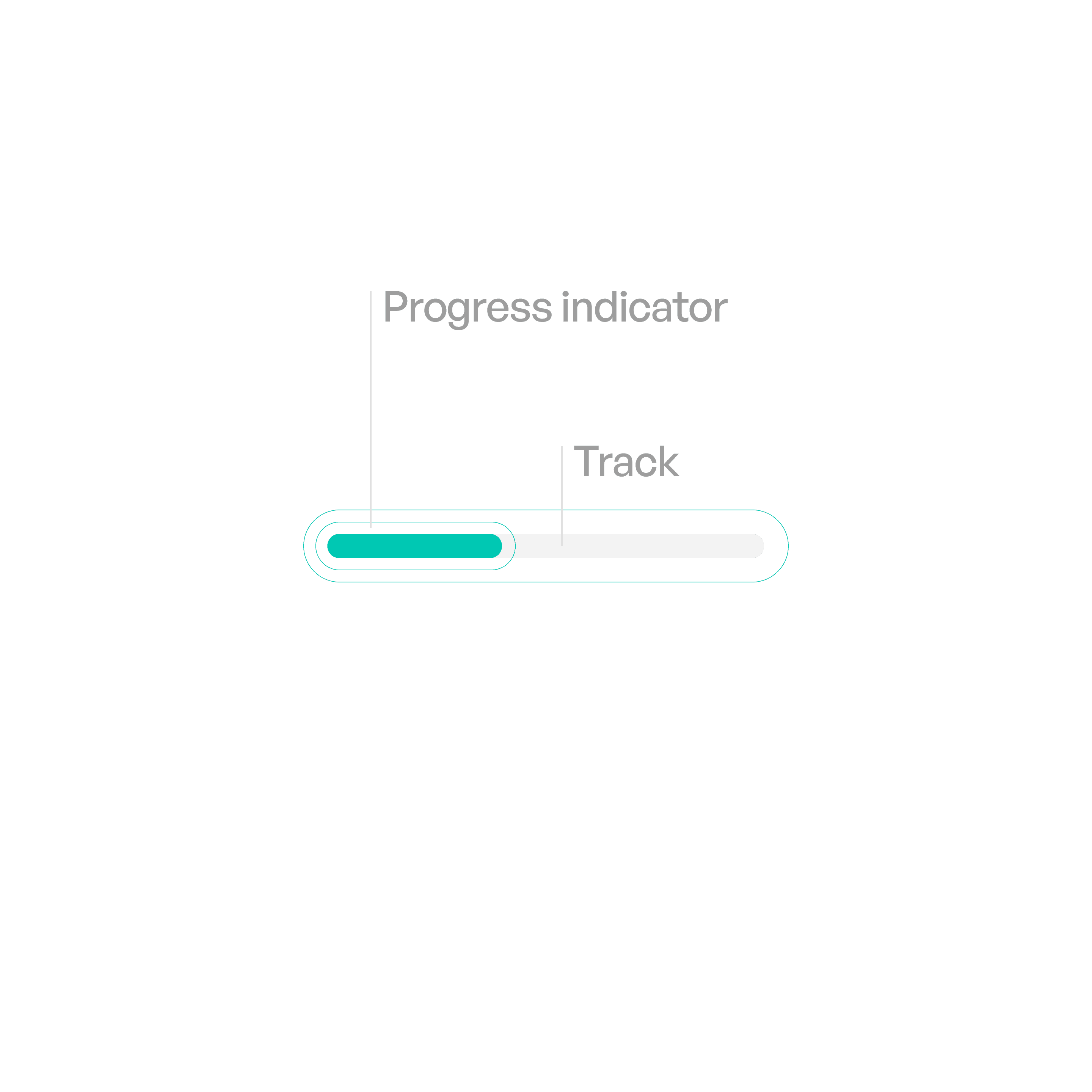
Anatomy
Variants

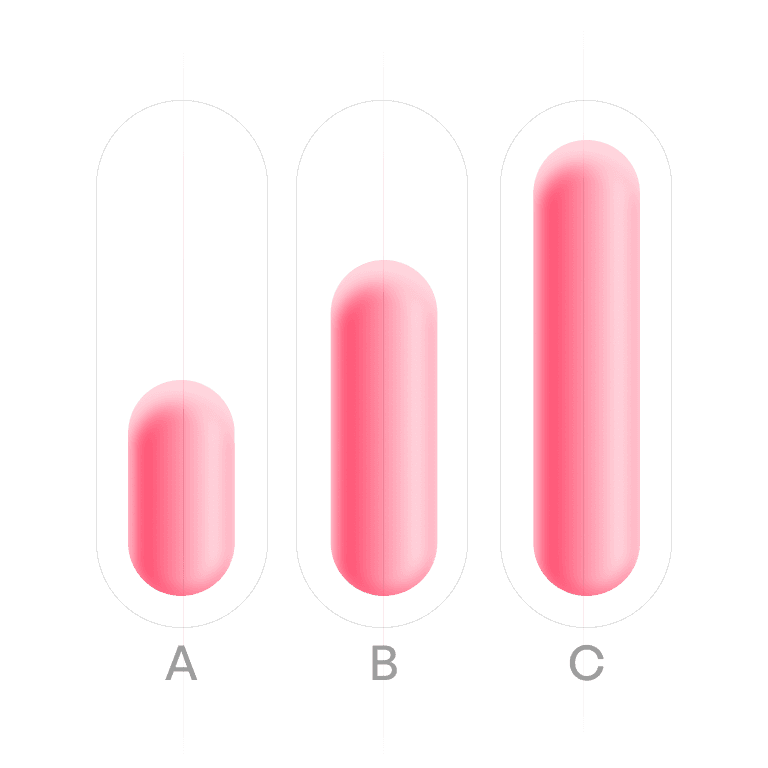
Progress Bar
Shows progress
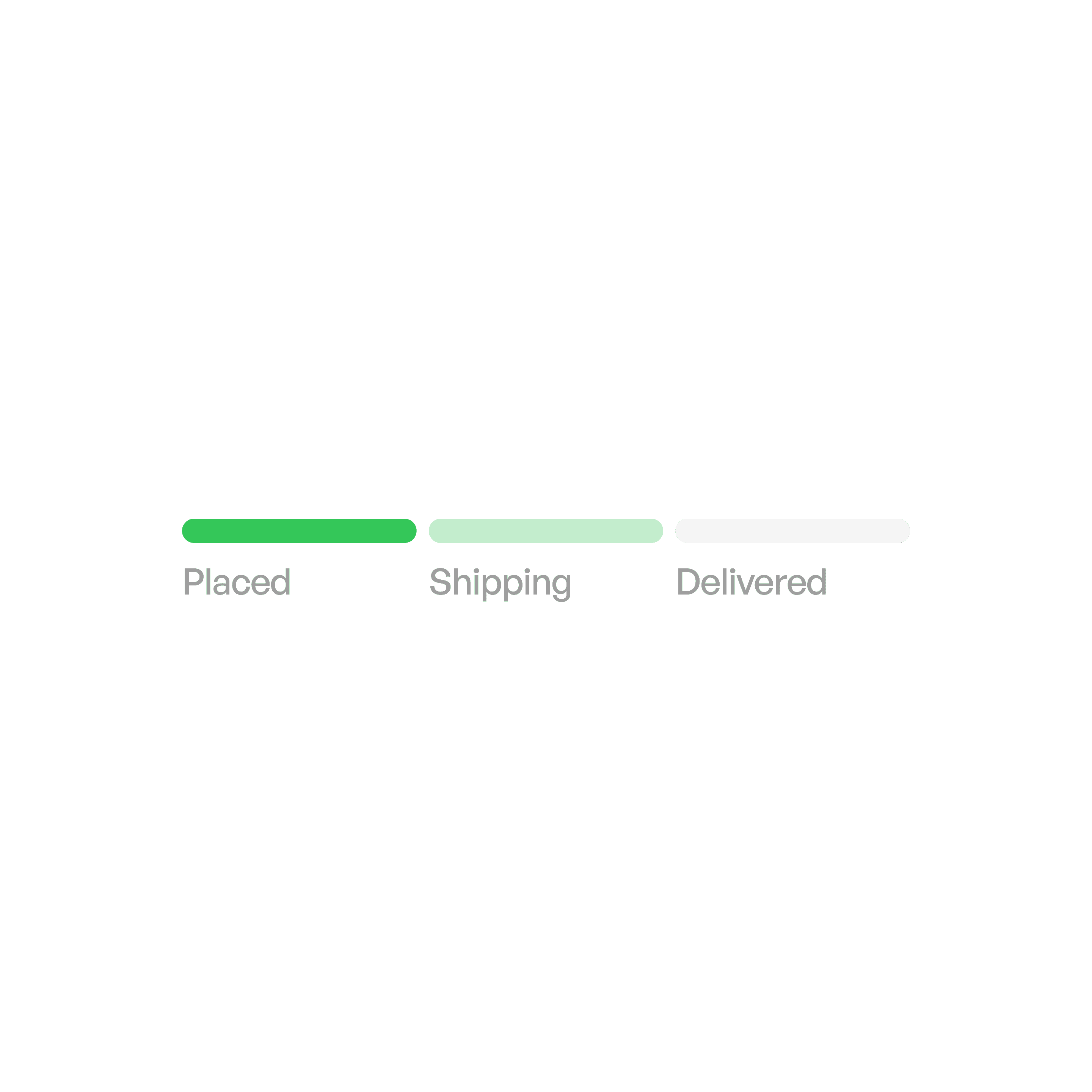
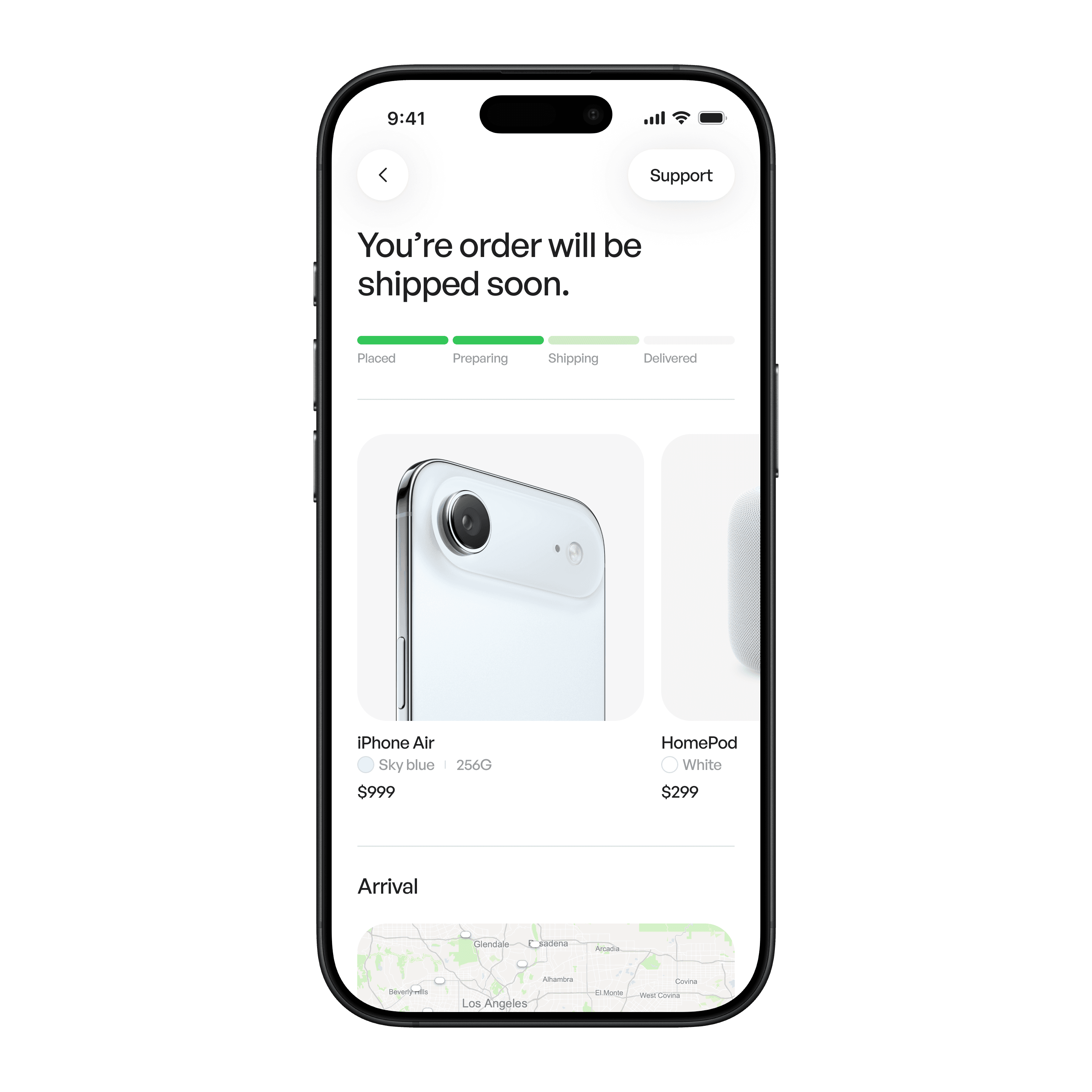
Progress tracker
Sequential flow (e.g., checkout).
States

Active
Progress moving, determinate or indeterminate.
Usage tips
Dos
Provide context — explain what is loading and why.
Add success/failure feedback when finished.
Don’ts
Don’t leave users waiting without any indicator.
Don’t overuse spinners — prefer determinate where possible.
Don’t use misleading animations (e.g., too fast or too slow vs. real time).
Real-world example