













Page control
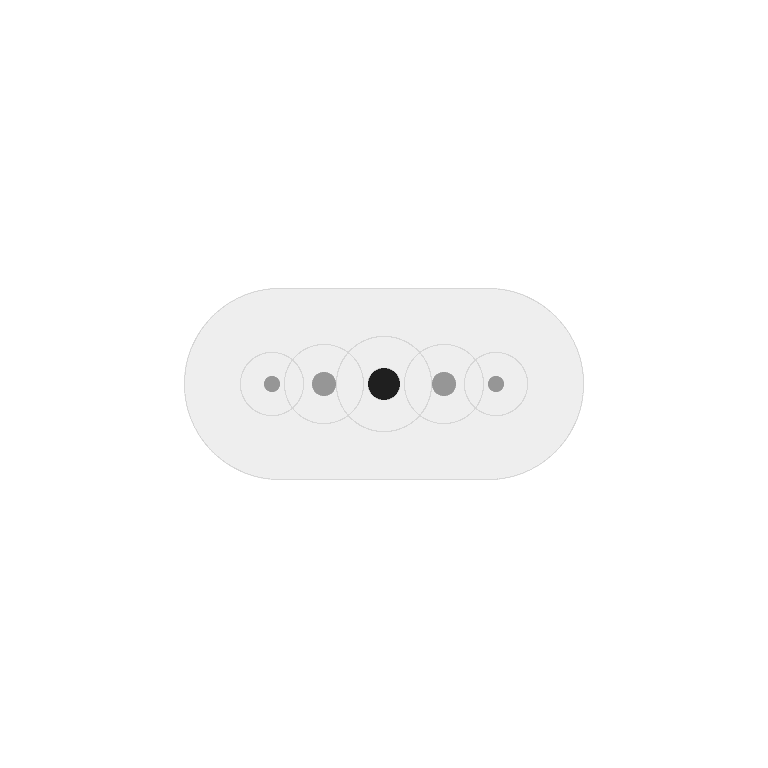
A page control is a navigation indicator, often shown as a row of dots or markers, that represents multiple pages or screens. It highlights the current page and allows users to navigate between them.
Philosophy

Page controls make multi-page navigation clear and simple, especially in lightweight browsing contexts like onboarding flows or image carousels.
They provide a sense of progress by showing total pages.
They let users know where they are and what’s next.
They work best for small sets of pages (not entire apps).
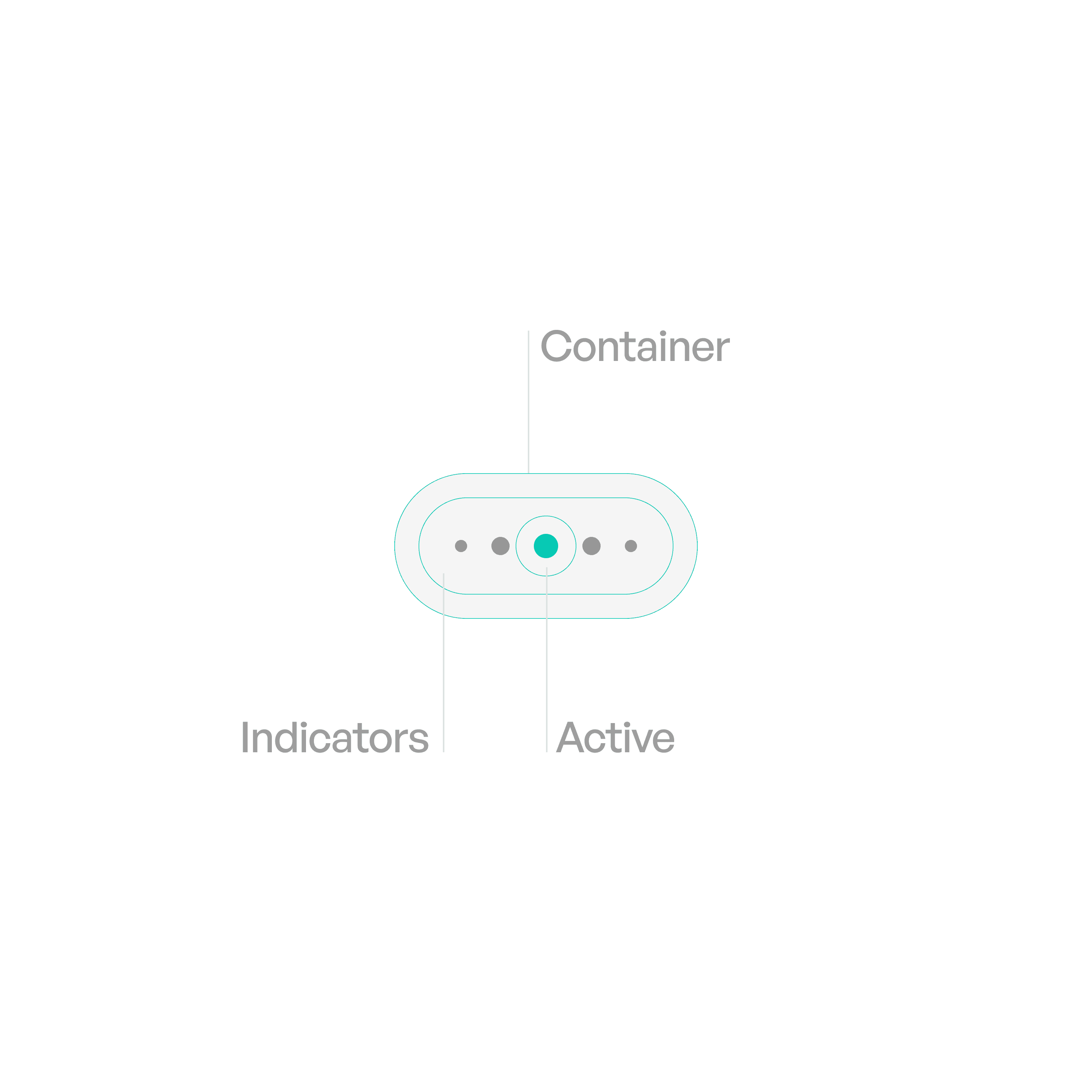
Anatomy
Variants

Standard
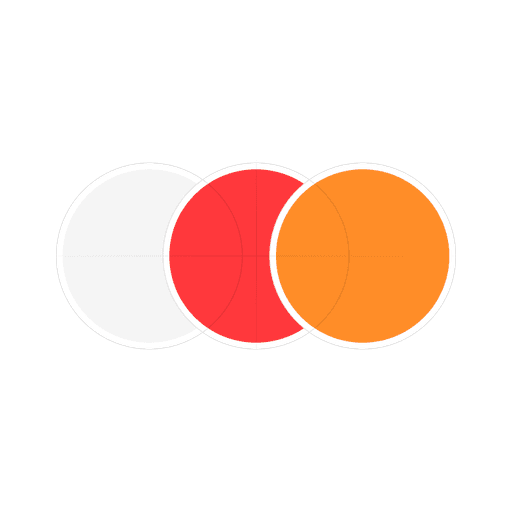
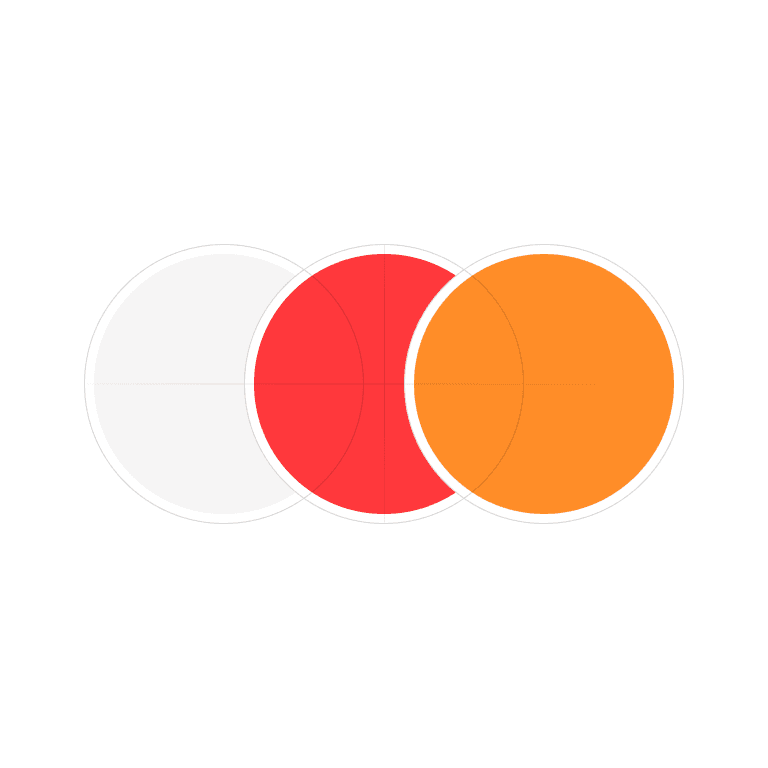
Standard row of circles.
States

Idle
Dots inactive until page is active.
Material
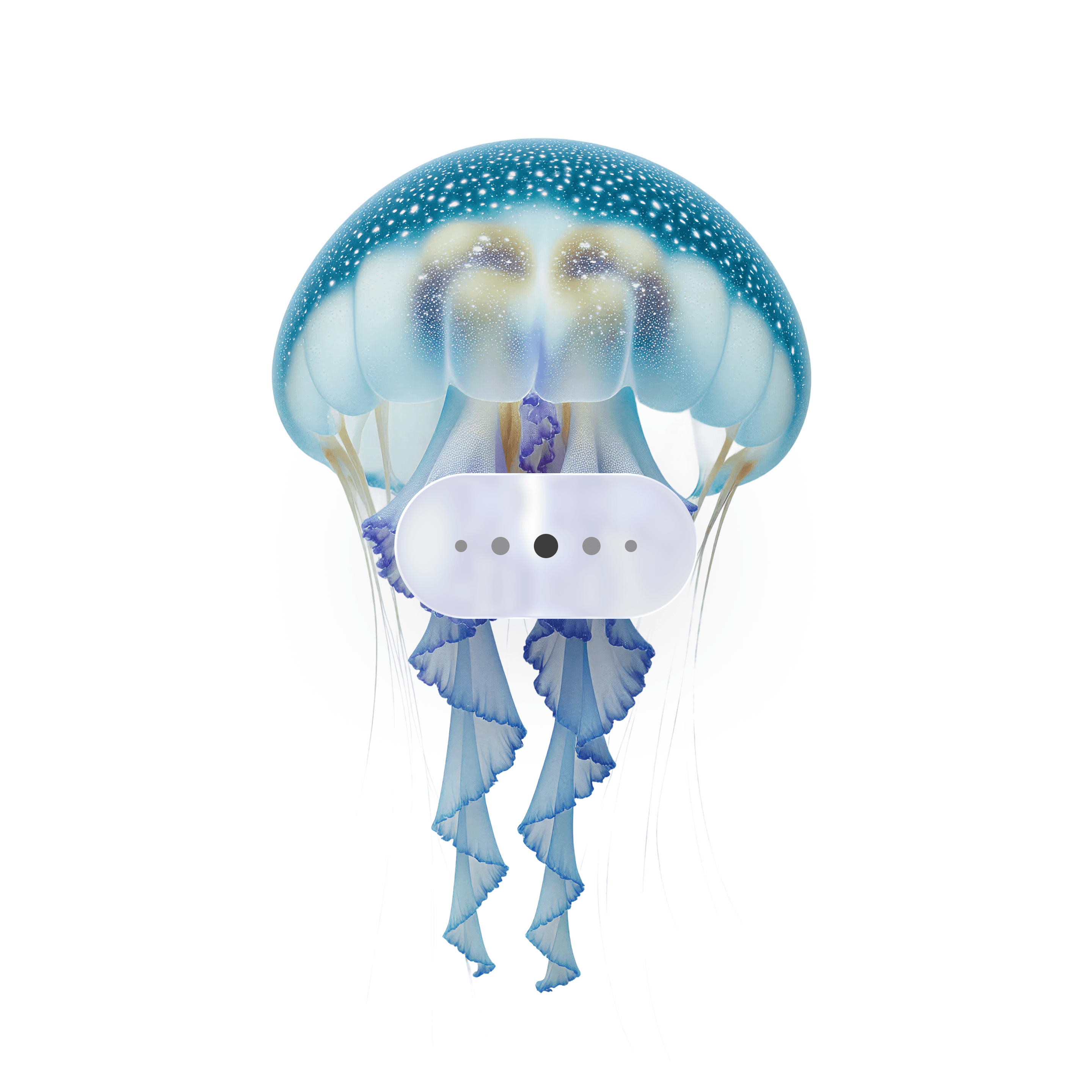
Liquid glass
Usage tips
Dos
Use for small sets of related pages.
Make the active indicator clearly distinct.
Keep indicators close to the content they represent (e.g., under a carousel).
Don’ts
Don’t use page controls for complex app navigation — use tabs or nav bars.
Don’t use too many indicators (7+ dots overwhelms users).
Real-world example
