

















Alert
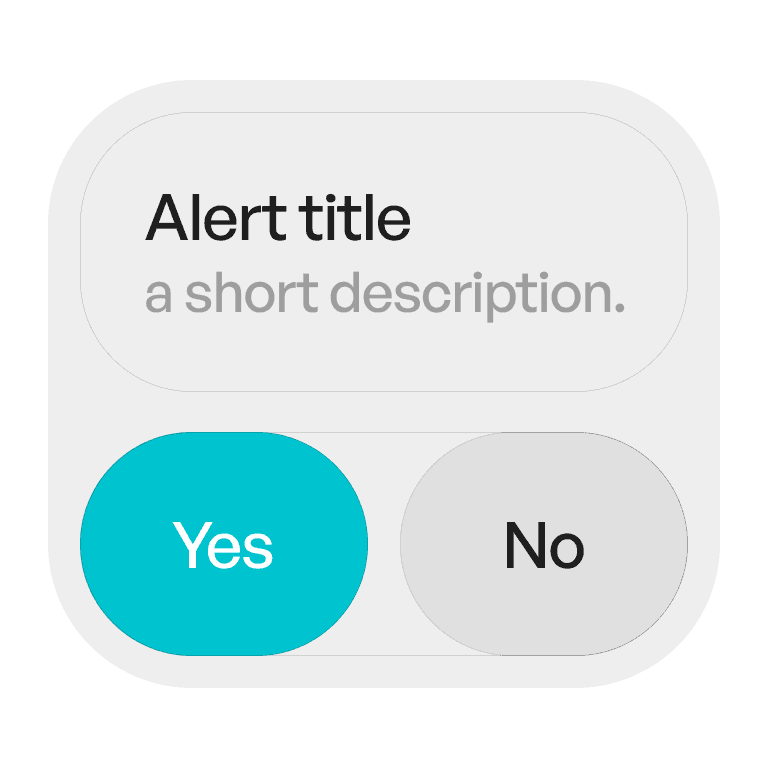
An alert is a modal dialog that interrupts the current flow to provide critical information or request confirmation before proceeding.
Philosophy
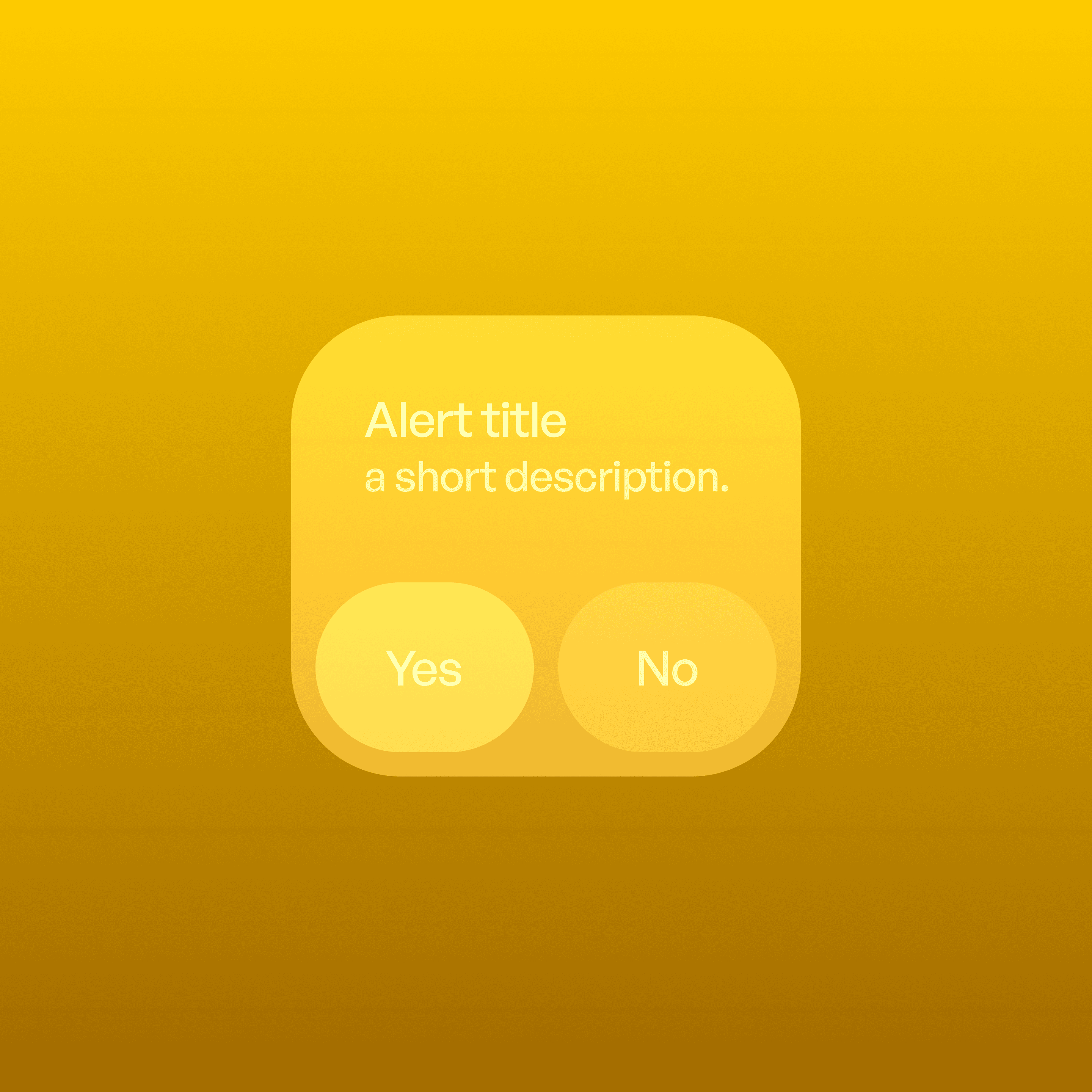
Alerts ensure users see and acknowledge important information before continuing.
They are for critical decisions (e.g., deleting data, permissions).
They require user acknowledgment through buttons.
They should be rare and purposeful — overuse causes alert fatigue.
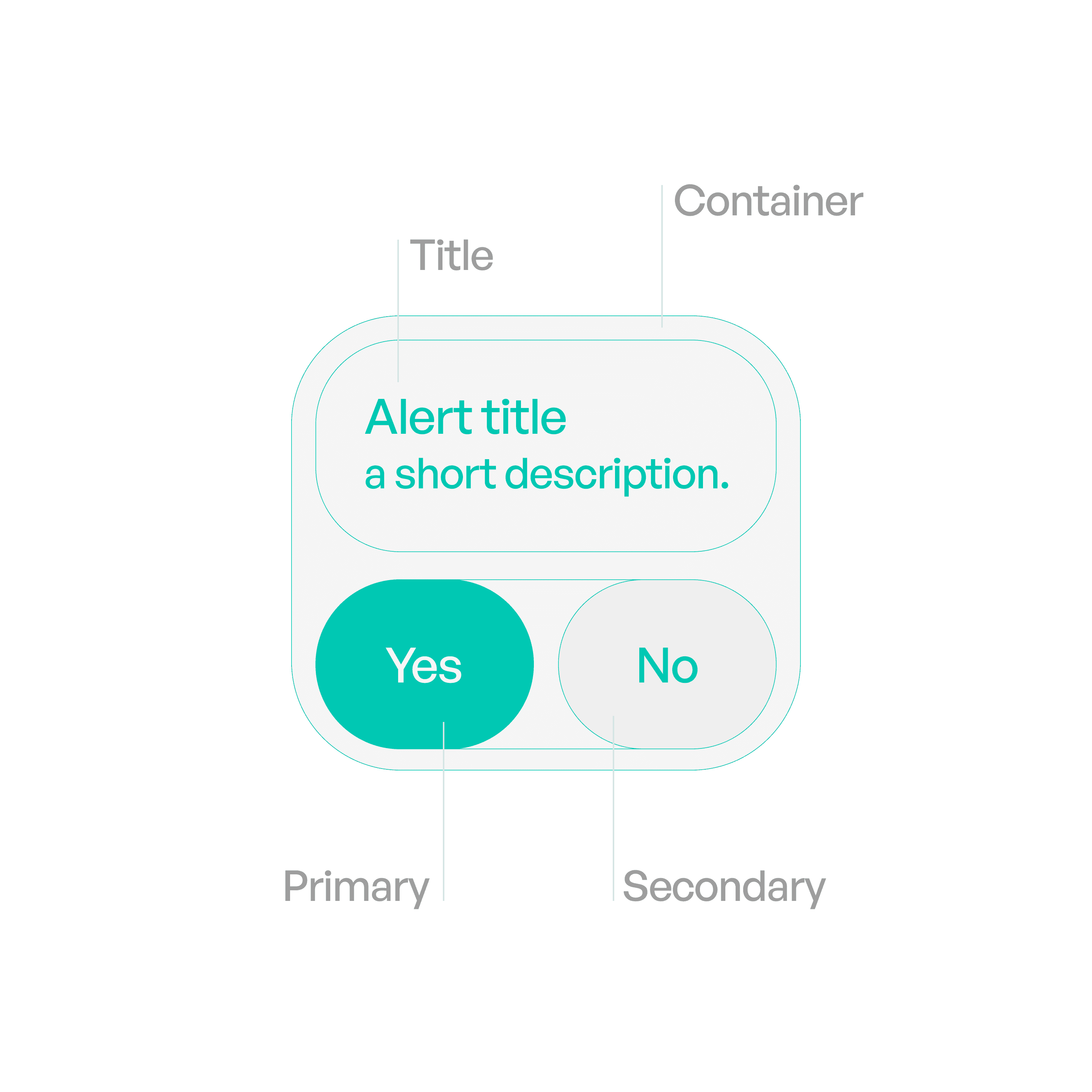
Anatomy
Variants
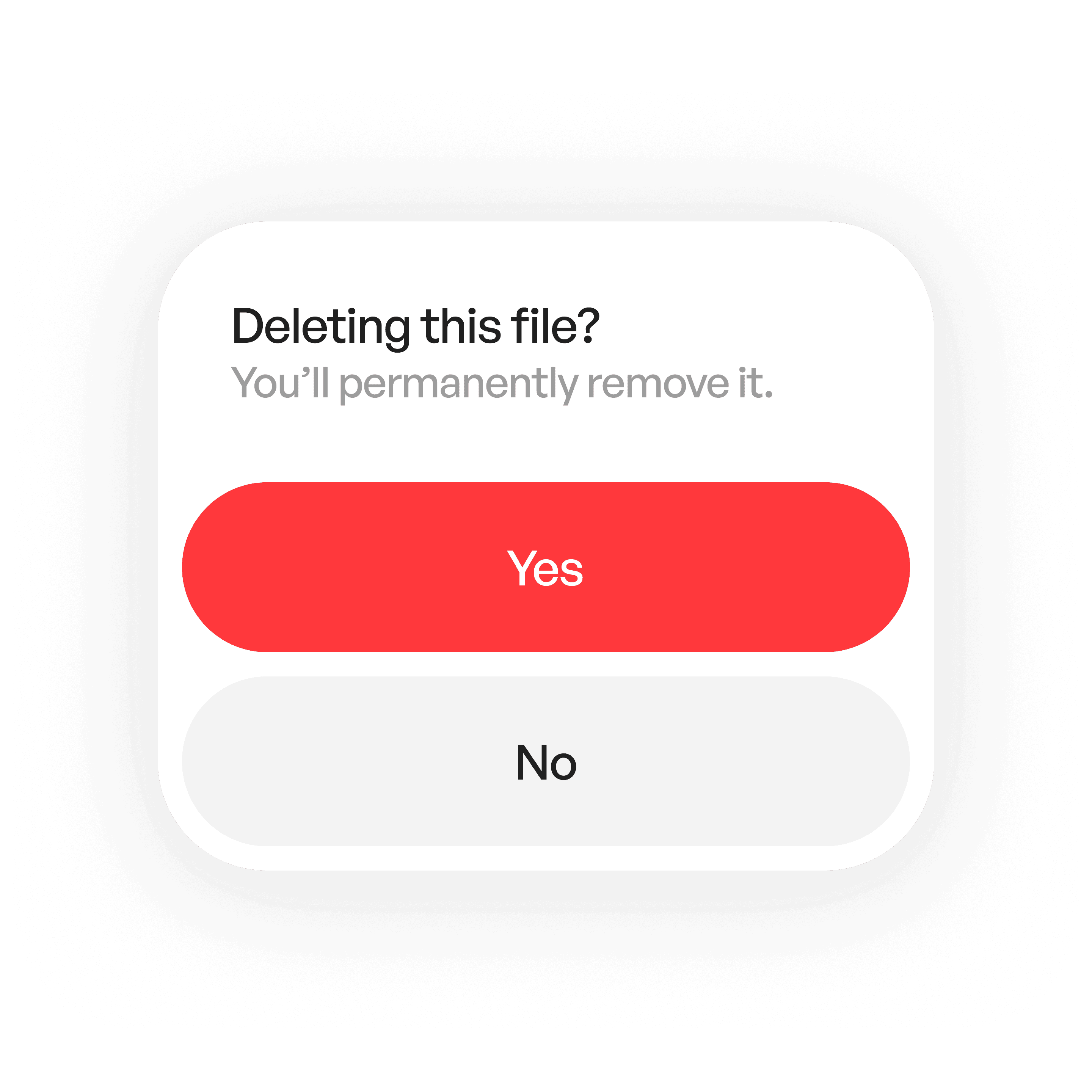
Stacked
Stacks actions on top of each other.

Side by side
Put actions side by side.
States
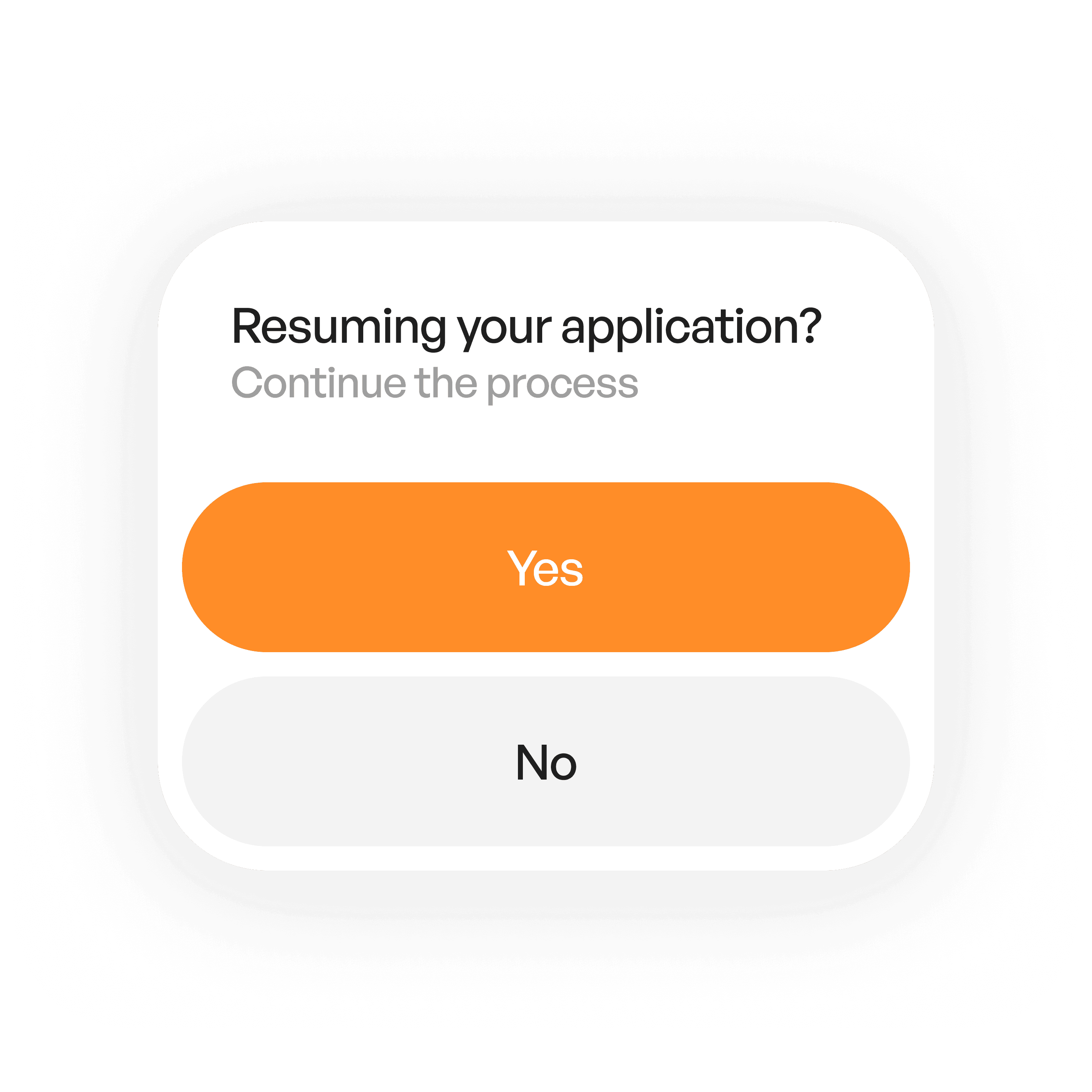
Presented
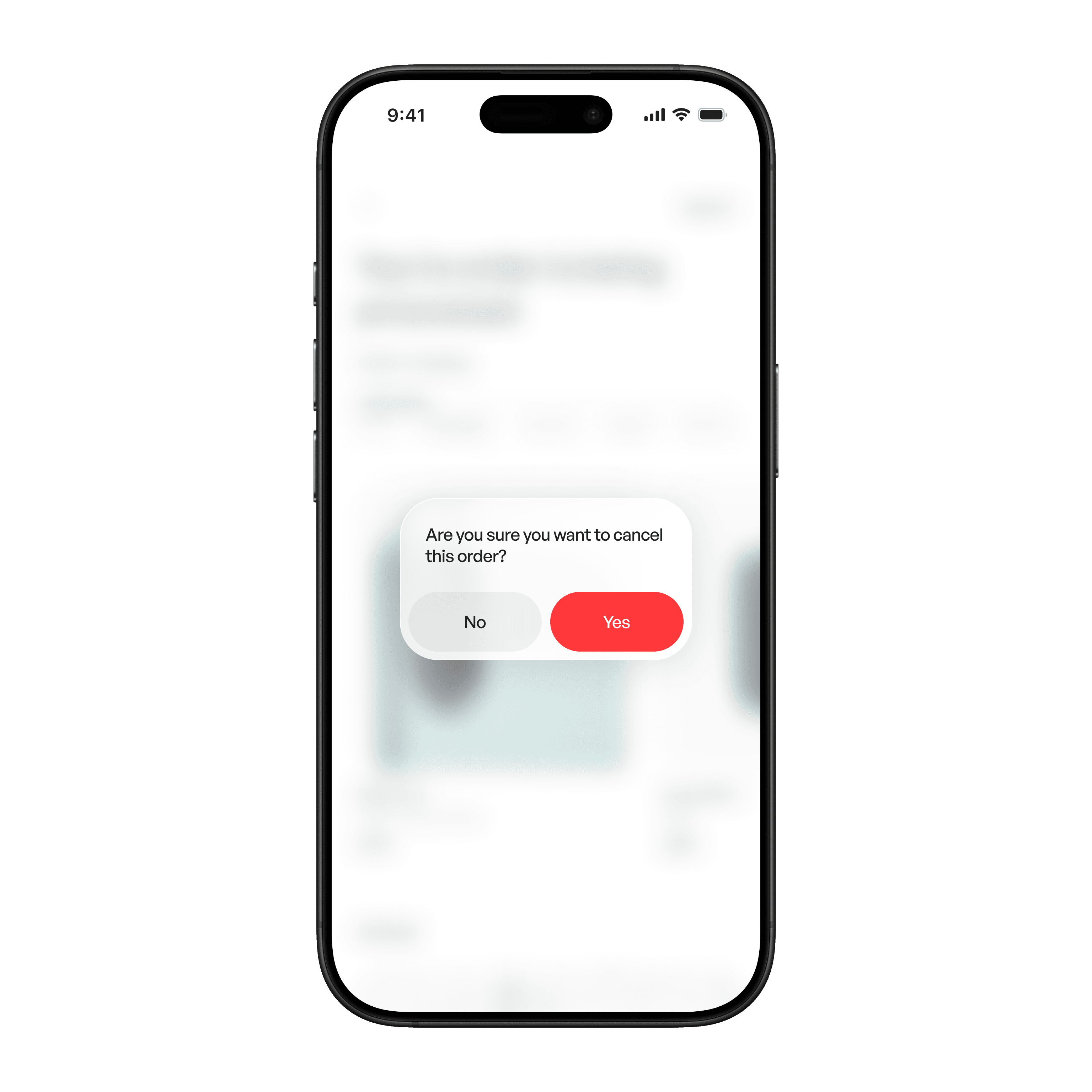
Appears centered, blocking background interaction.
Material
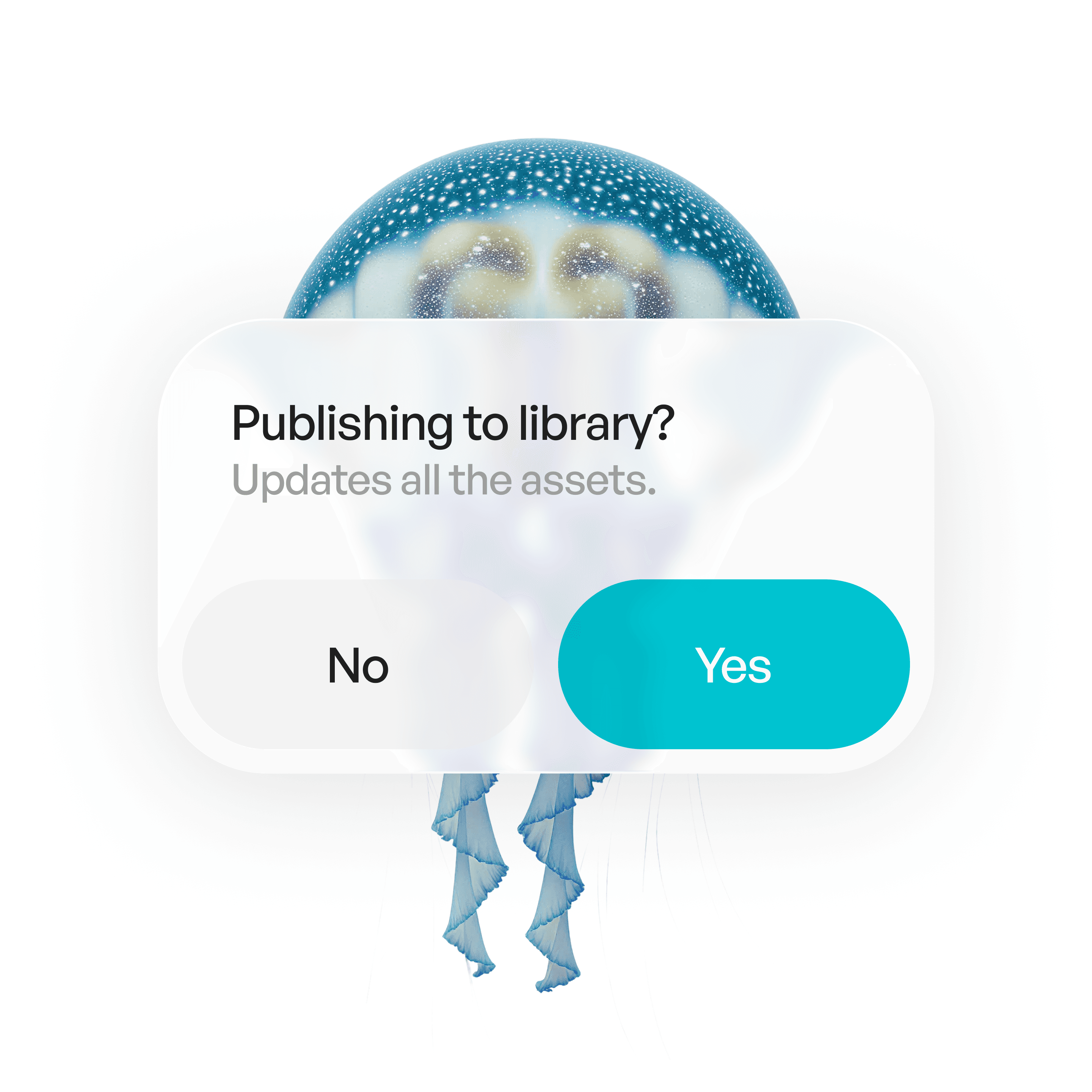
Liquid glass
Usage tips
Dos
Use alerts only for important, high-impact events.
Keep titles and messages short and clear.
Make destructive actions visually distinct (e.g., red).
Don’ts
Don’t use alerts for minor notifications — use banners or toasts instead.
Don’t rely on alerts as the only way to teach users how something works.
Real-world example