






















Menu
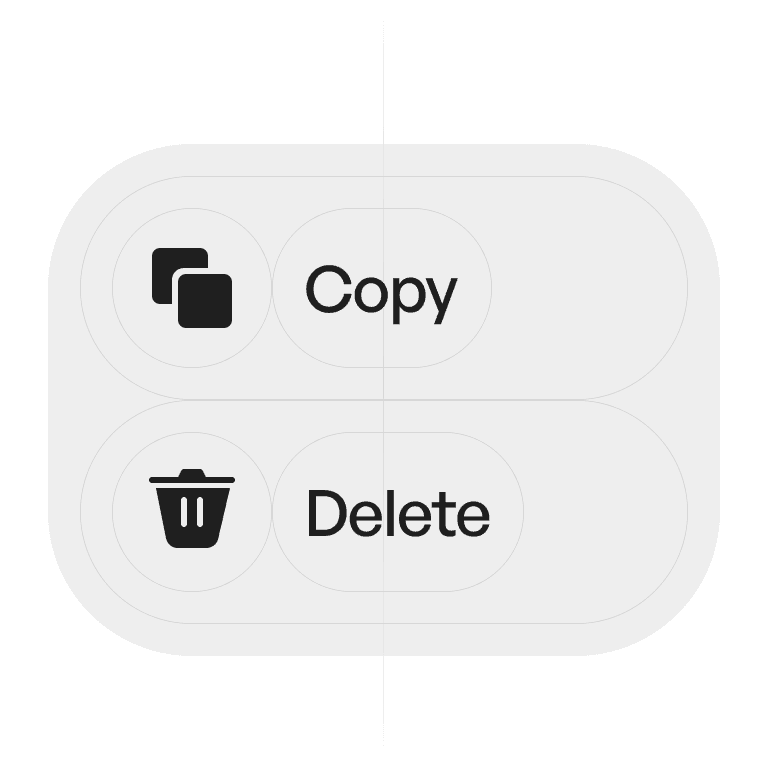
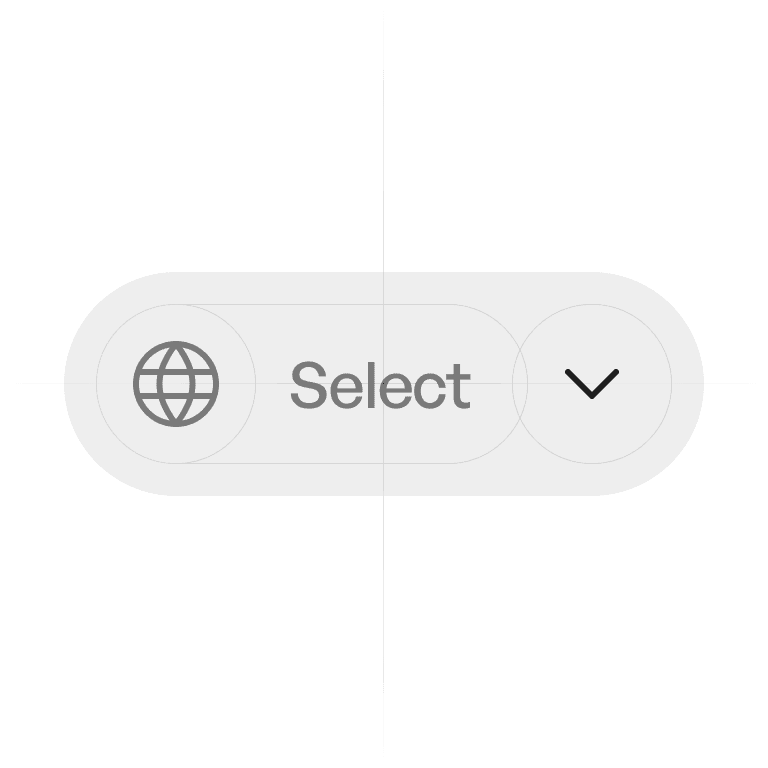
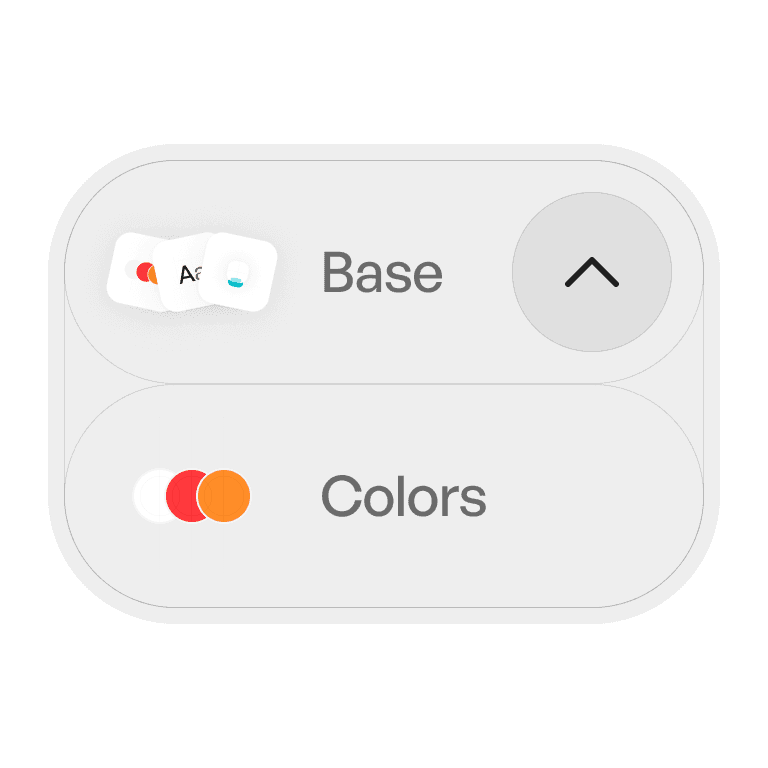
A menu reveals a list of options or commands when triggered by a control. It’s a space-efficient way to present actions without overwhelming the interface.
Philosophy
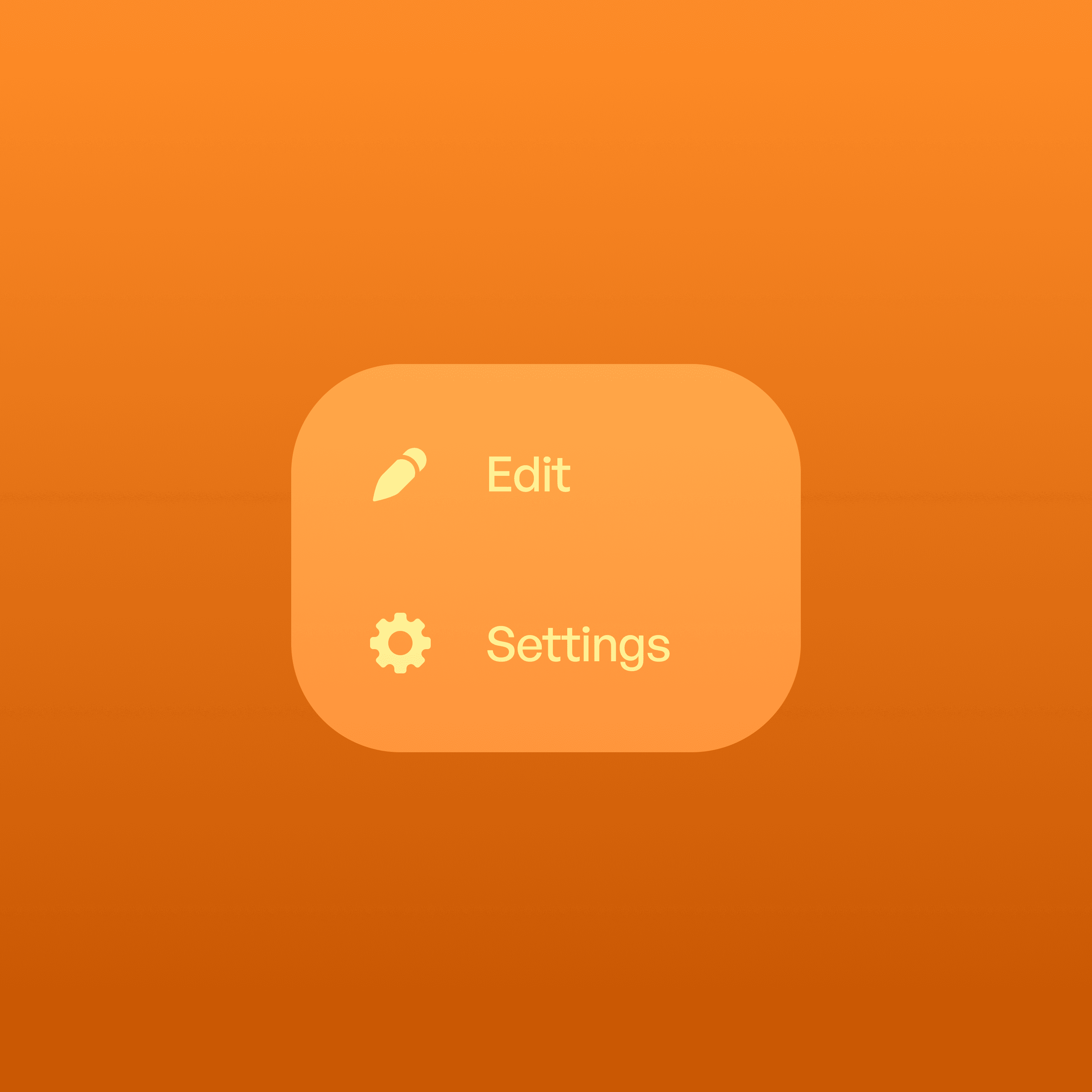
Menus organize and hide related actions until the user needs them.
They reduce clutter by keeping secondary actions hidden.
They help group commands logically.
They keep focus on the main task while still offering alternatives.
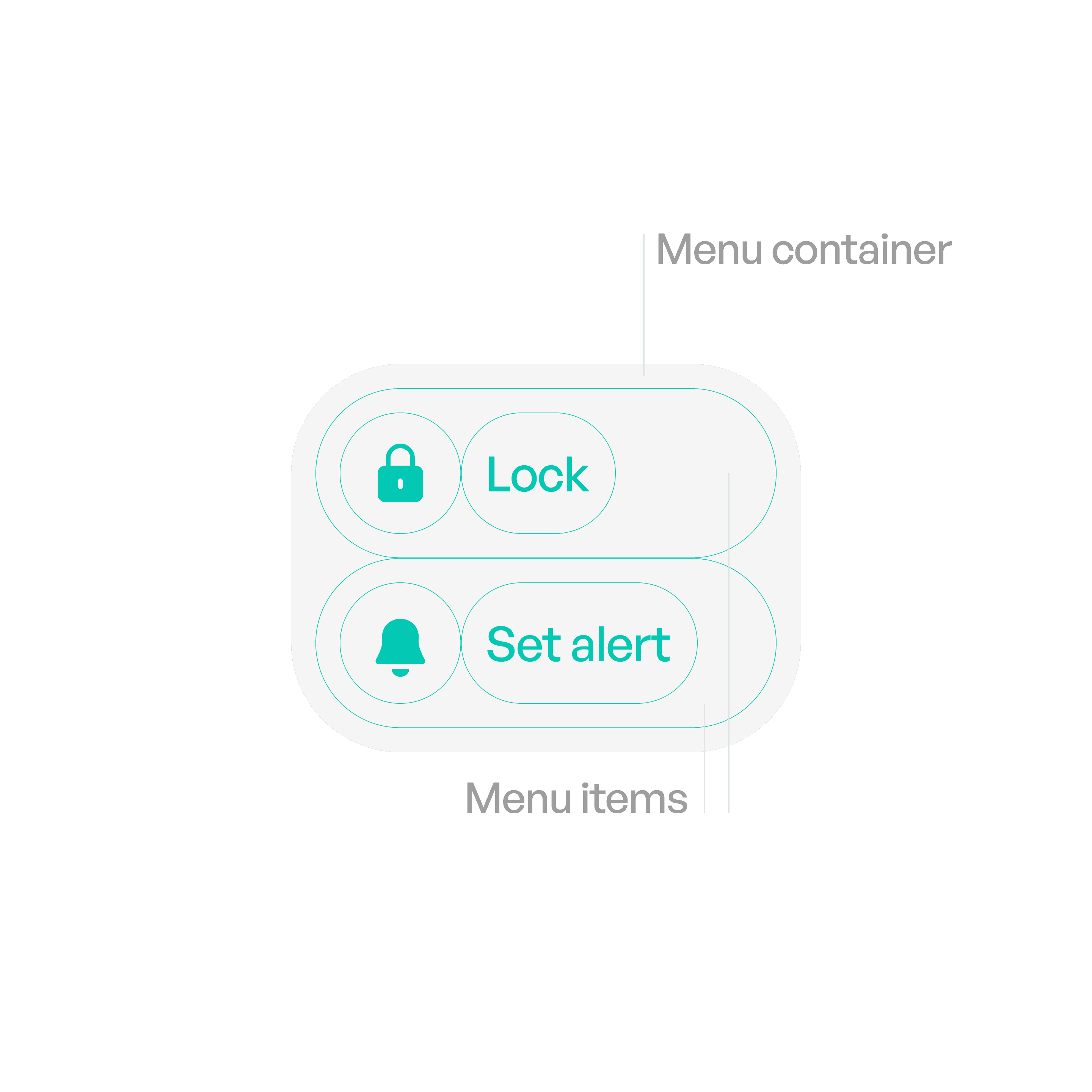
Anatomy
Variants
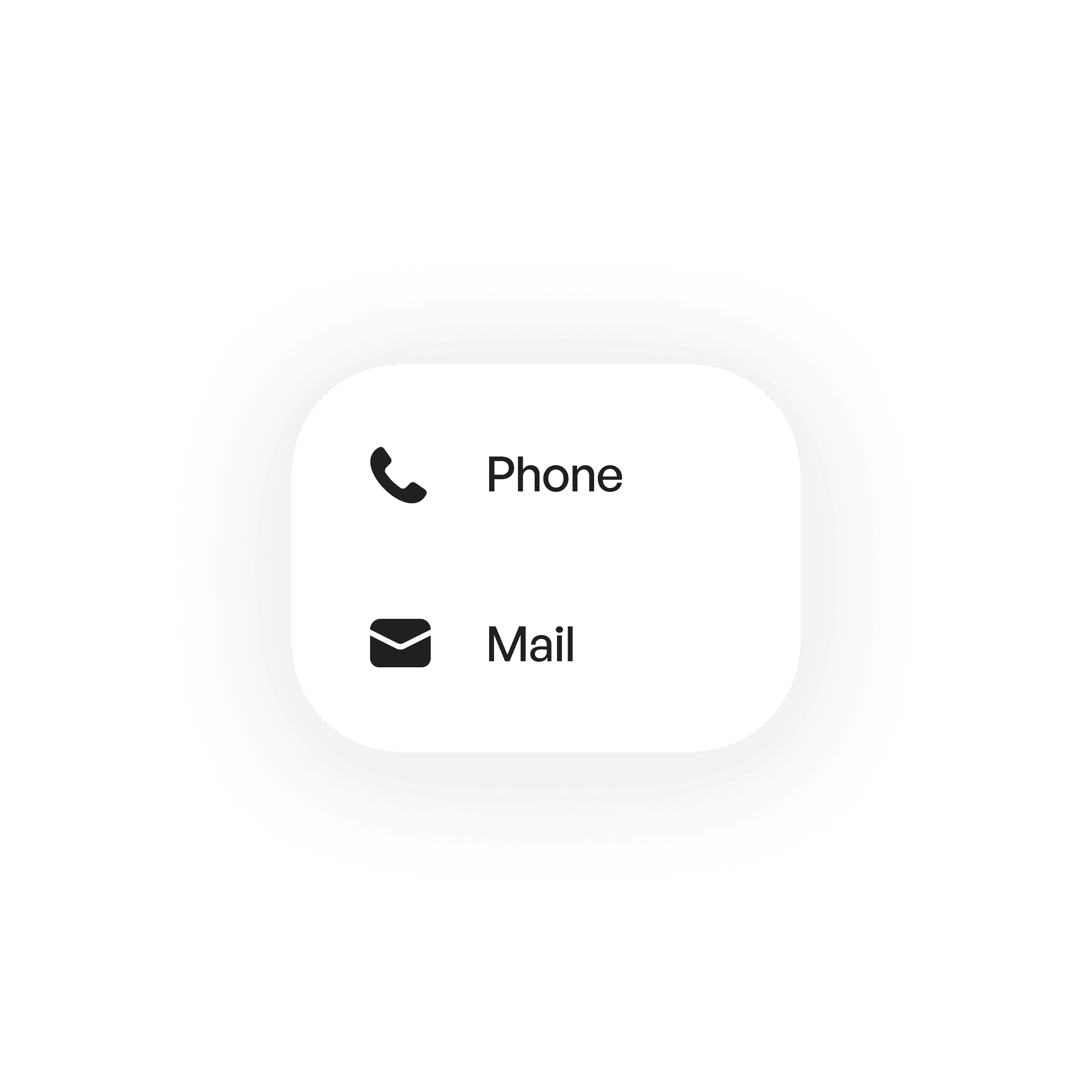
Standard
A simple list of items.
States
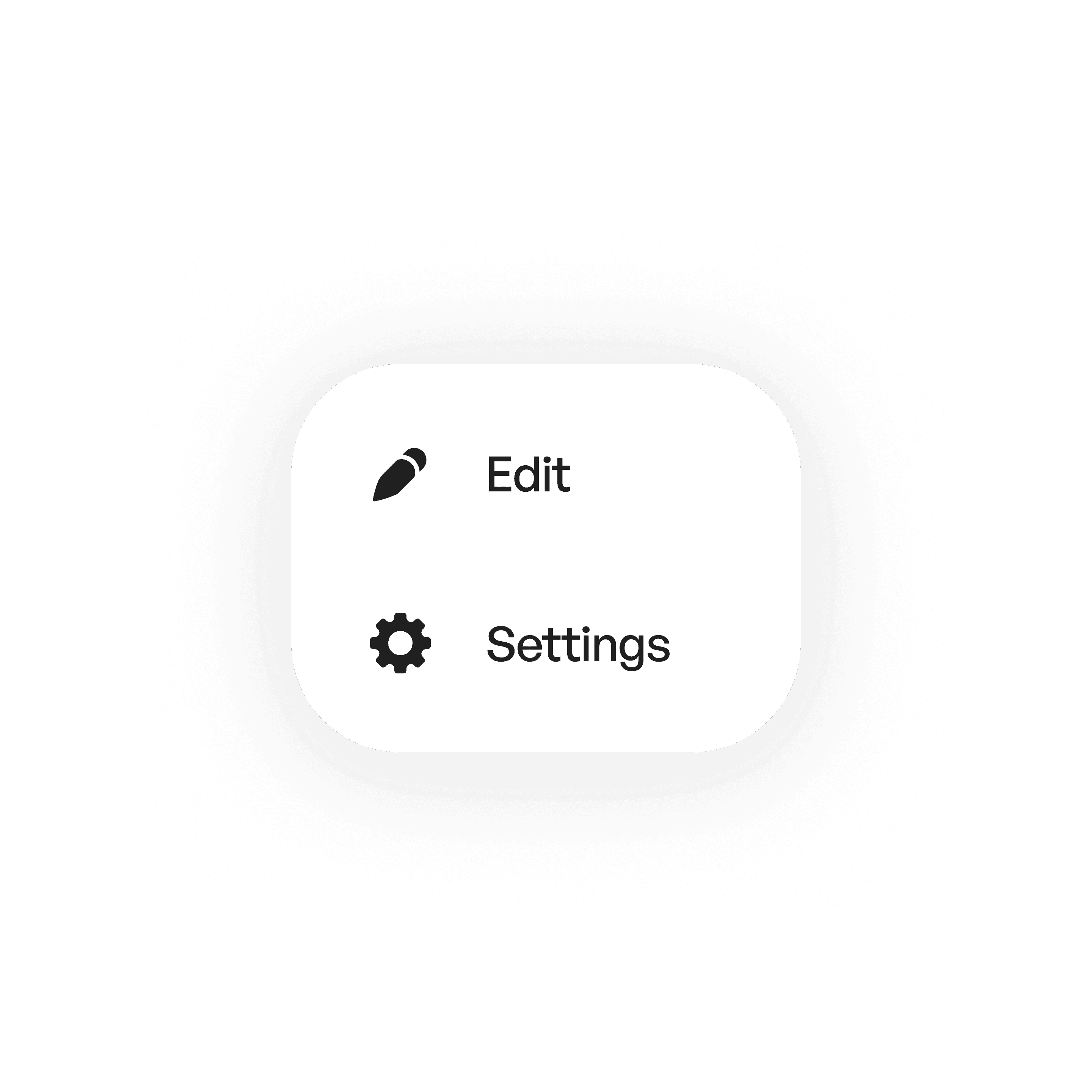
Idle
Menu visible after interaction.
Material
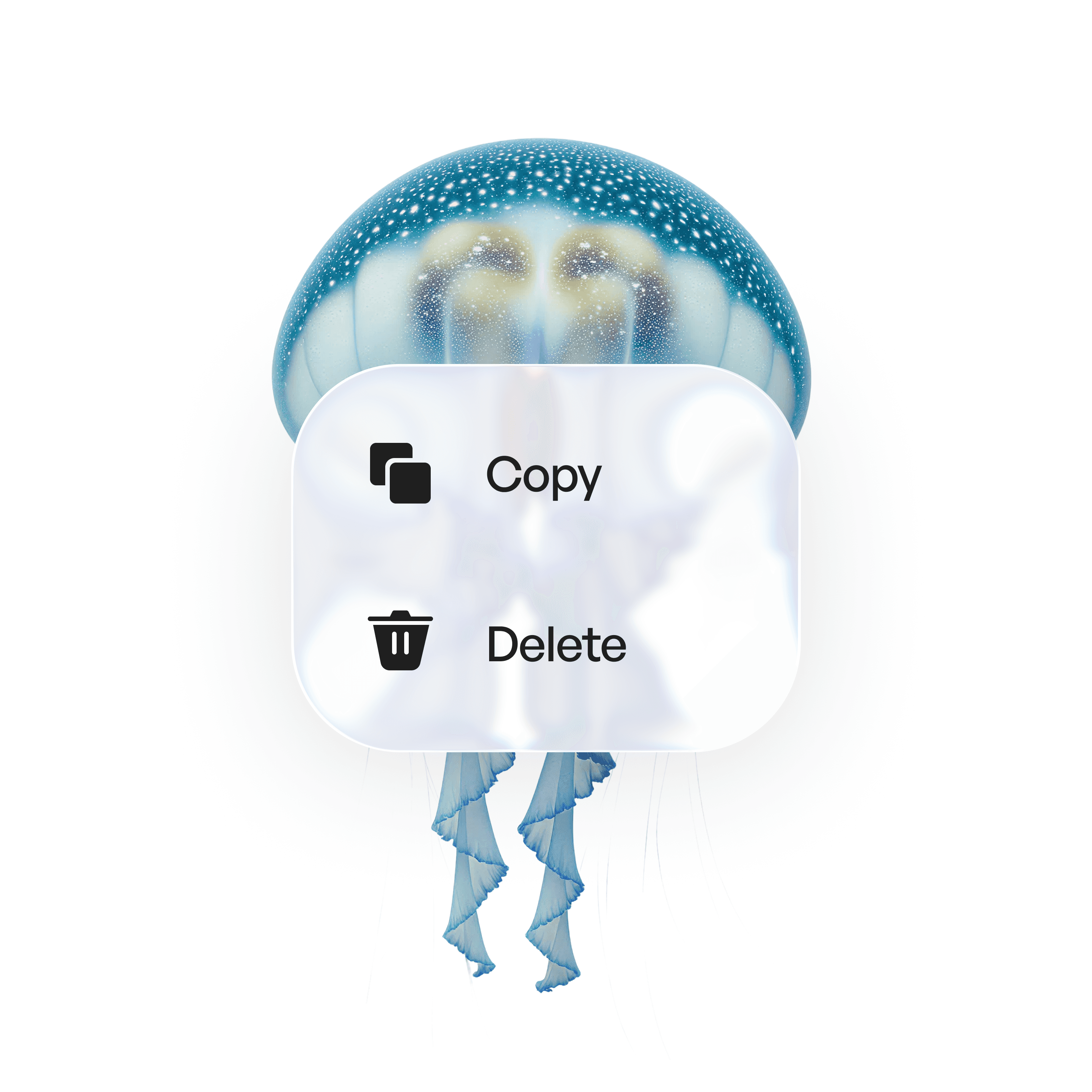
Liquid glass
Usage tips
Dos
Keep menus short.
Provide clear labels that reflect the action.
Don’ts
Don’t hide critical or primary actions in menus.
Don’t overload menus with unrelated or excessive items.
Real-world example