

















Toolbar
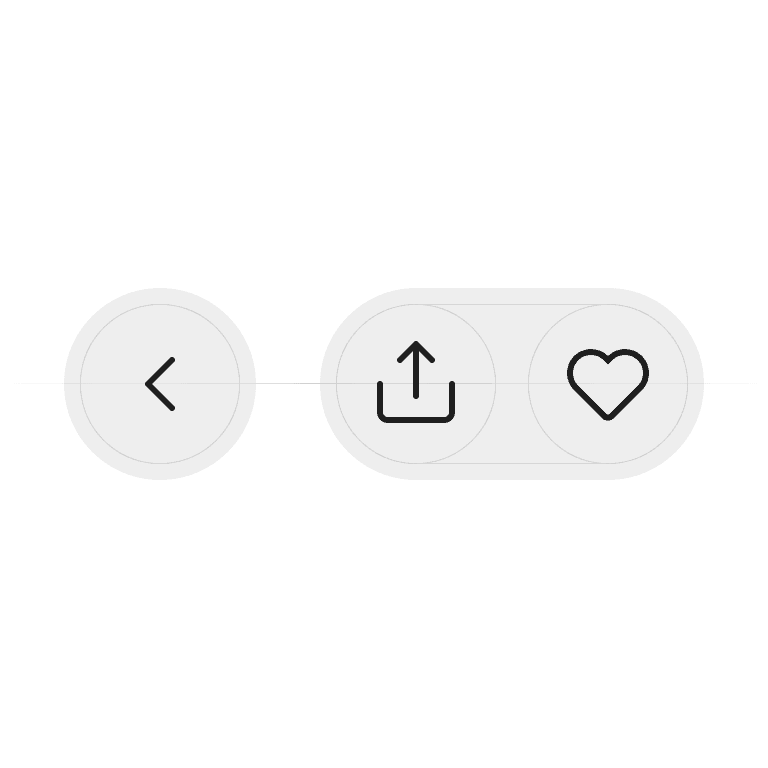
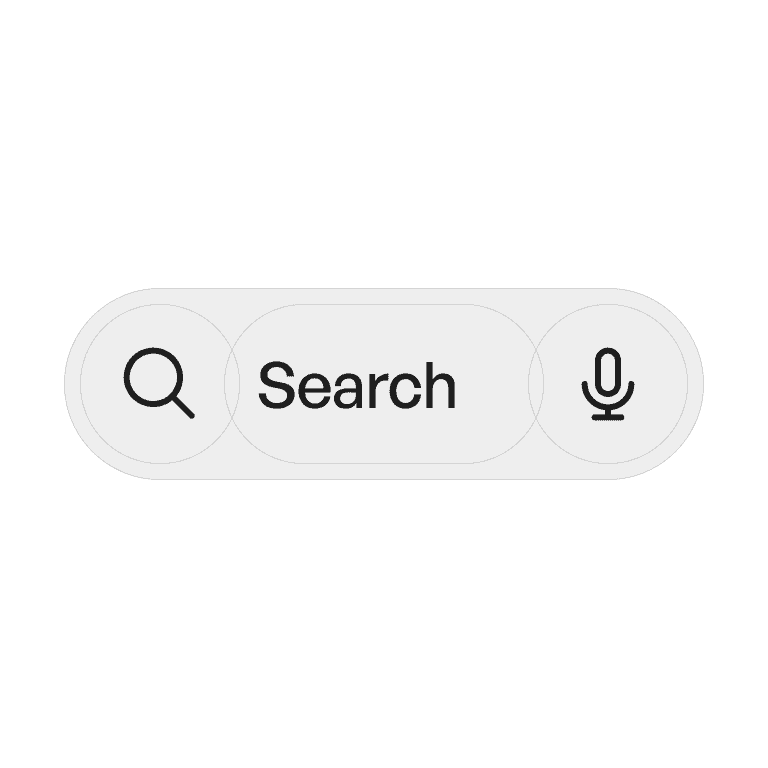
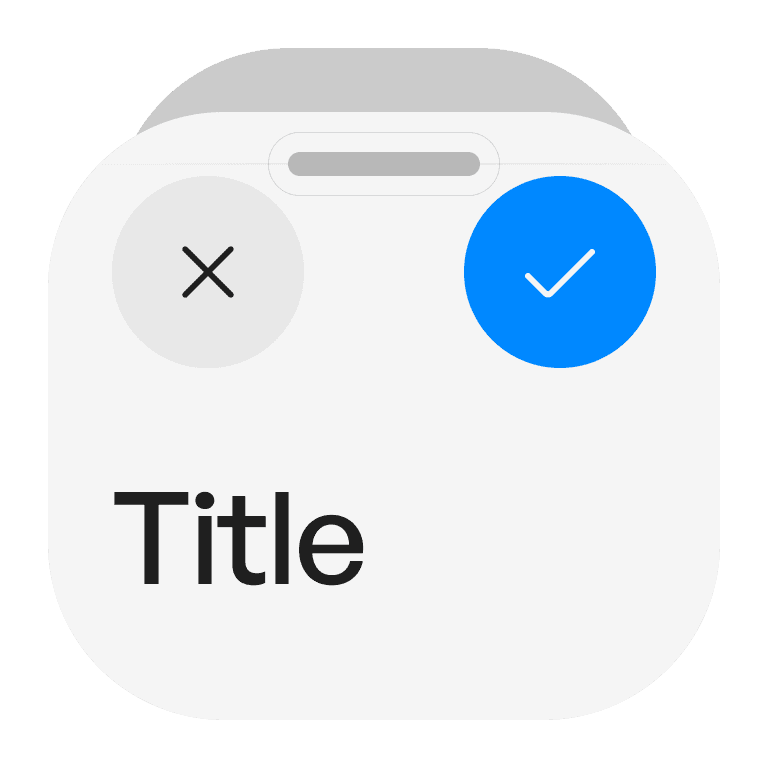
A toolbar is a container of frequently used commands and actions, placed in a consistent location to give users quick access while working.
Philosophy
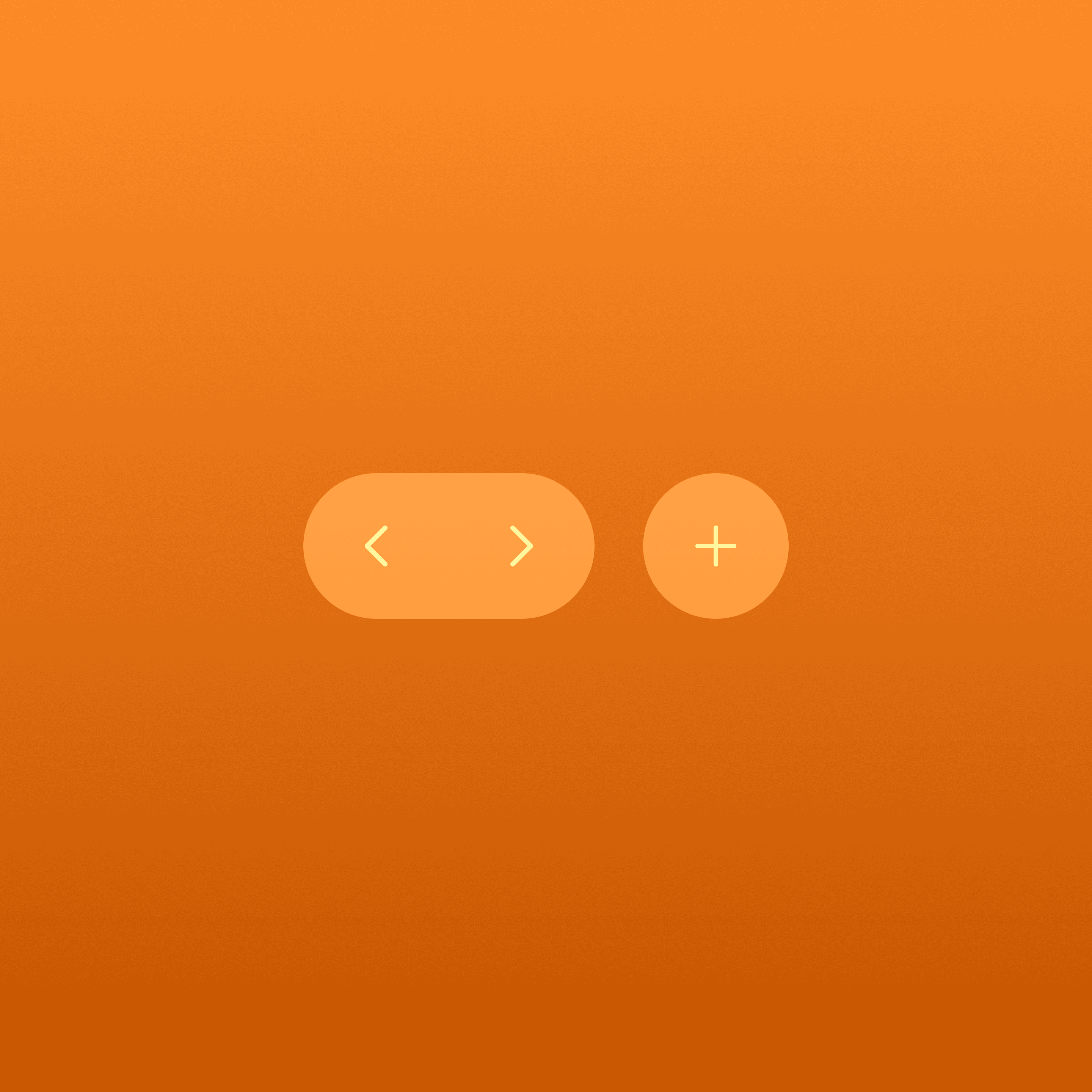
Toolbars make important actions easily discoverable and accessible without overwhelming the interface.
They surface high-frequency actions.
They provide contextual relevance (different toolbars for different views).
They balance efficiency and clarity by grouping related controls.
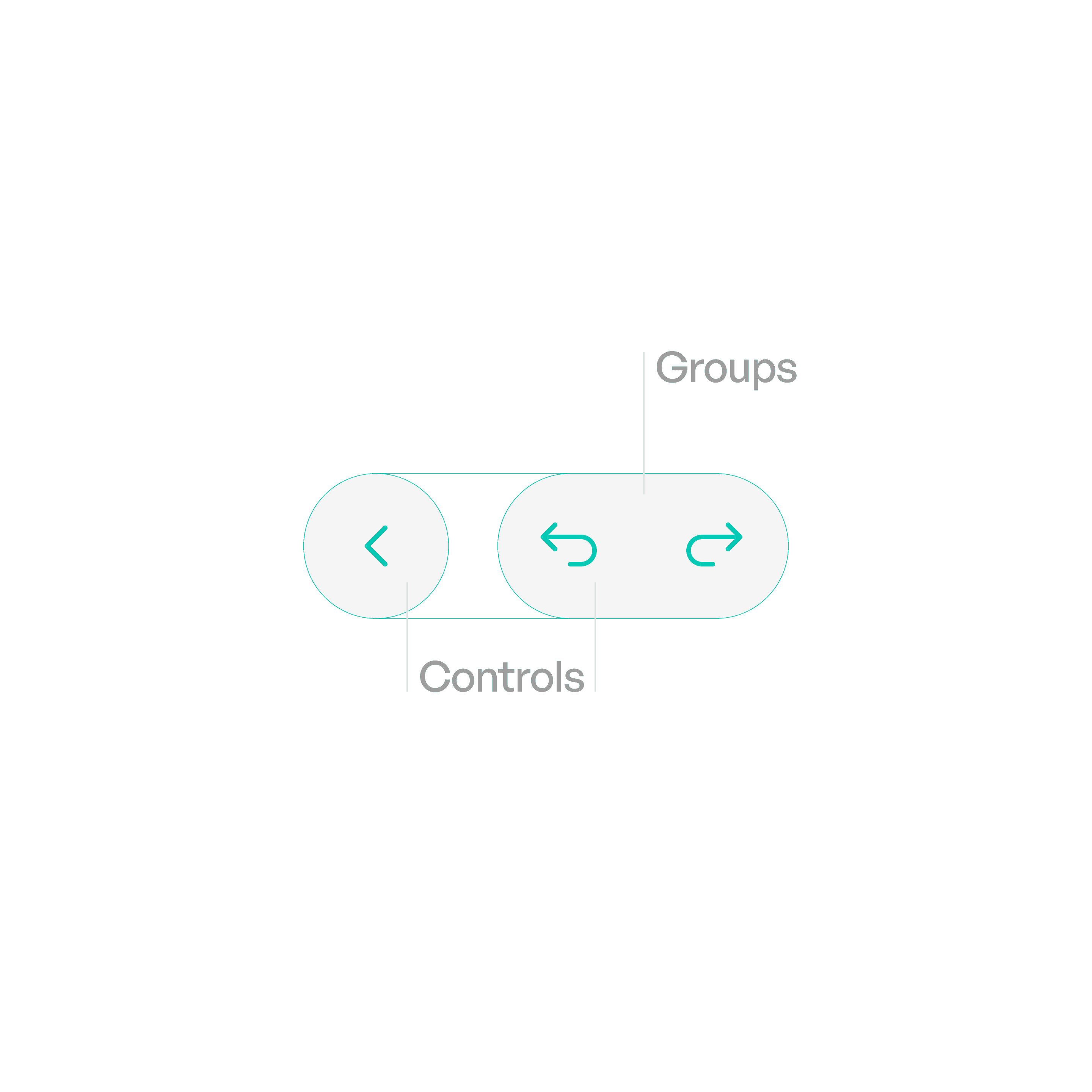
Anatomy
Variants
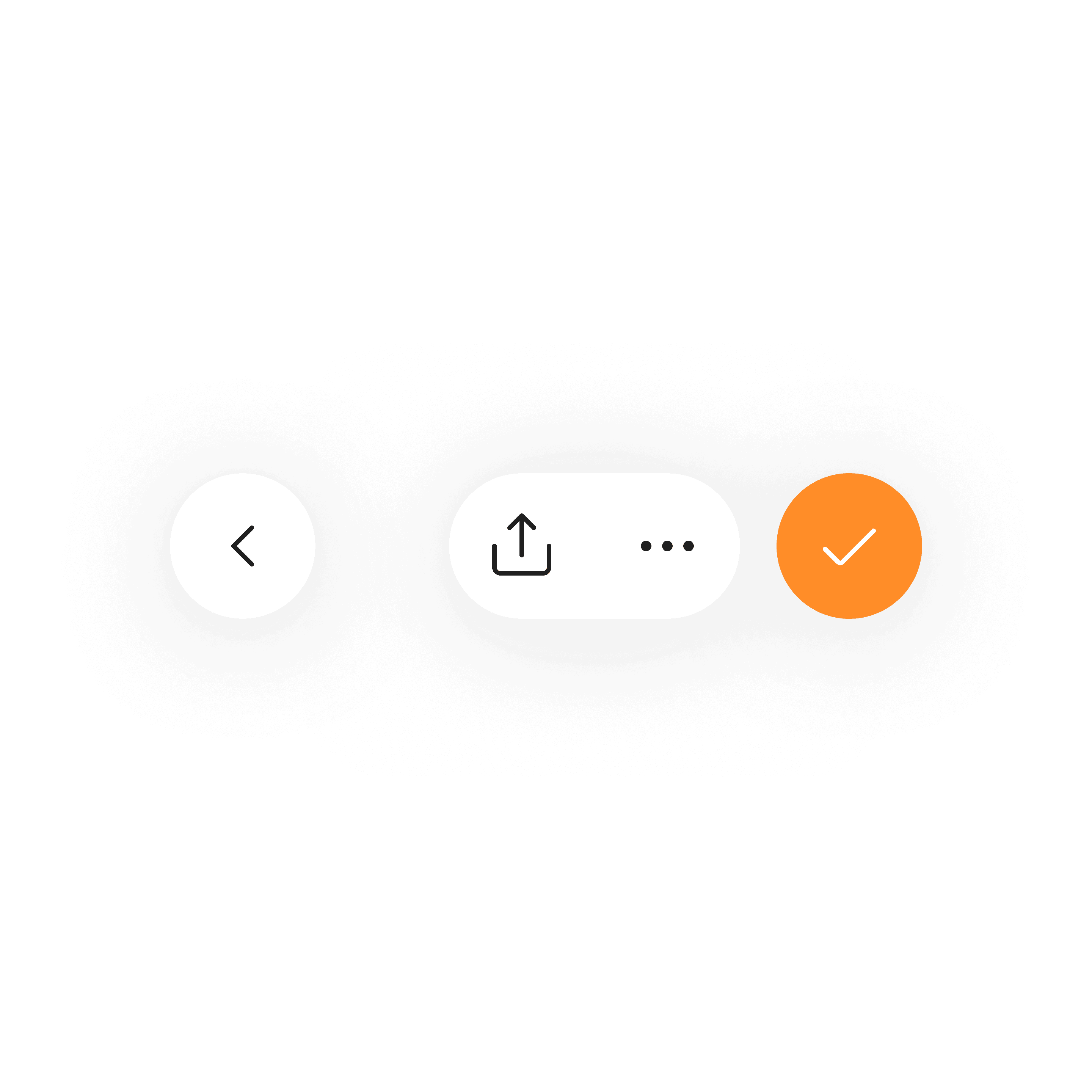
Top Toolbar
A row of relative actions on the top.
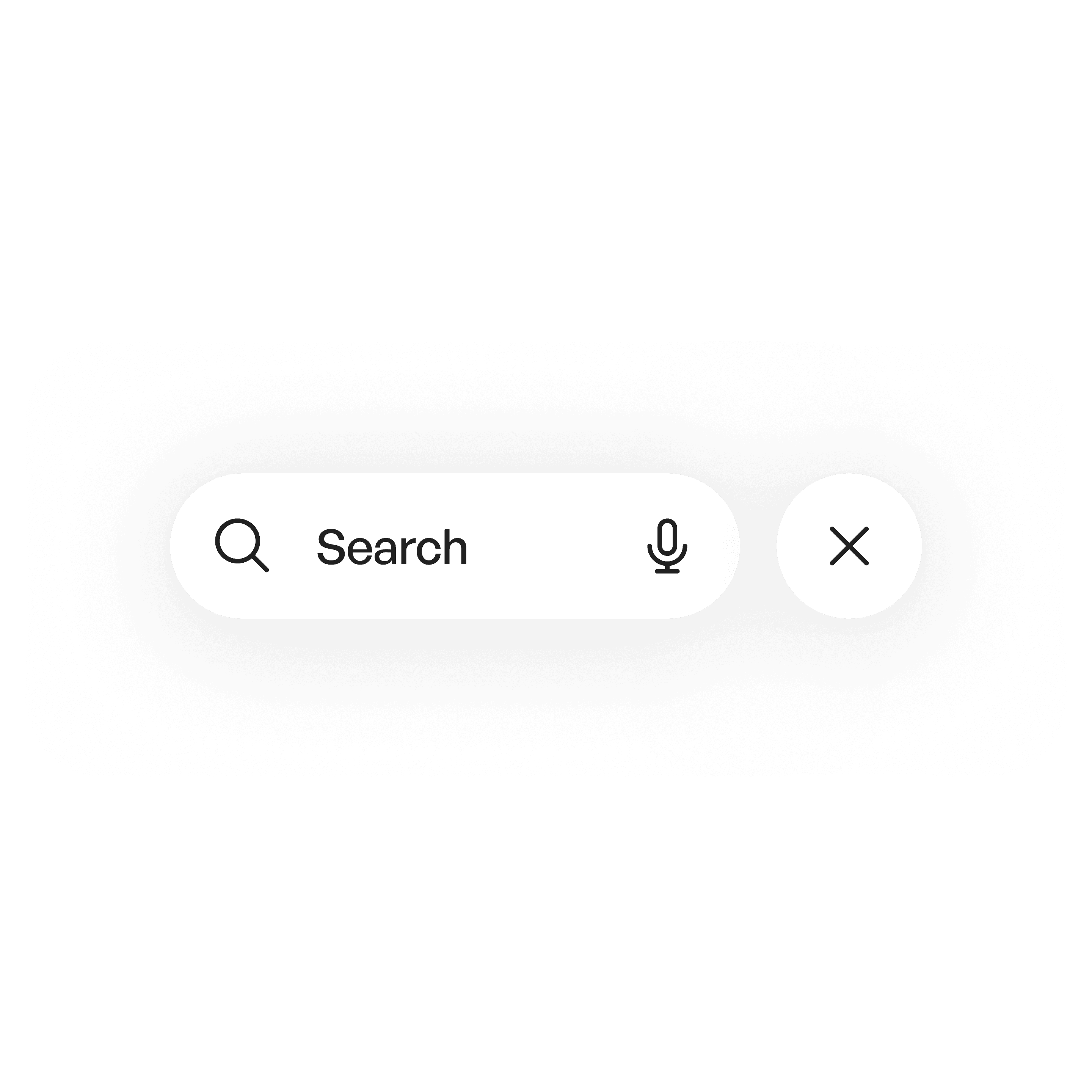
Bottom Toolbar
A row of relative actions on the bottom.
States
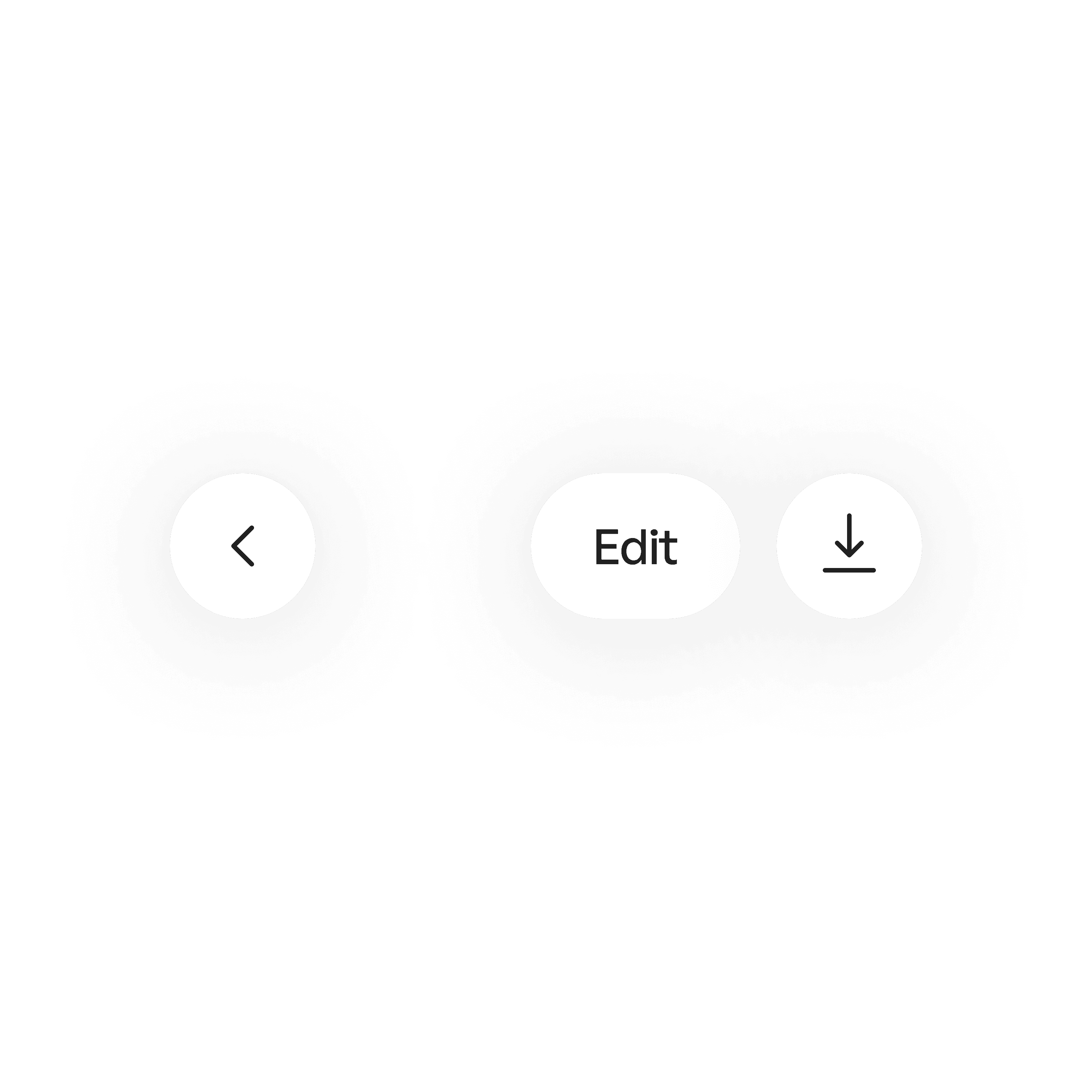
Idle
Toolbar visible, controls inactive until used.
Material
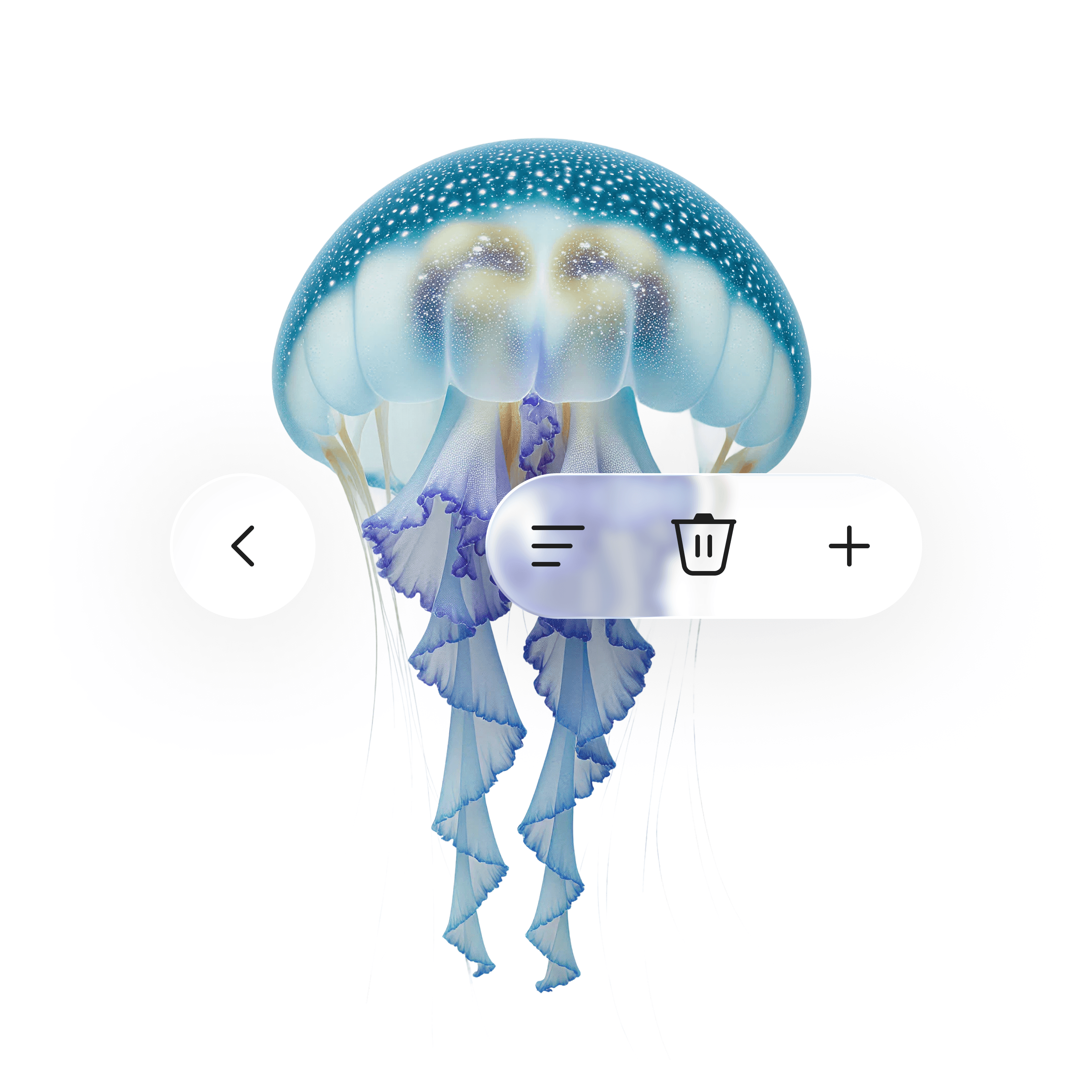
Liquid glass
Usage tips
Dos
Place the toolbar in a consistent location across the app.
Group related controls together logically.
For icon-only, use clear, recognizable icons.
Don’ts
Don’t overload toolbars with every possible action.
Don’t pair text with icon for Toolbar action.
Real-world example