




































Date picker
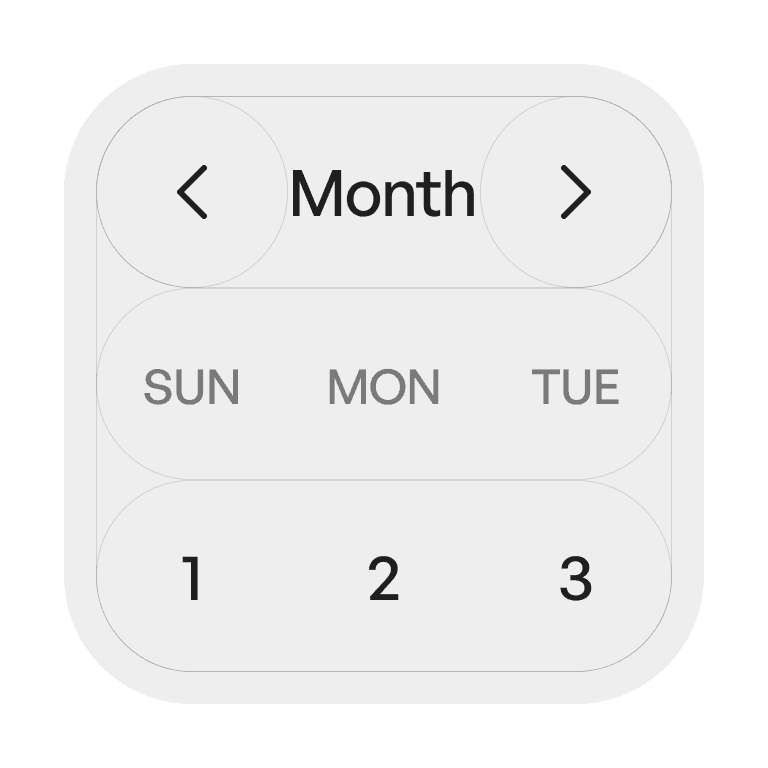
A date picker is a control that allows users to select a specific date — or a range of dates — from a calendar-style interface or input field with a calendar popup.
Philosophy
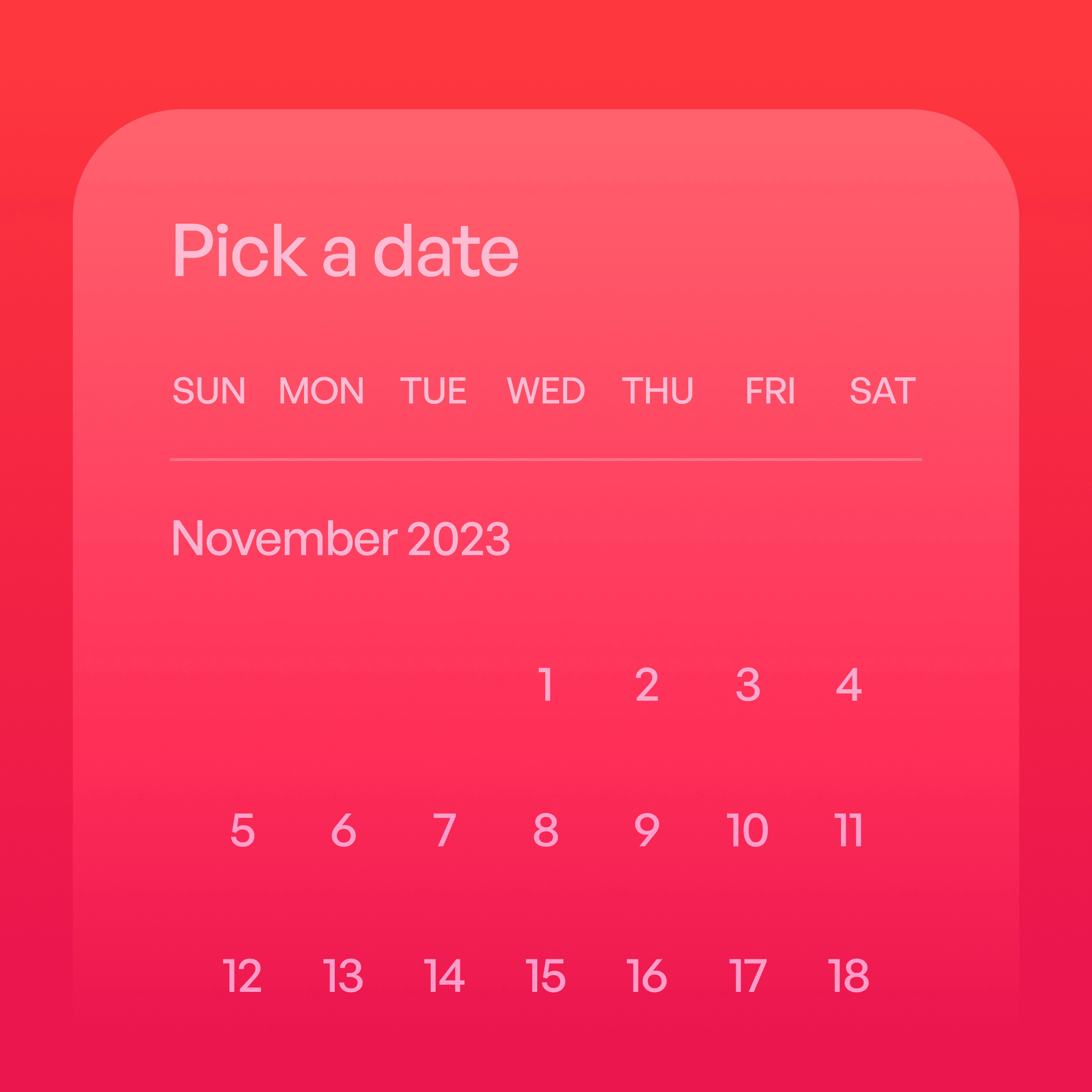
Date pickers provide a visual, structured way to input dates, reducing errors compared to free text entry.
They help users select valid dates within allowed ranges.
They make temporal choices (e.g., reservations, schedules) intuitive.
They support both single-date selection and date ranges.
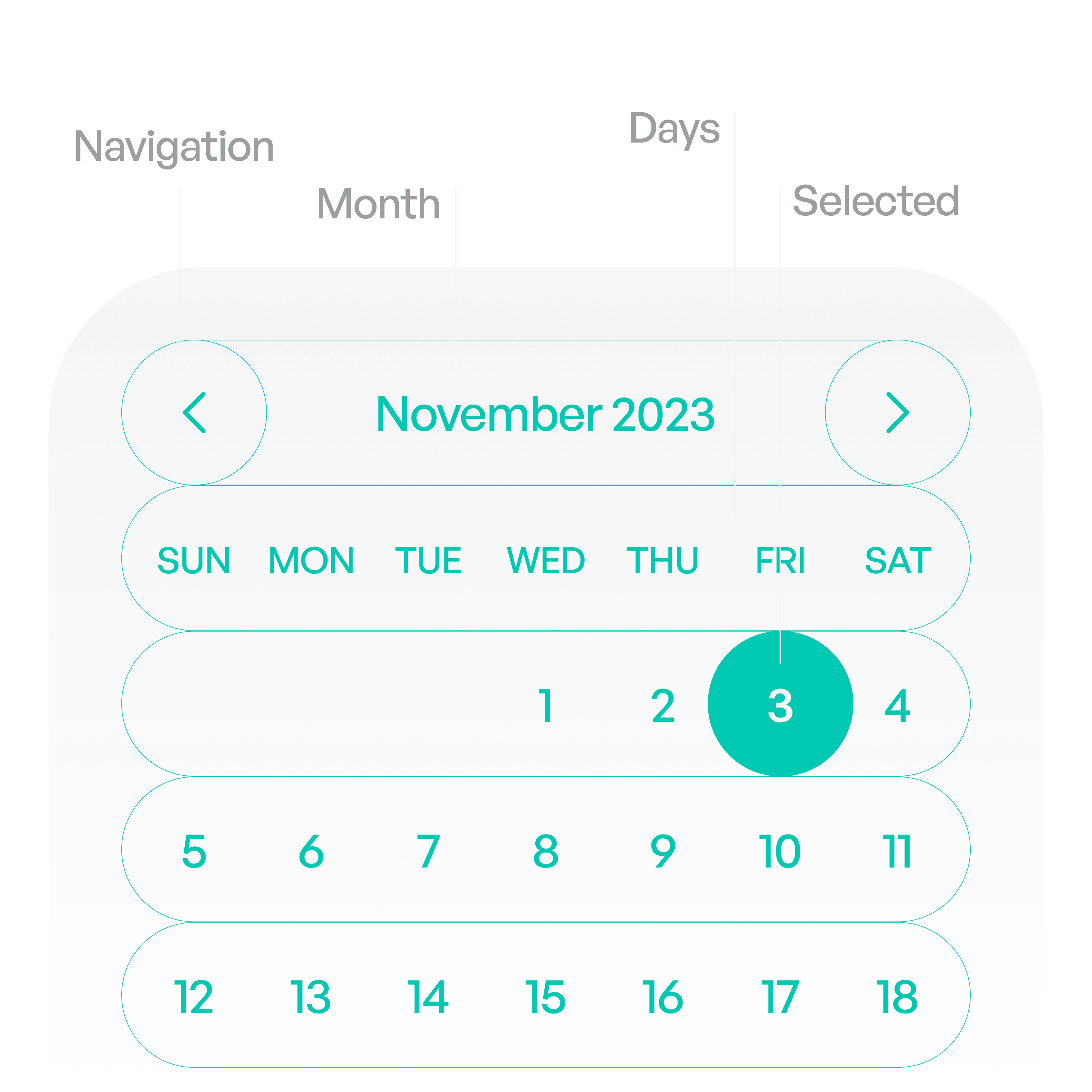
Anatomy
Variants
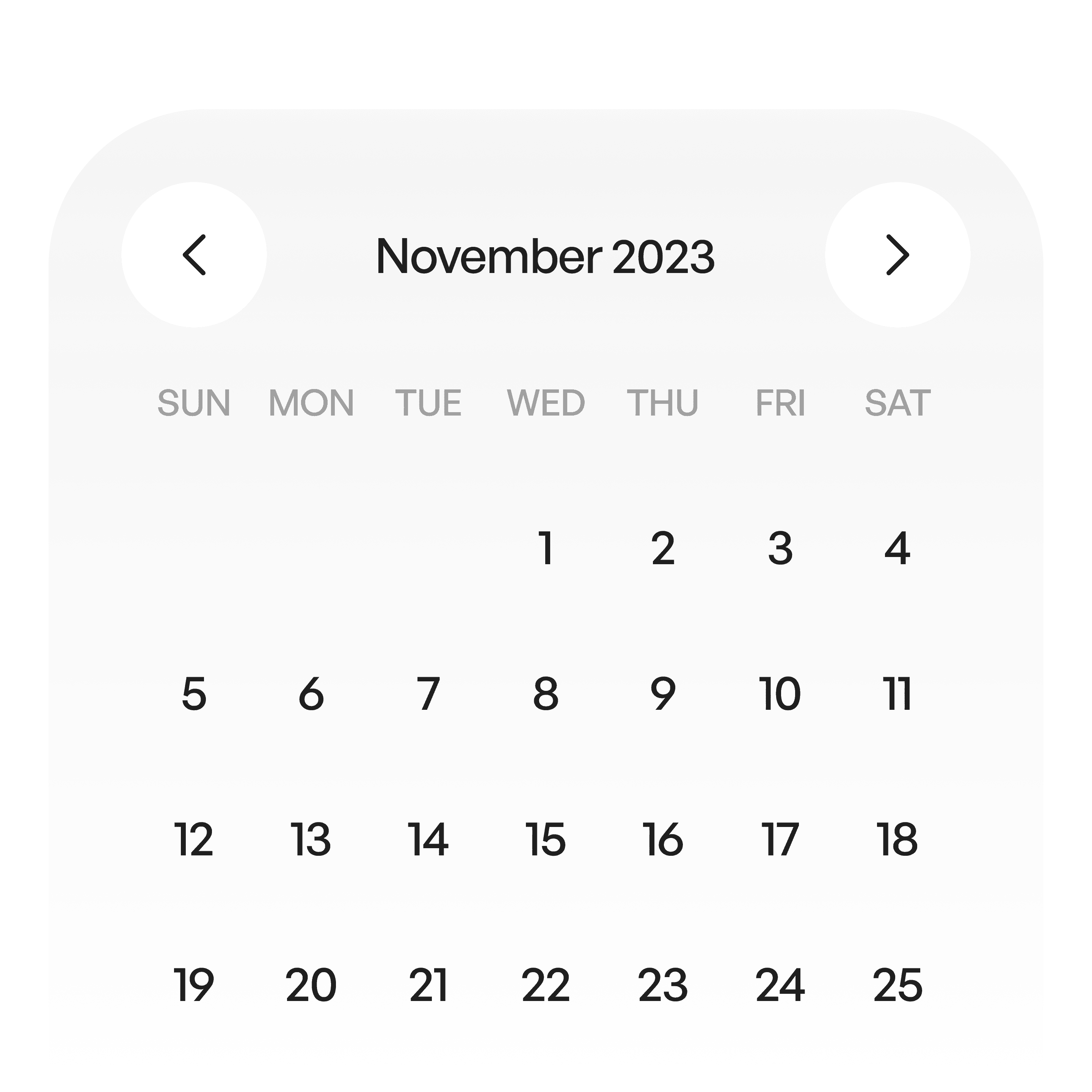
Desktop view
An expansive view suitable for desktop.
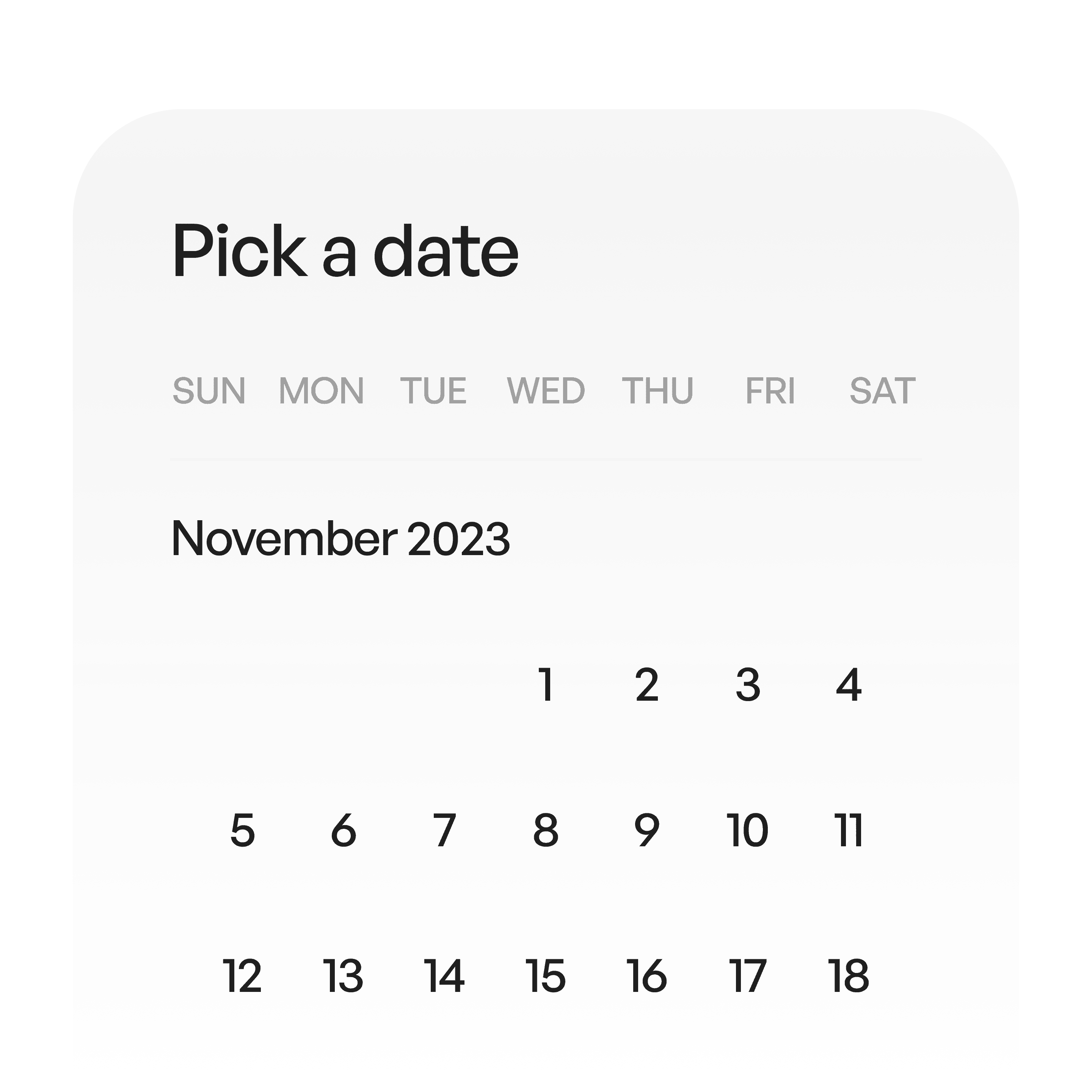
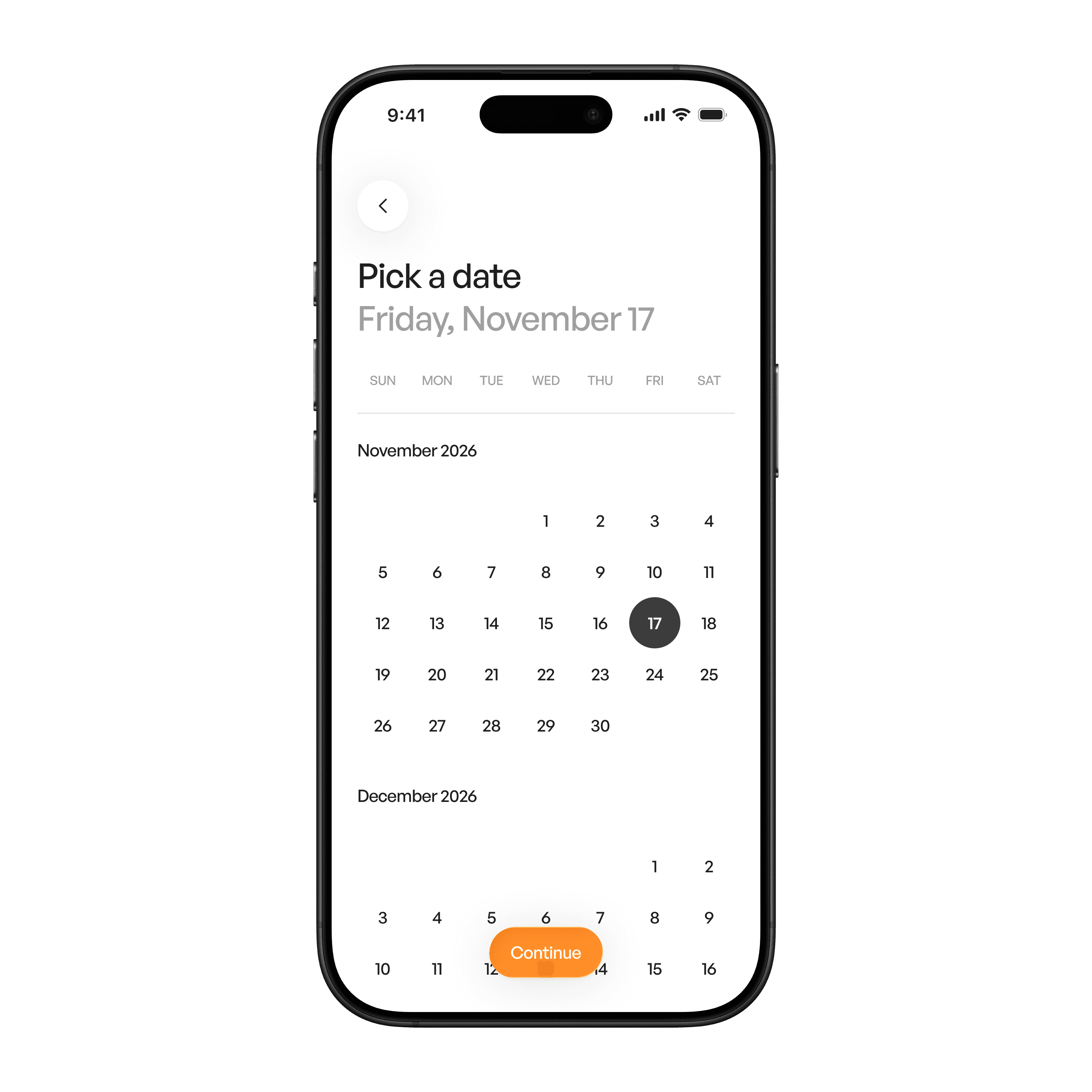
Mobile
Vertically scrollable. Great for mobile.
States
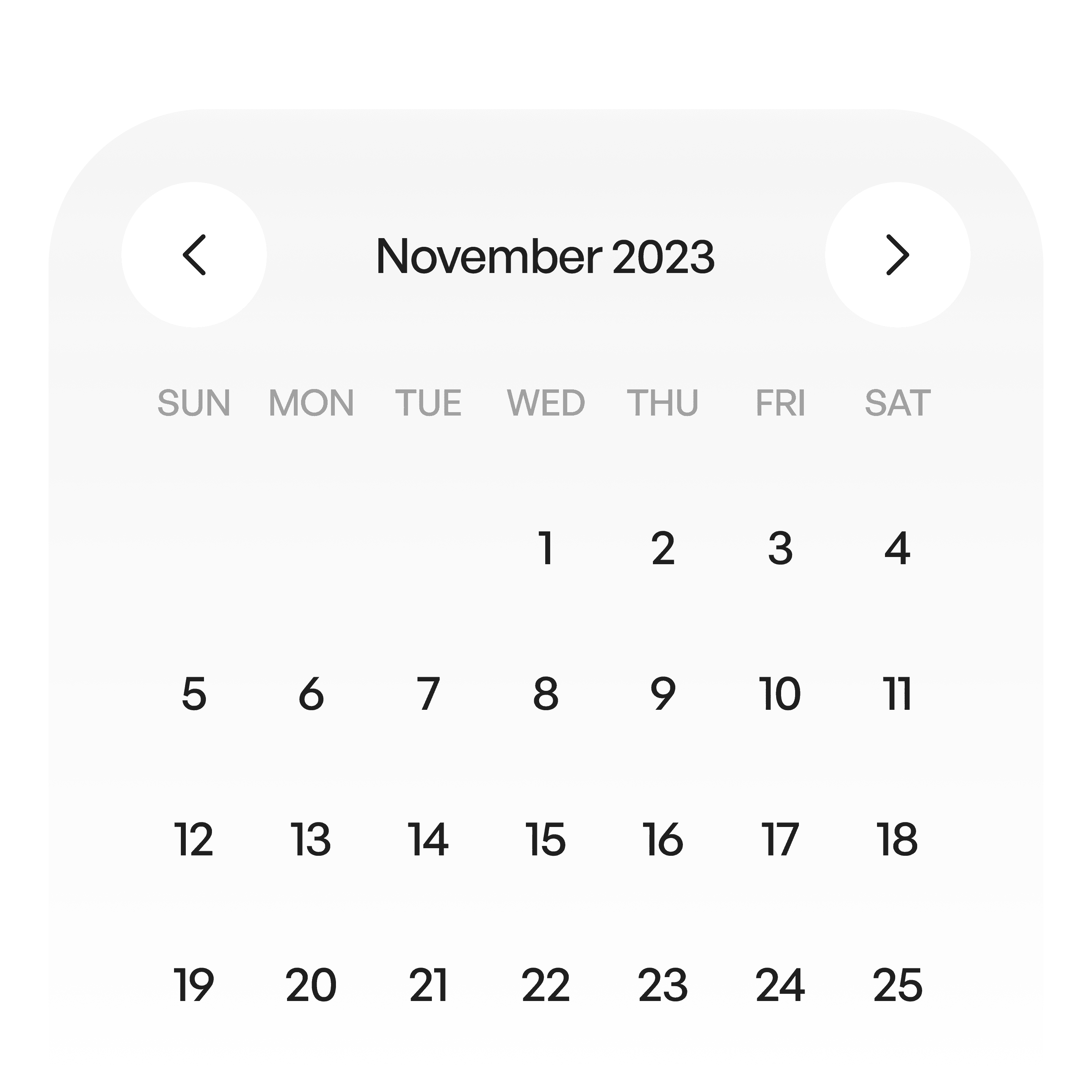
Idle
Neutral, not active.
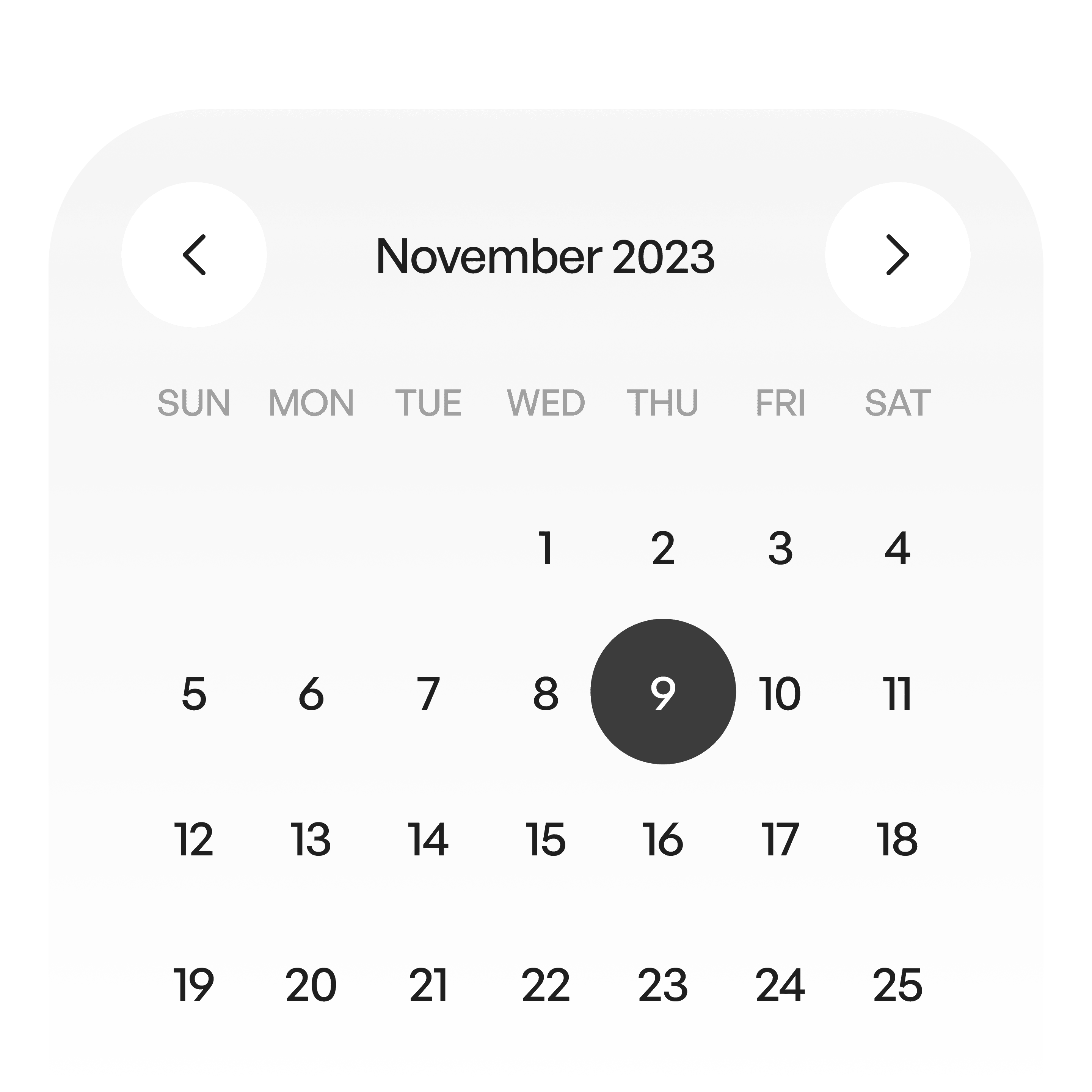
Selected
Highlighted, showing active state.
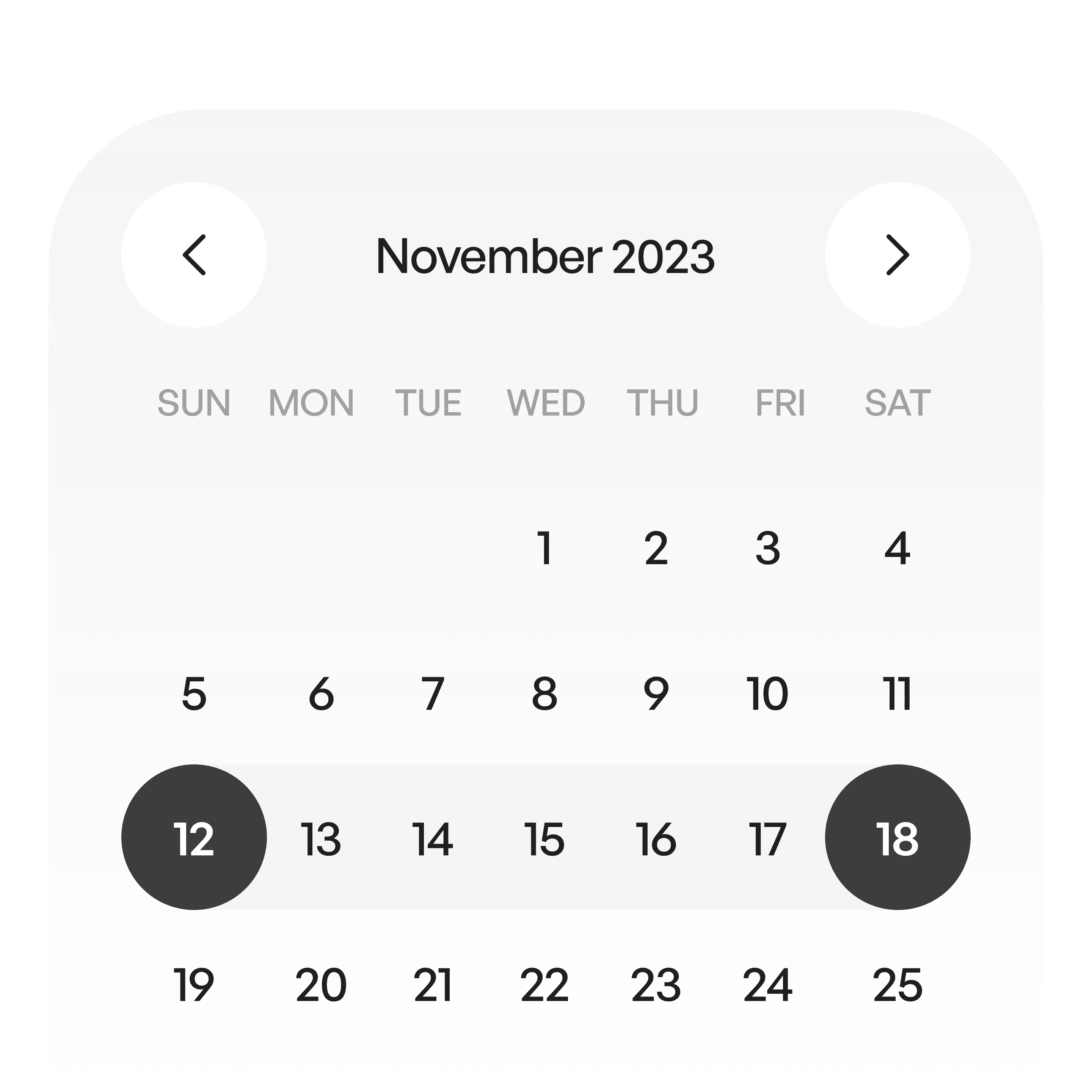
Range selected
Shows start and end dates
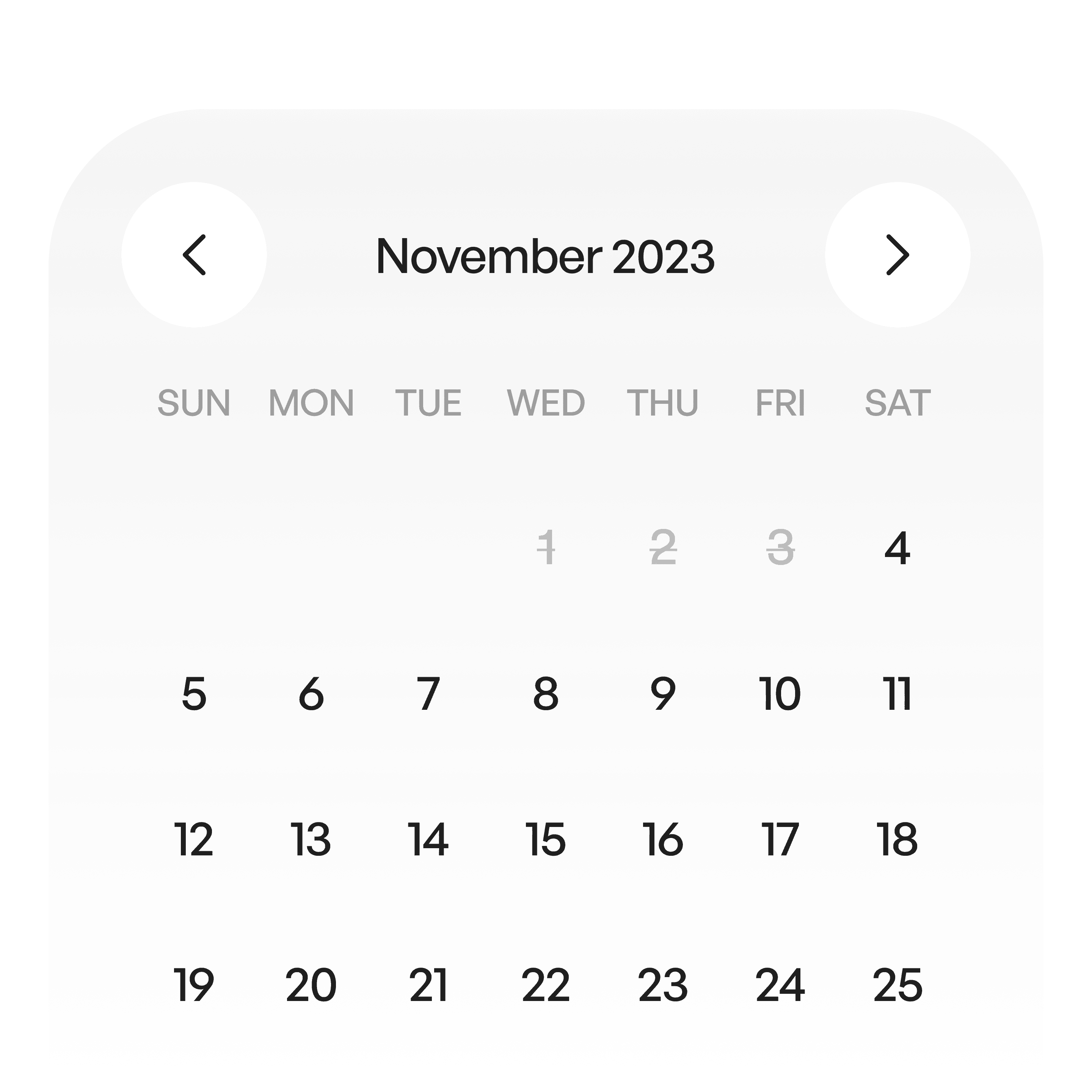
Not available dates
When a certain date is unavailable.
Usage tips
Dos
Use date pickers when exact dates matter (e.g., bookings, scheduling).
Provide shortcuts for today, next week, or common ranges.
Show clear feedback (selected date, highlighted range).
Don’ts
Don’t hide validation errors (e.g., end date before start date).
Don’t use date pickers for approximate ranges — use sliders instead.
Real-world example