

























Shapes
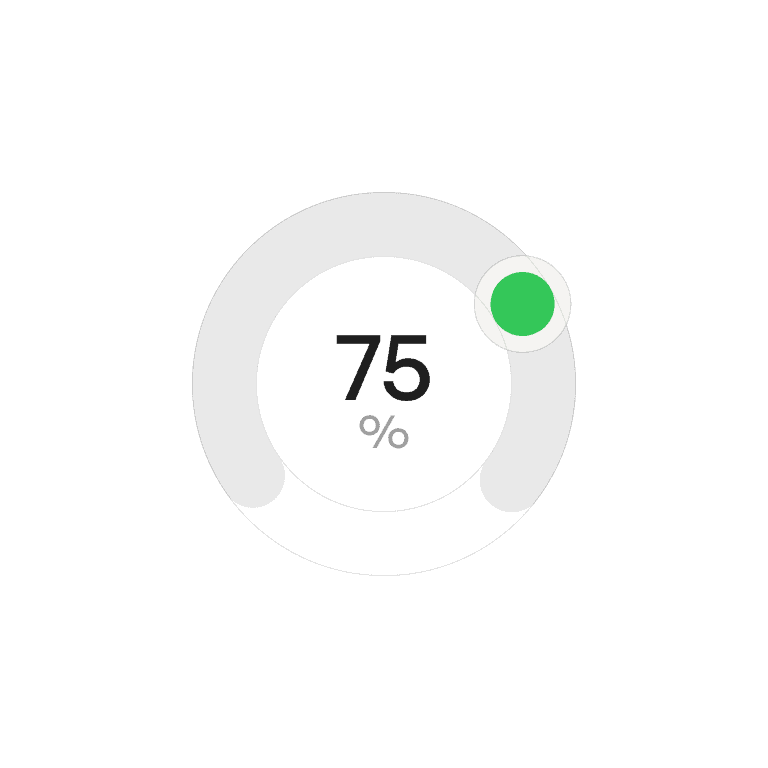
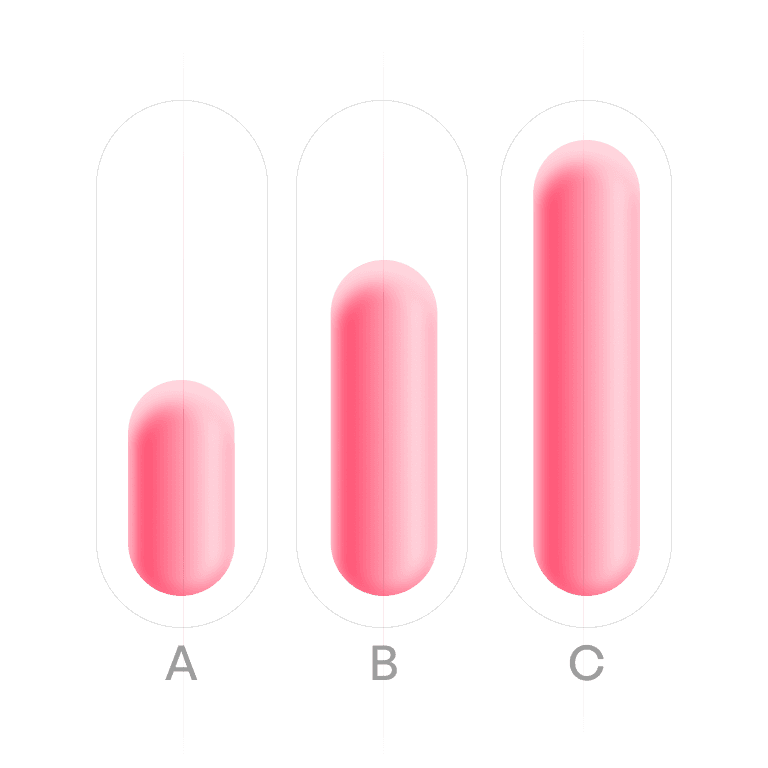
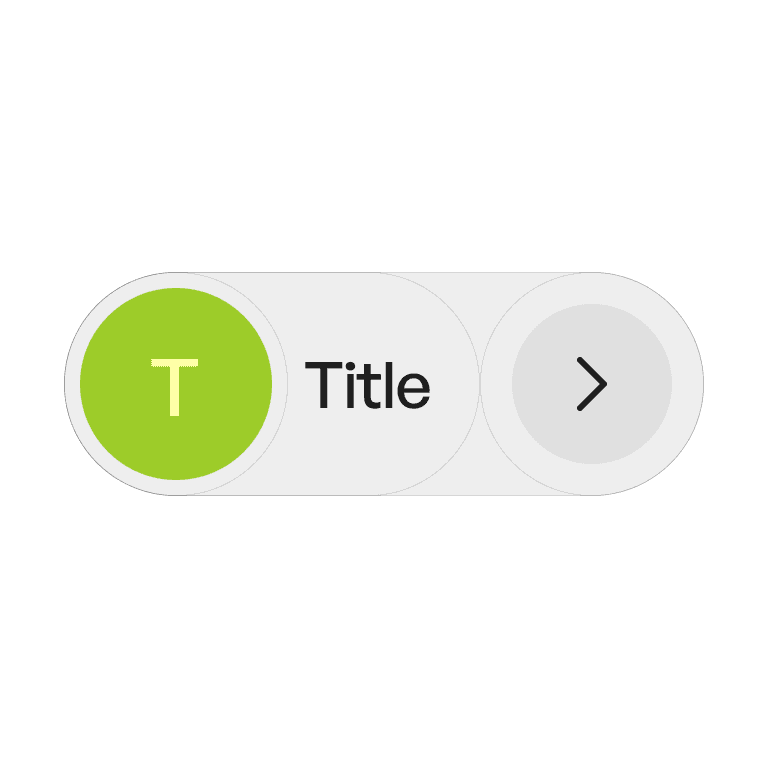
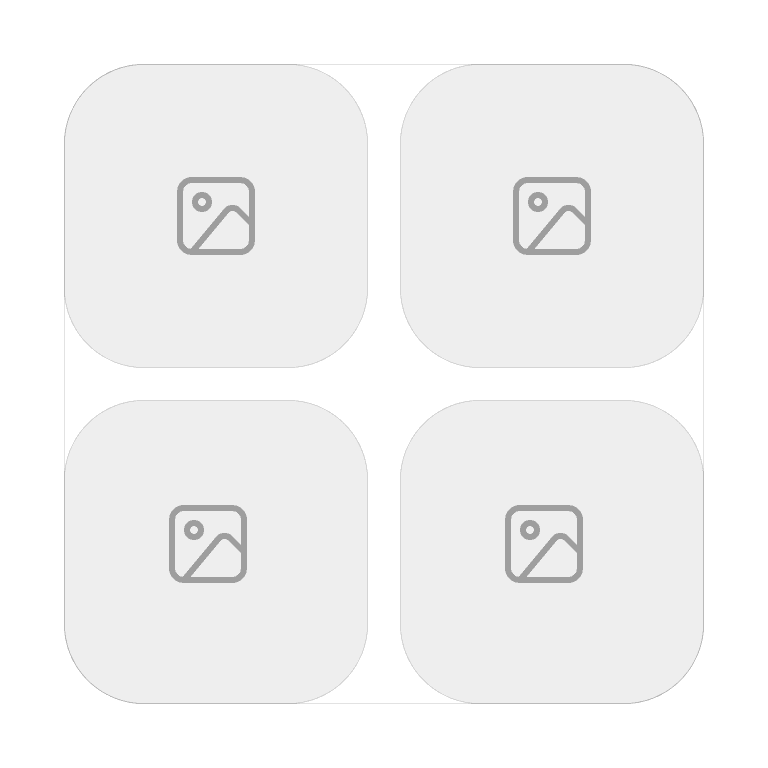
Shapes define the foundational geometry of UI elements — from rectangles and circles to custom silhouettes. They set the tone, personality, and usability of a design system by influencing how components look and feel.
Philosophy

Shapes are visual building blocks that affect perception, hierarchy, and accessibility.
They create a cohesive aesthetic language across components.
They influence affordance (e.g., rounded corners feel touch-friendly).
They reinforce the brand’s personality (soft, sharp, playful, serious).
Variants

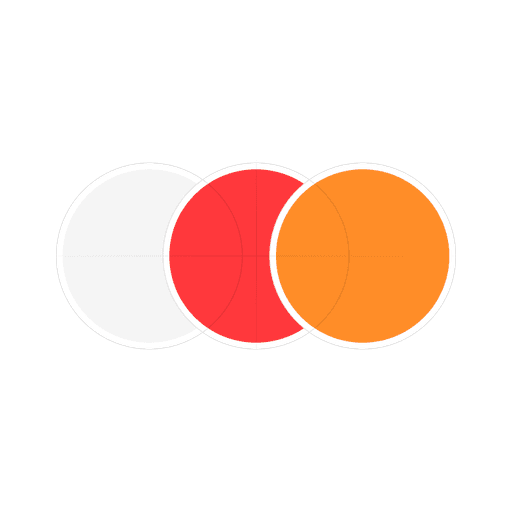
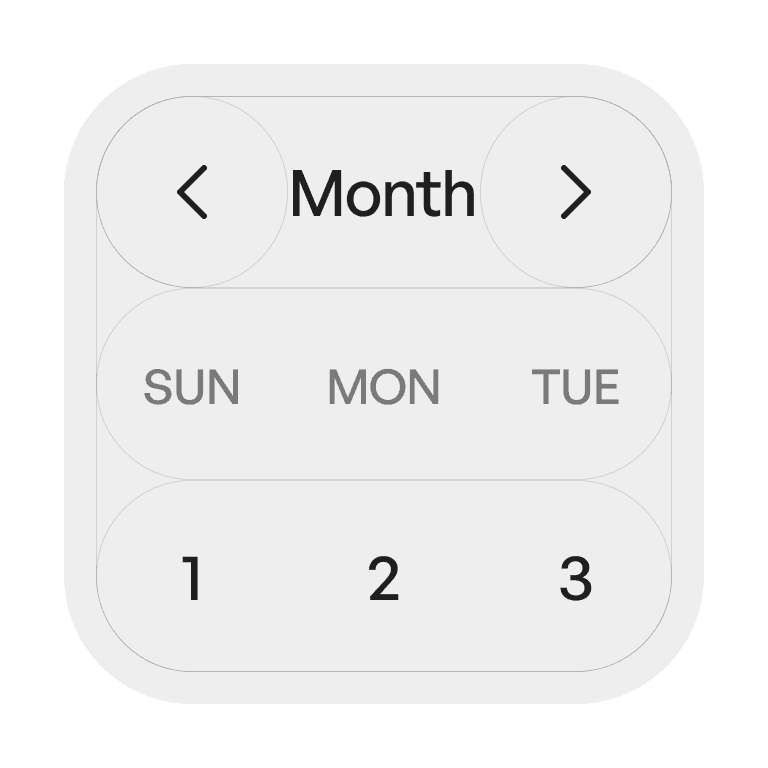
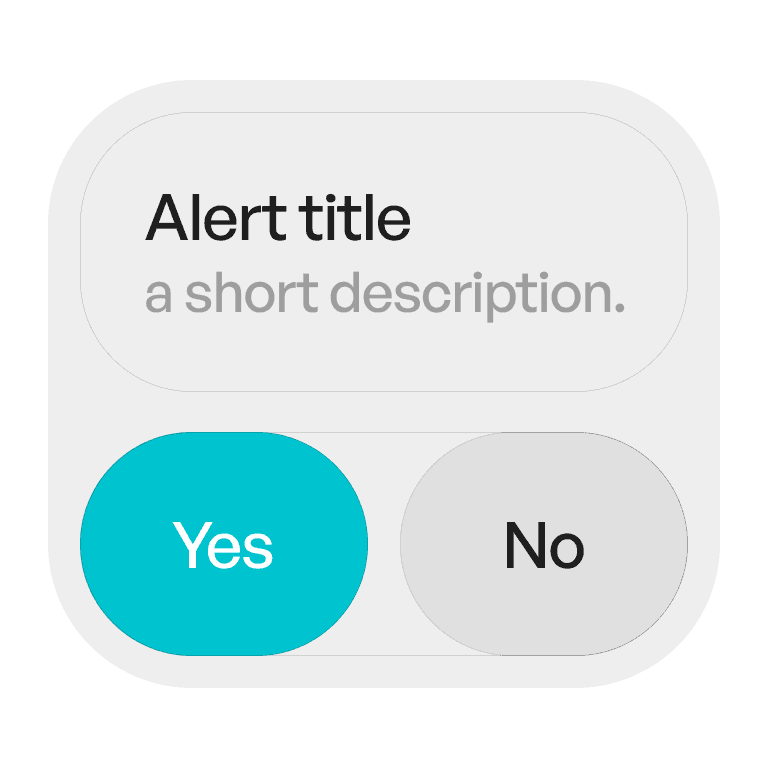
Fixed
Constant corner radius

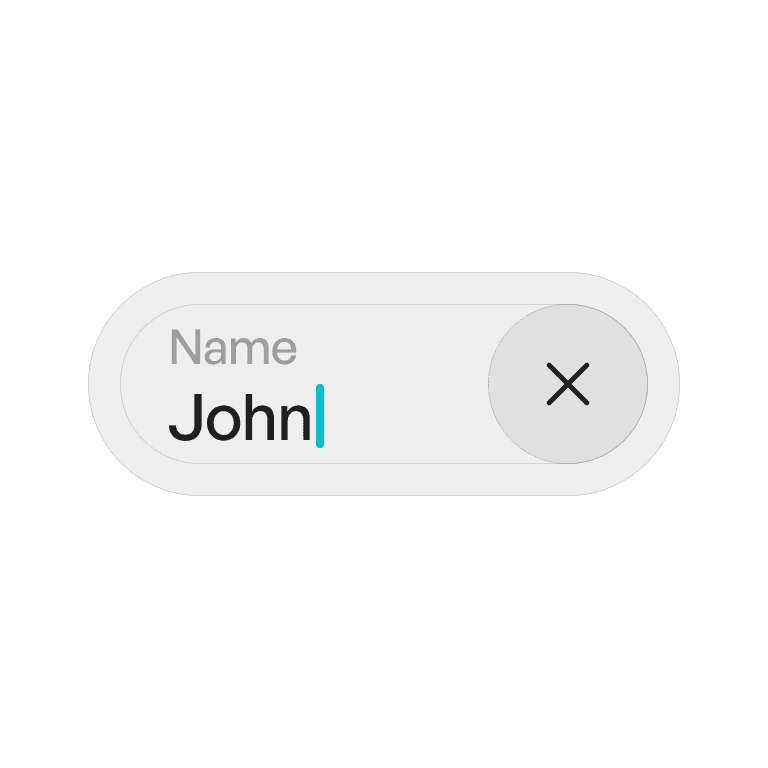
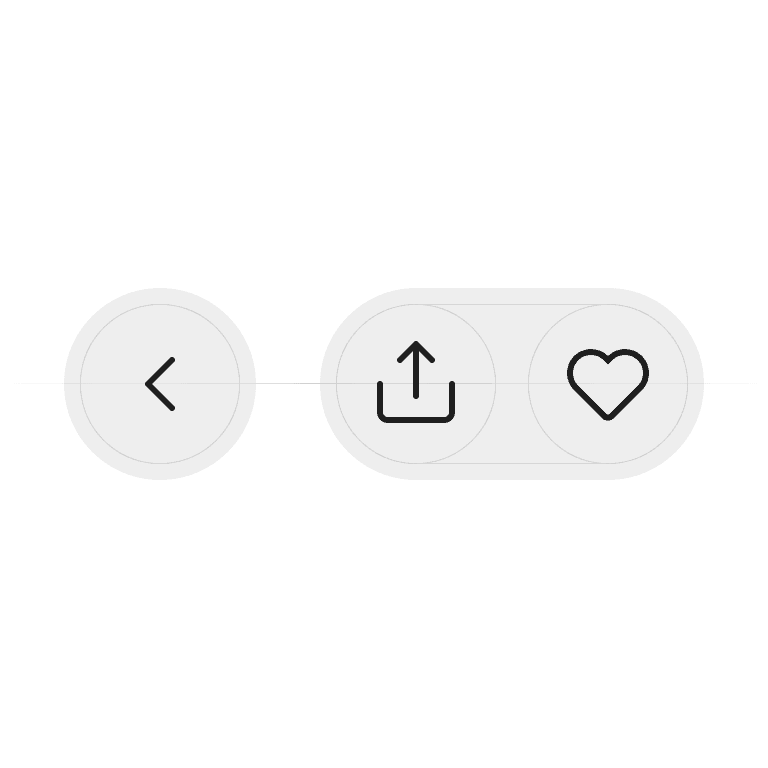
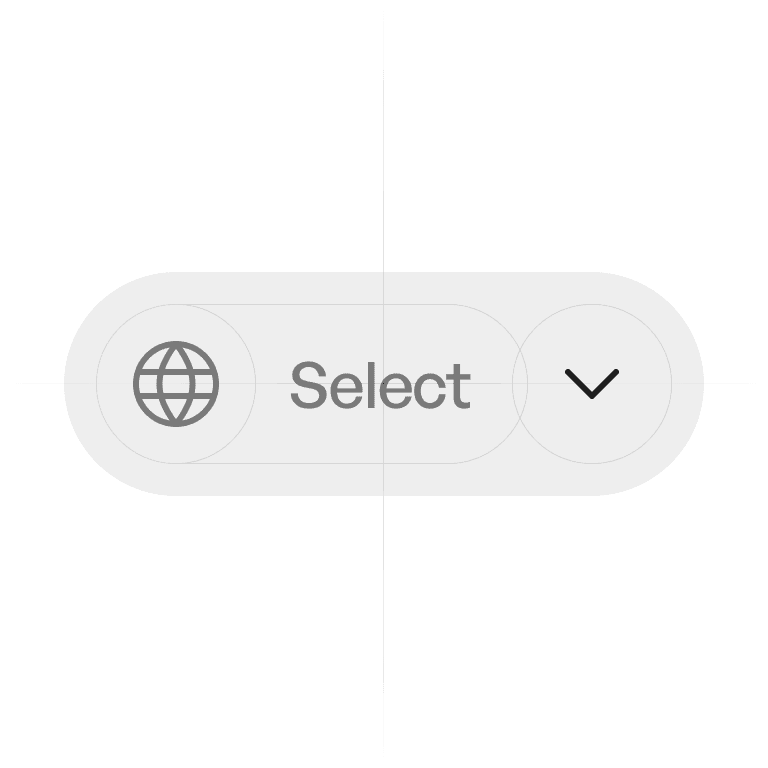
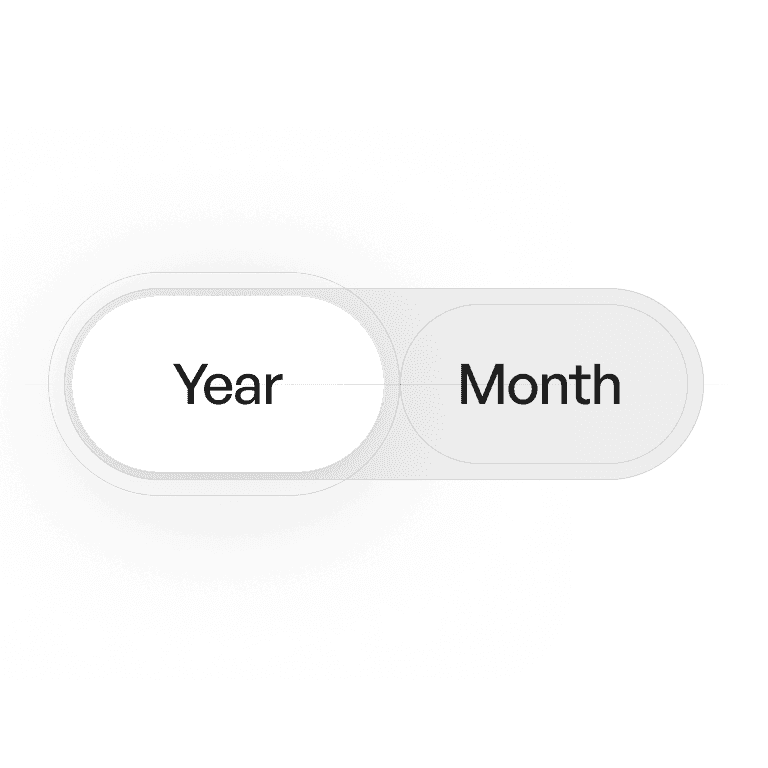
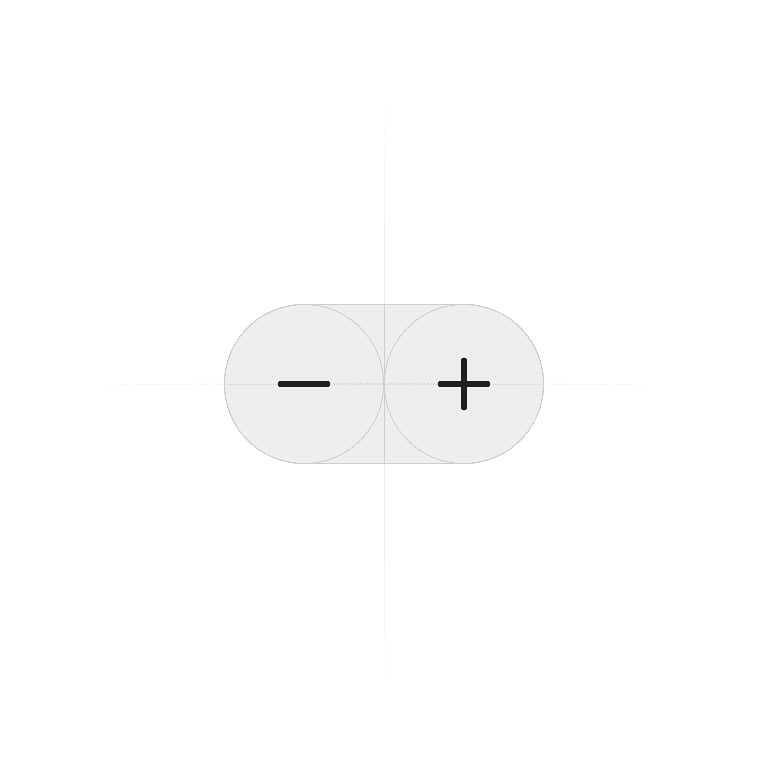
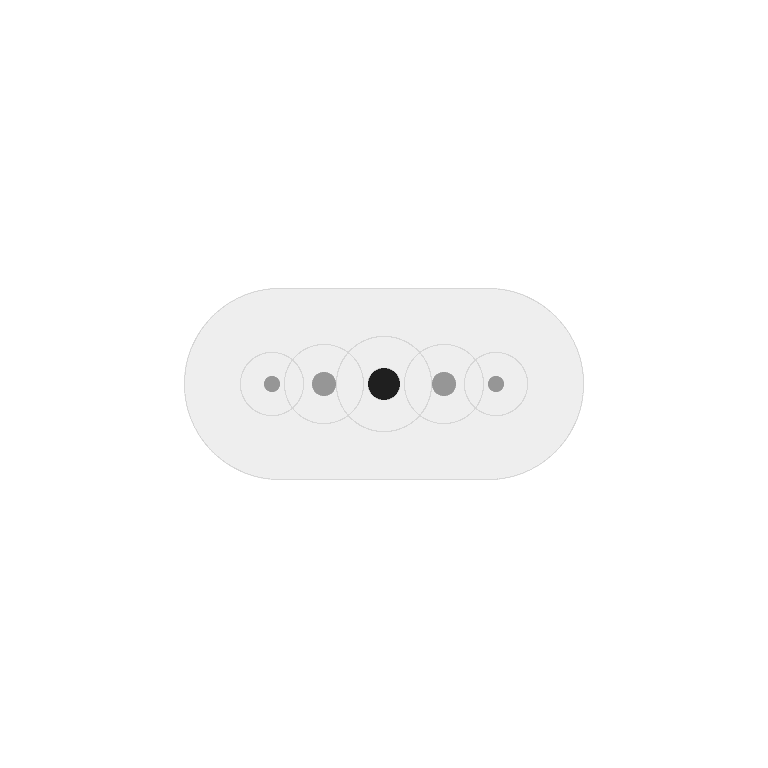
Capsule
Half the height of container
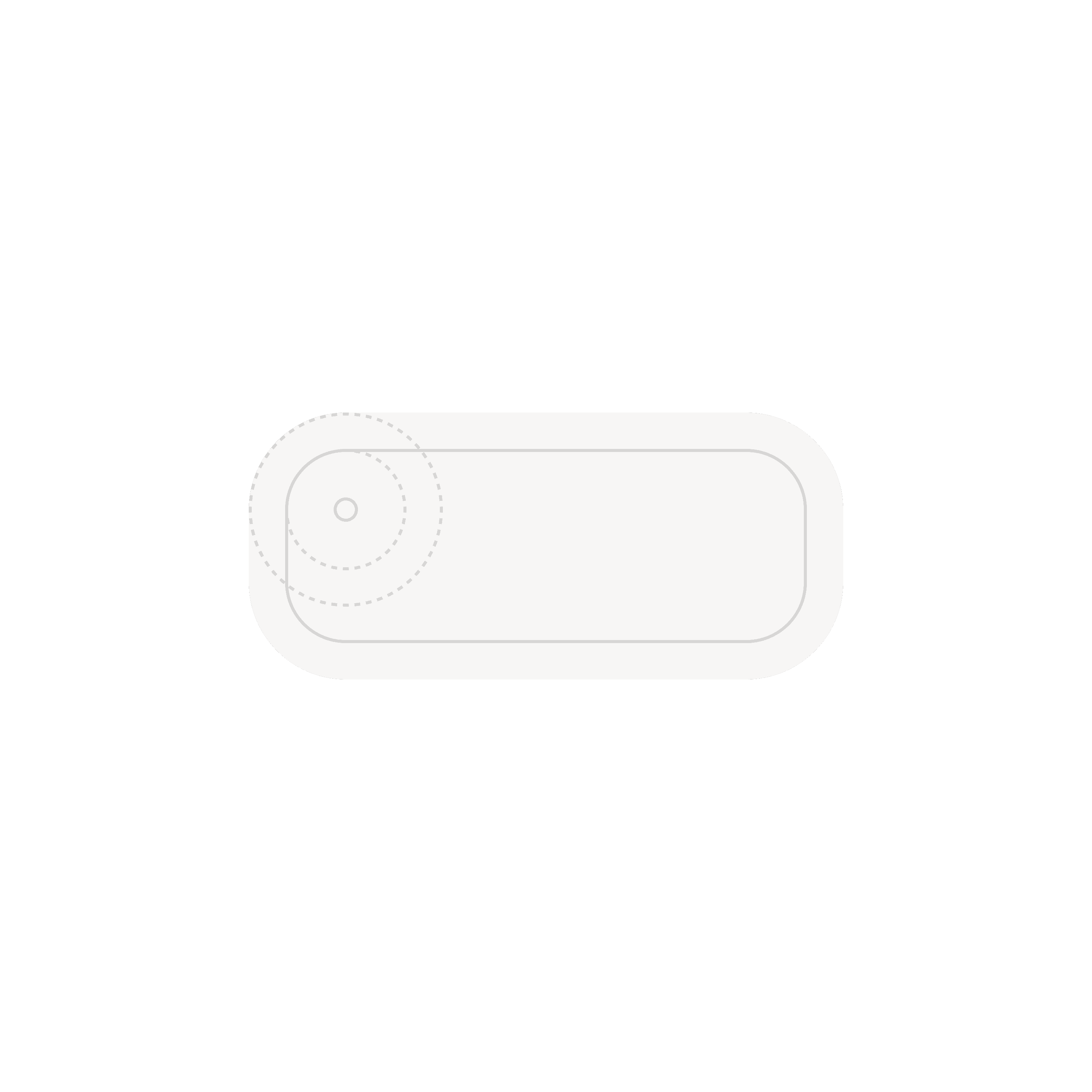
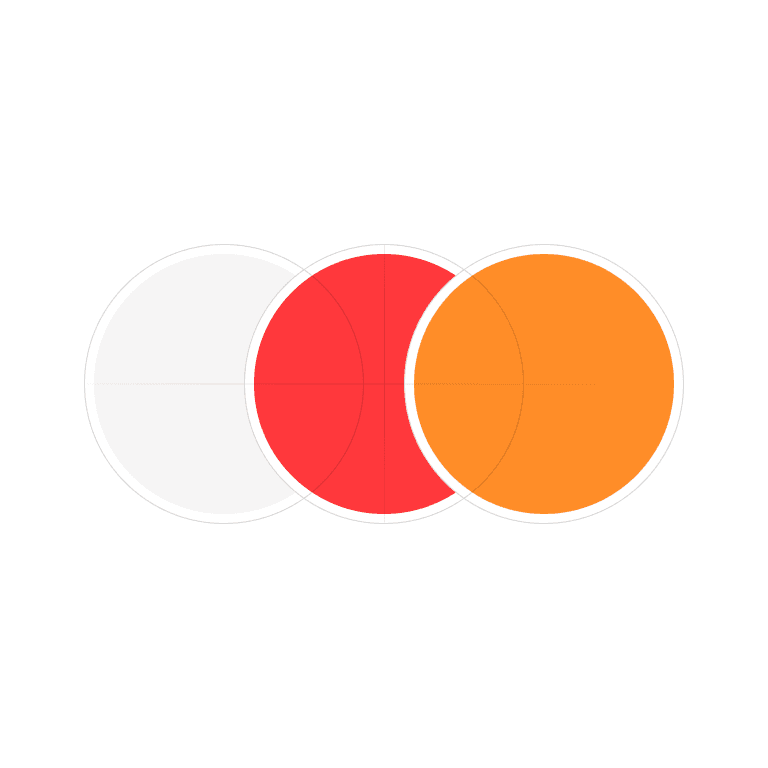
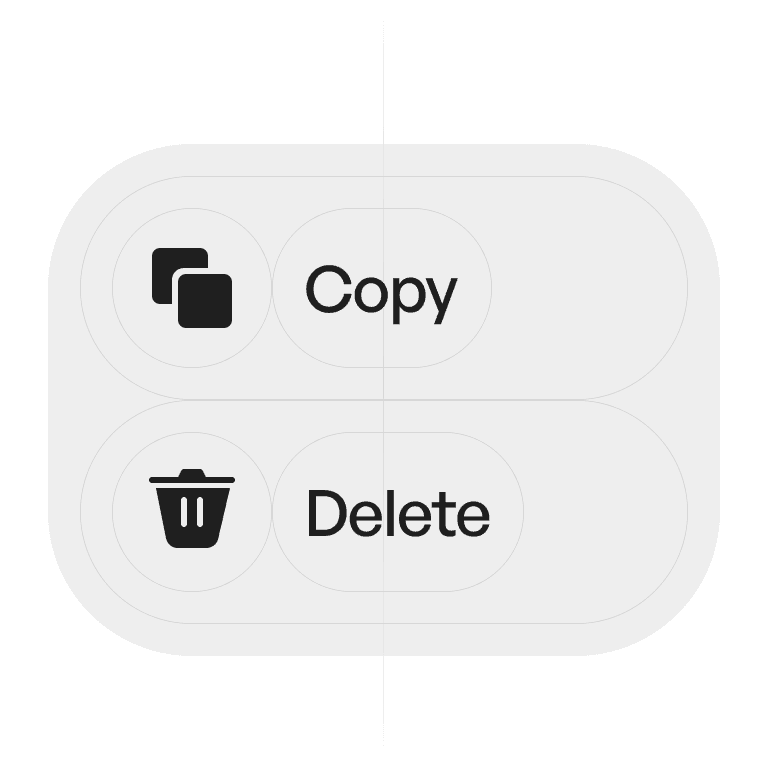
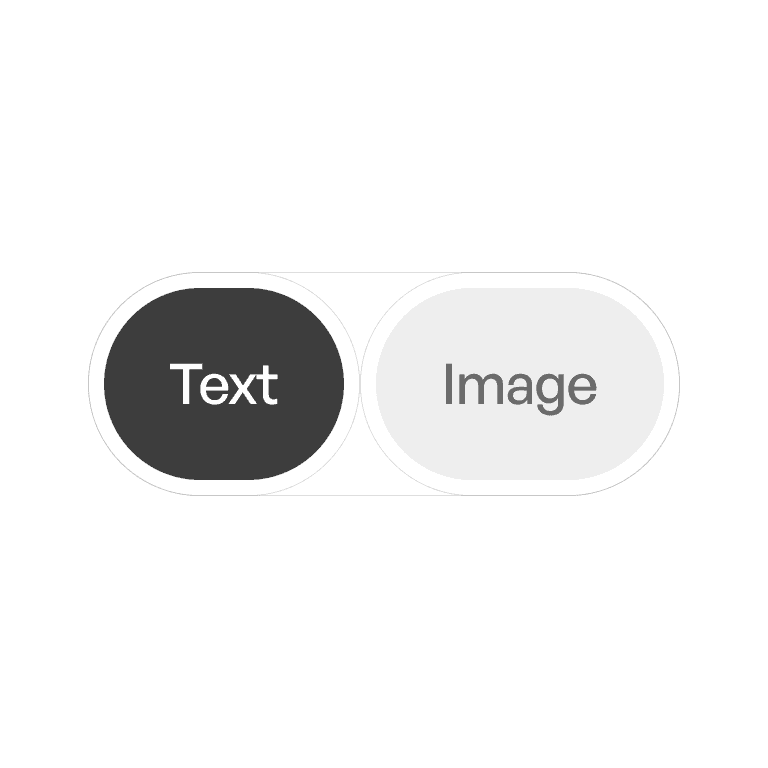
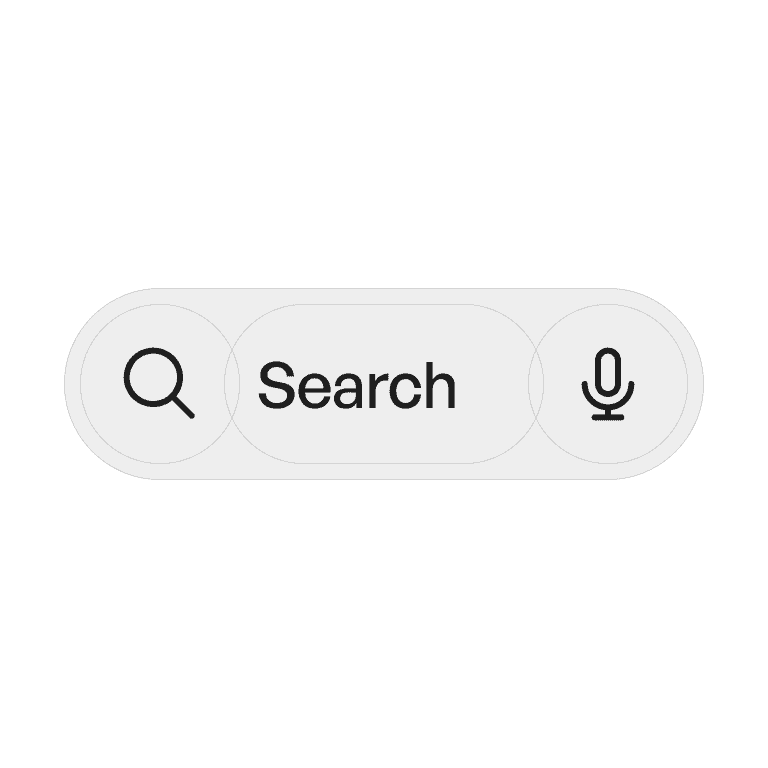
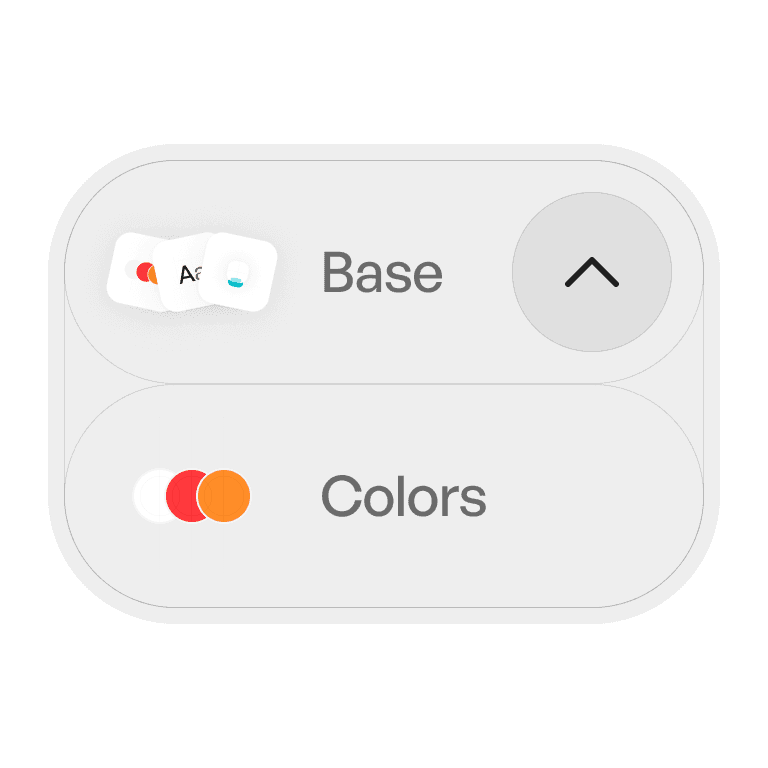
Concentric
Subtracting padding from their parents
Usage tips
Dos
Use consistent corner radius scales across the system.
Apply shapes purposefully to convey affordance.
Apply shapes purposefully to convey affordance.
Don’ts
Don’t mix too many shape styles in one interface.
Don’t overuse sharp corners if the system is designed to feel soft.
Don’t rely on shape alone for meaning — pair with labels and icons.