



























Stepper
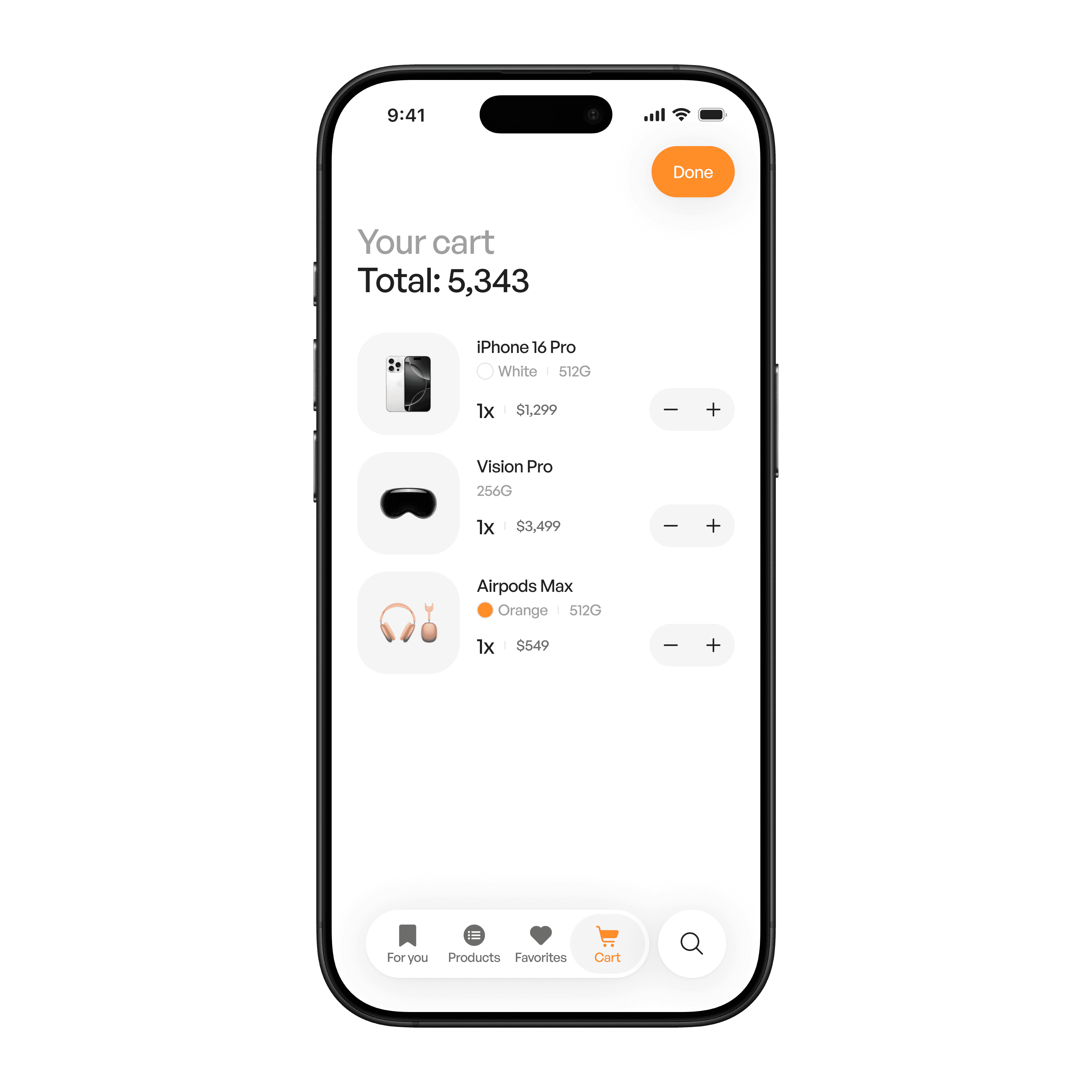
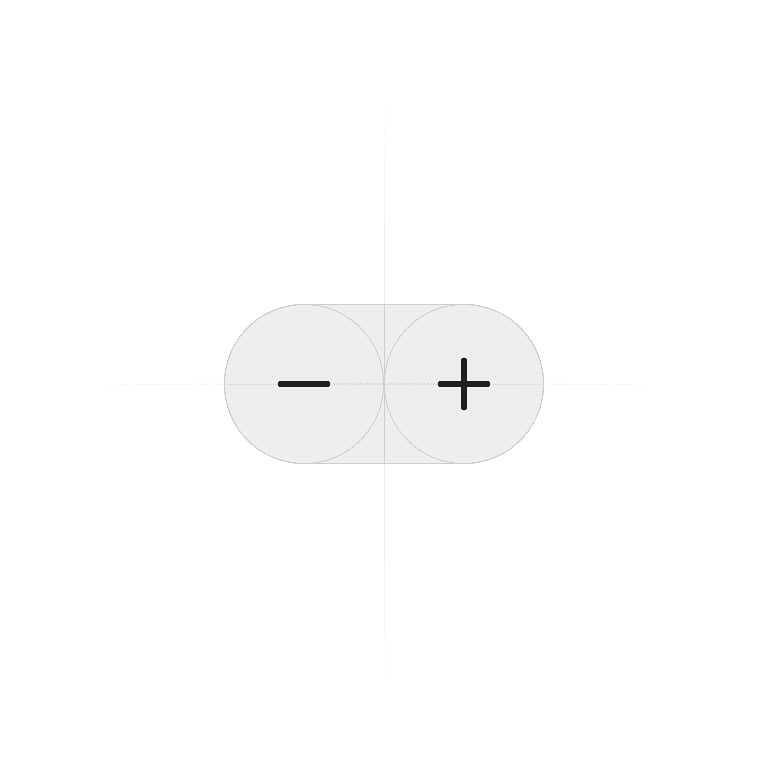
A stepper is a control that lets users increase or decrease a value in small, defined increments using plus and minus buttons.
Philosophy

Steppers make adjusting values simple and precise without requiring direct text input.
Ideal for small numeric changes (e.g., quantity, rating, font size).
Prevents invalid entries by controlling the allowed range.
Keeps the interaction quick and minimal with clear feedback.
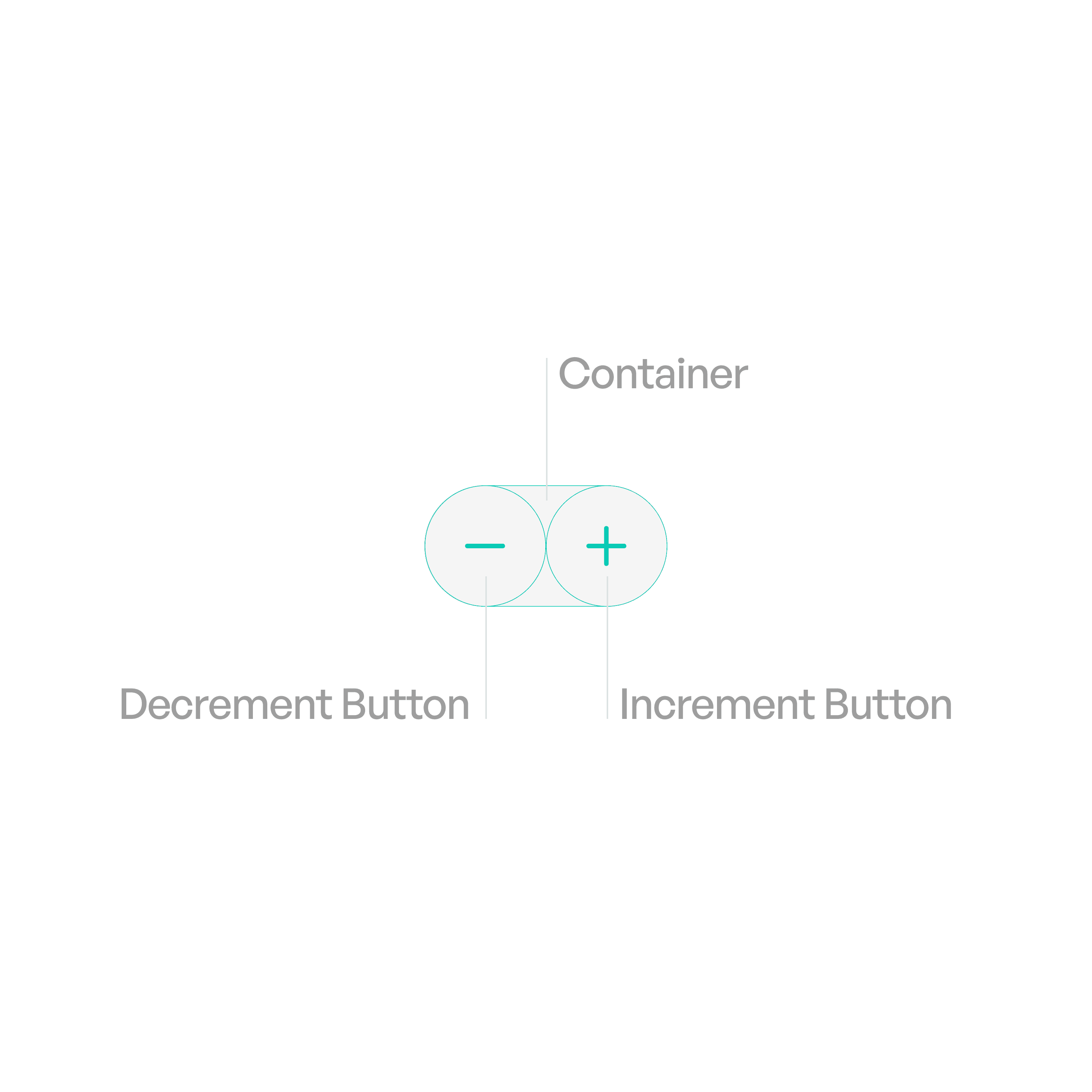
Anatomy
Variants
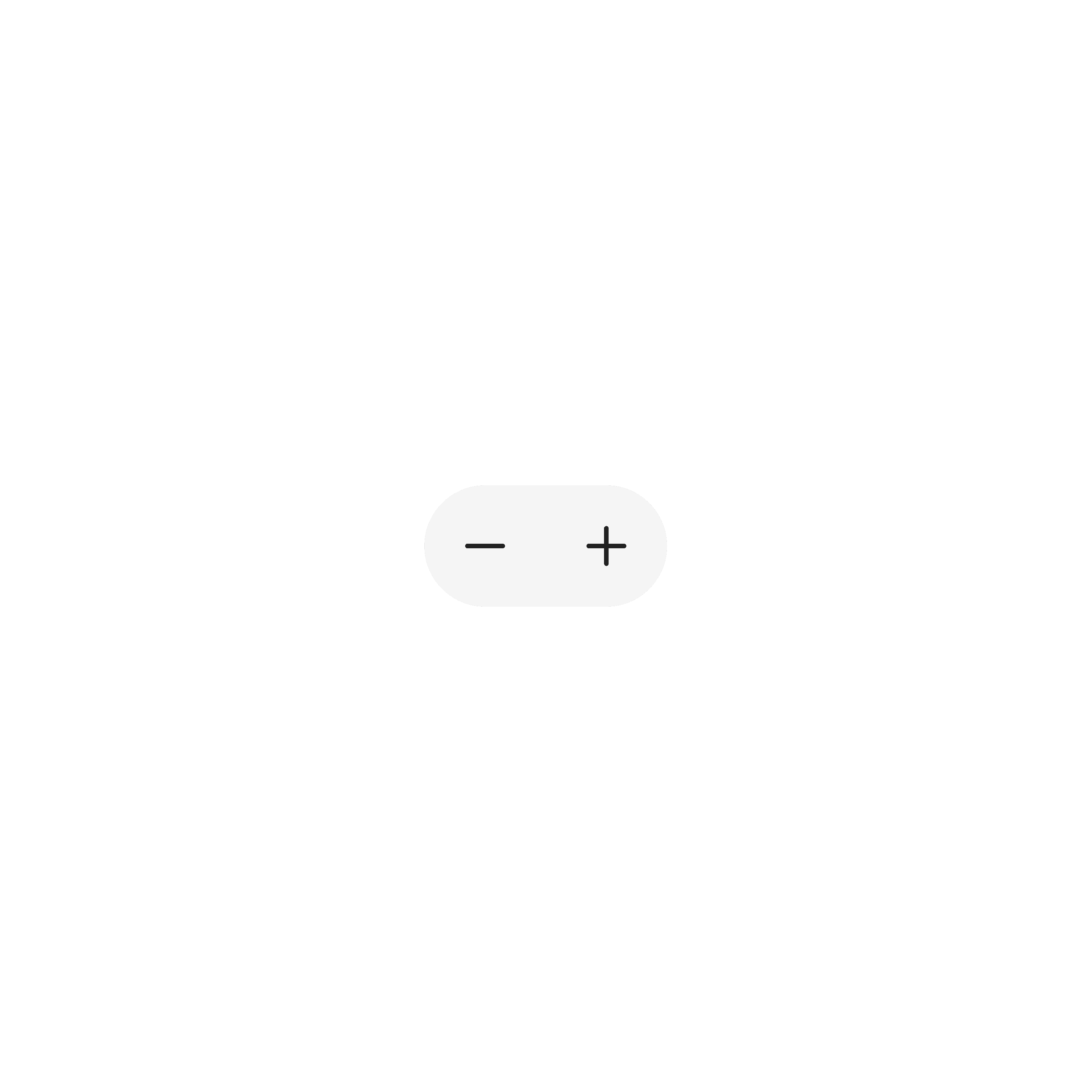
Standard Stepper
Placed inside forms or lists.
States
Idle
Buttons active, value displayed.
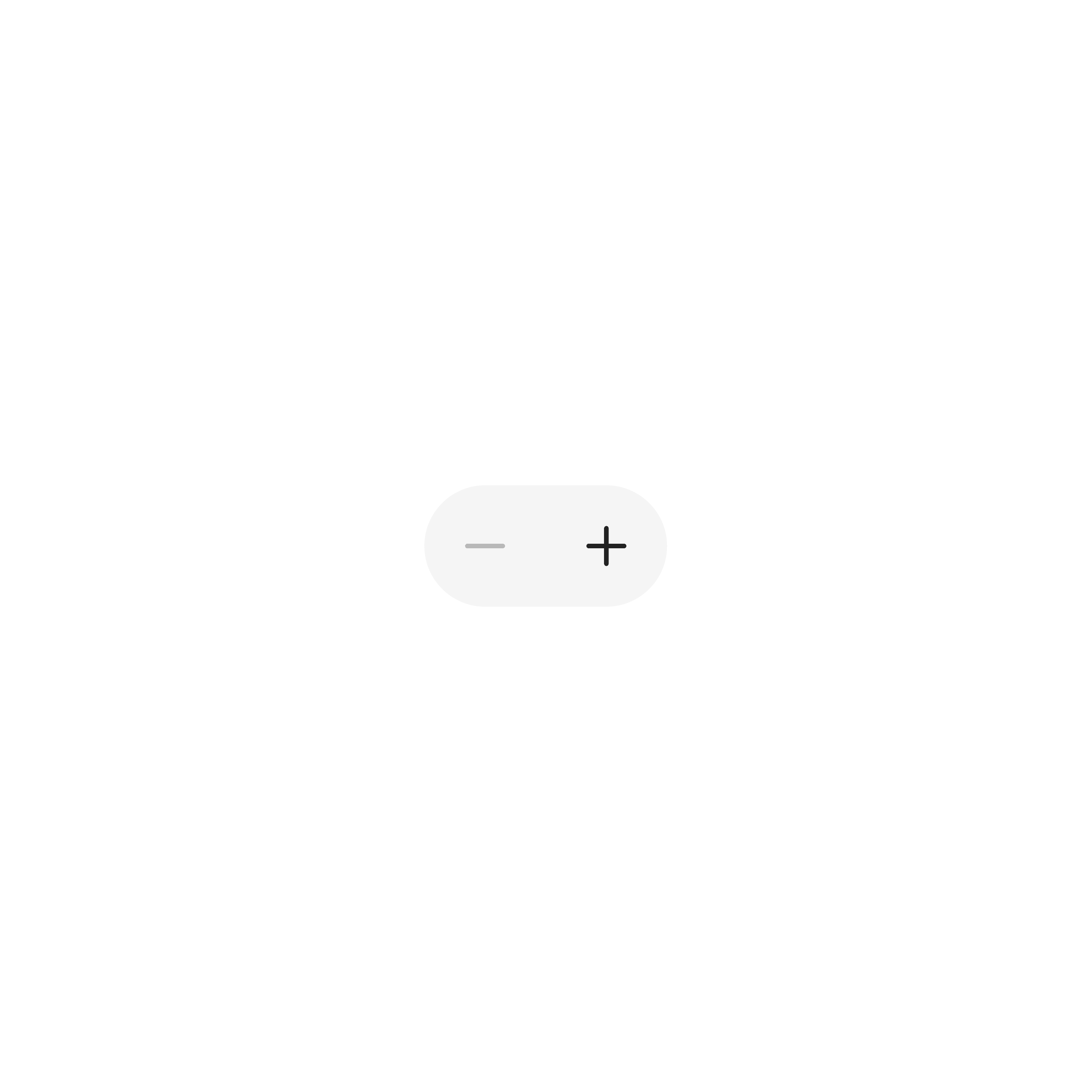
Off
At minimum or maximum value, respective button is inactive.
Usage tips
Dos
Use steppers for precise adjustments within a small range.
Clearly indicate min/max limits if relevant.
Don’ts
Don’t use steppers for very large ranges (use sliders instead).
Don’t replace free text input if users need flexibility.
Real-world example