
























Toast message
A toast message is a lightweight, non-blocking notification that briefly appears on the screen to confirm an action, show feedback, or deliver system status. It disappears automatically after a short duration.
Philosophy
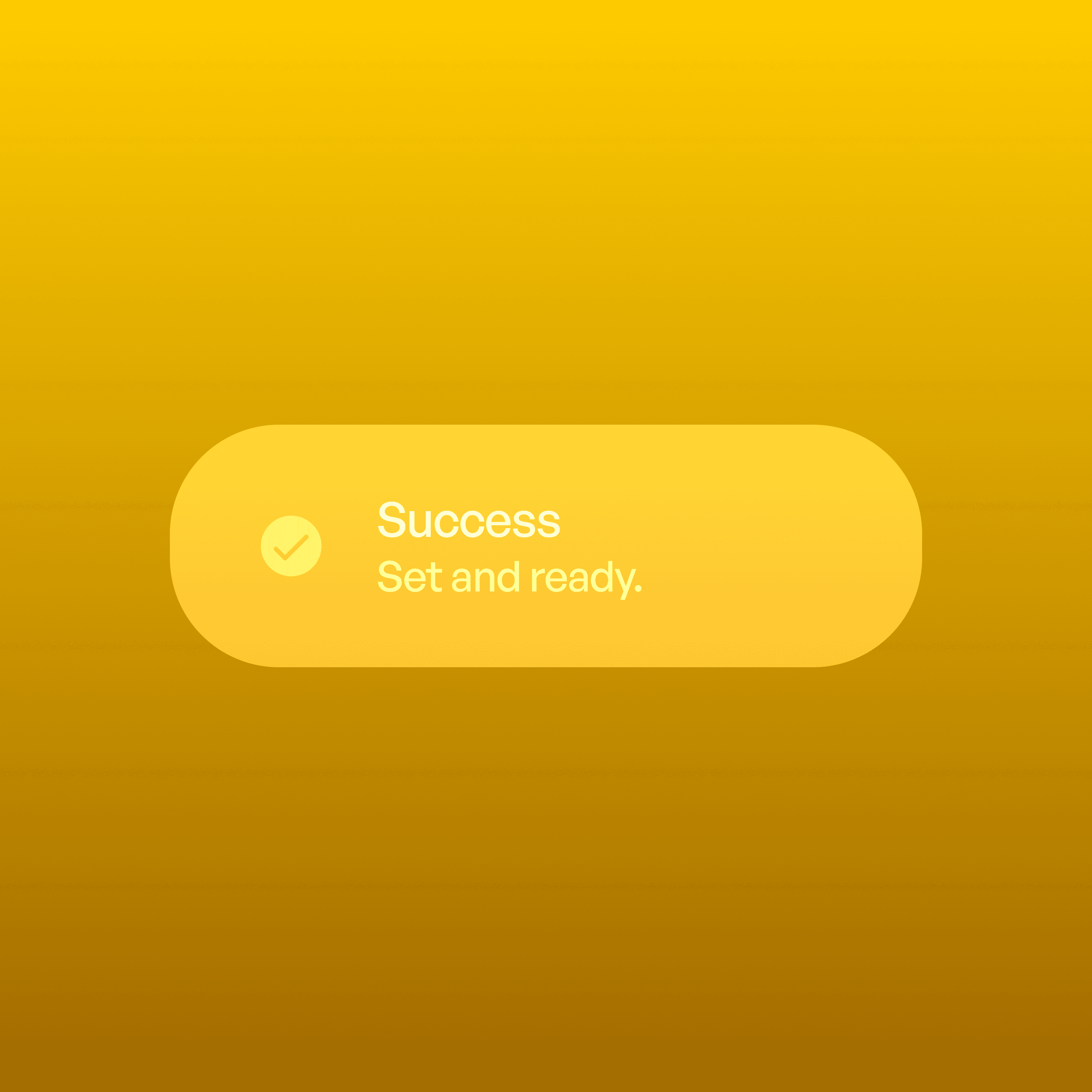
Toasts provide subtle, temporary feedback without interrupting the user’s flow.
They confirm actions (e.g., “Message sent”).
They communicate system updates (e.g., “Saved to drafts”).
They keep interaction smooth by not requiring dismissal or attention.
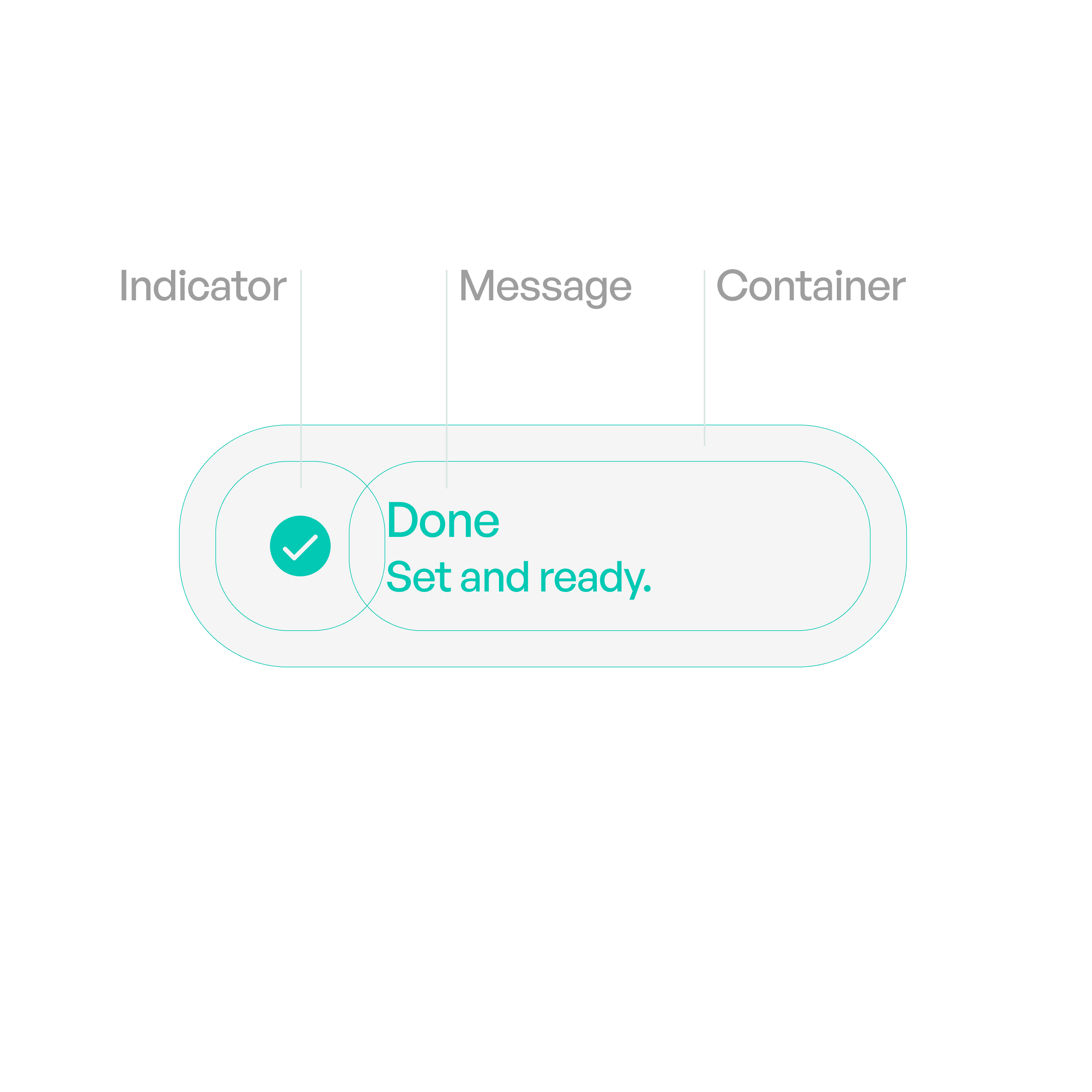
Anatomy
Variants
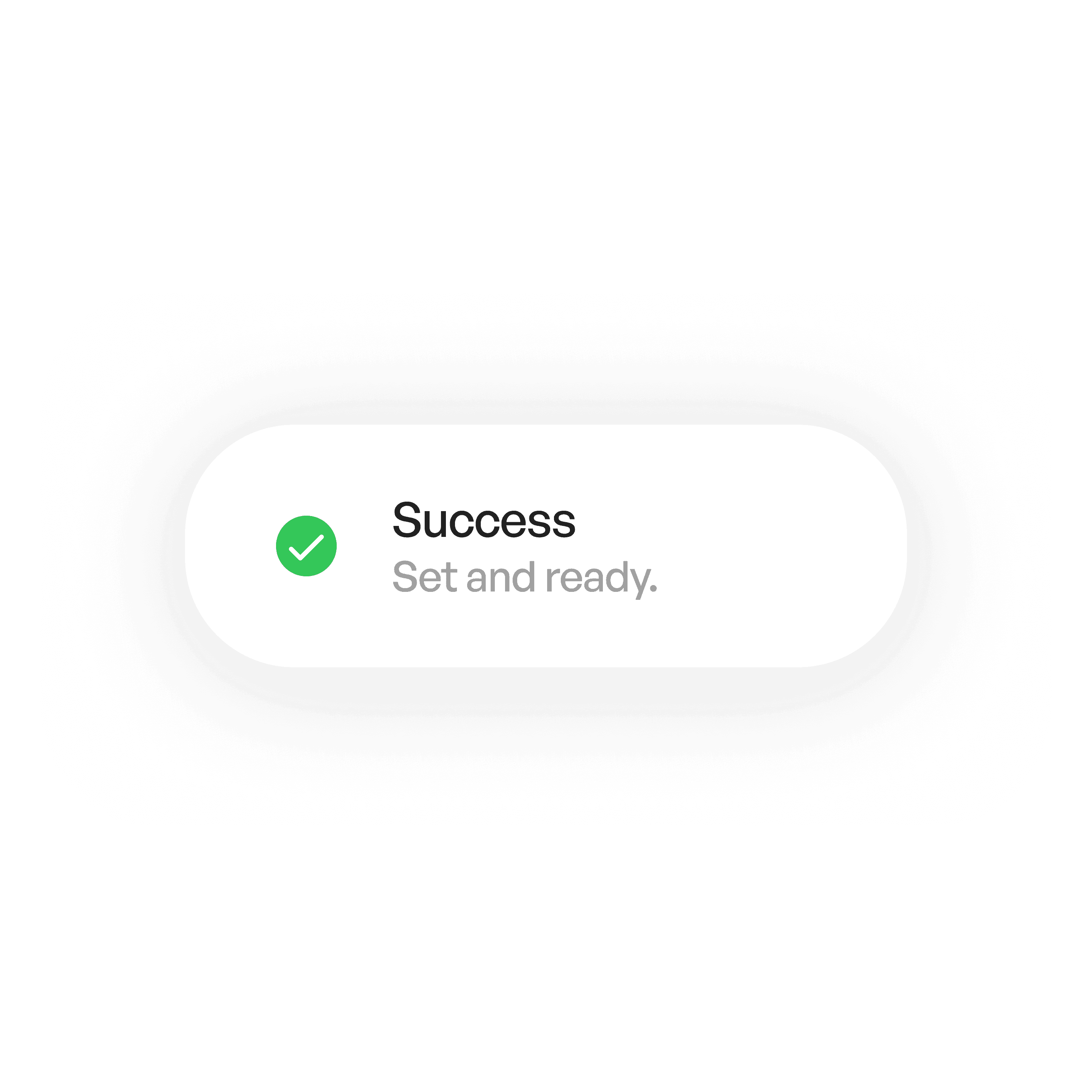
Success Toast
Confirms successful actions (e.g., “Profile updated”).
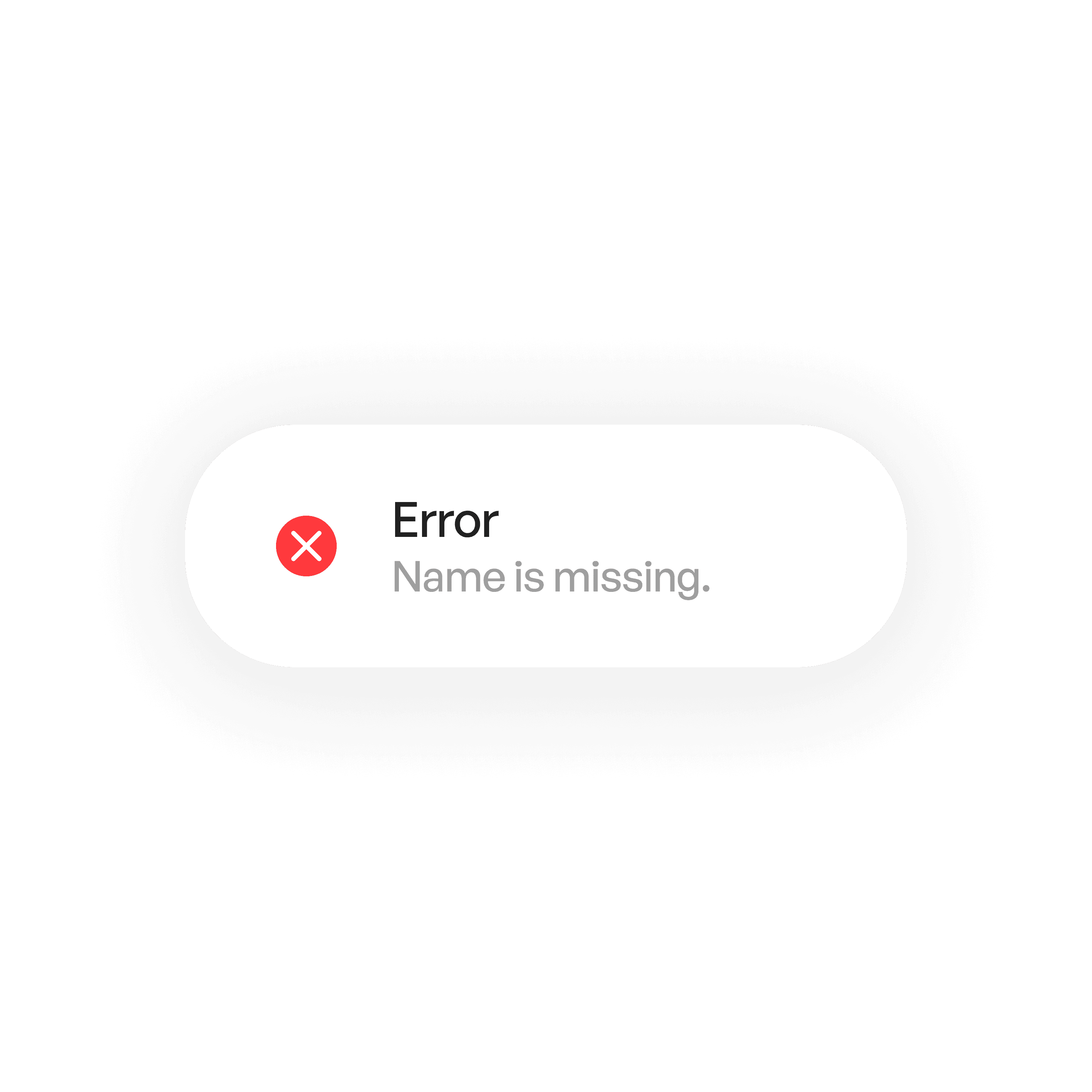
Error Toast
Communicates failure (e.g., “Upload failed”).
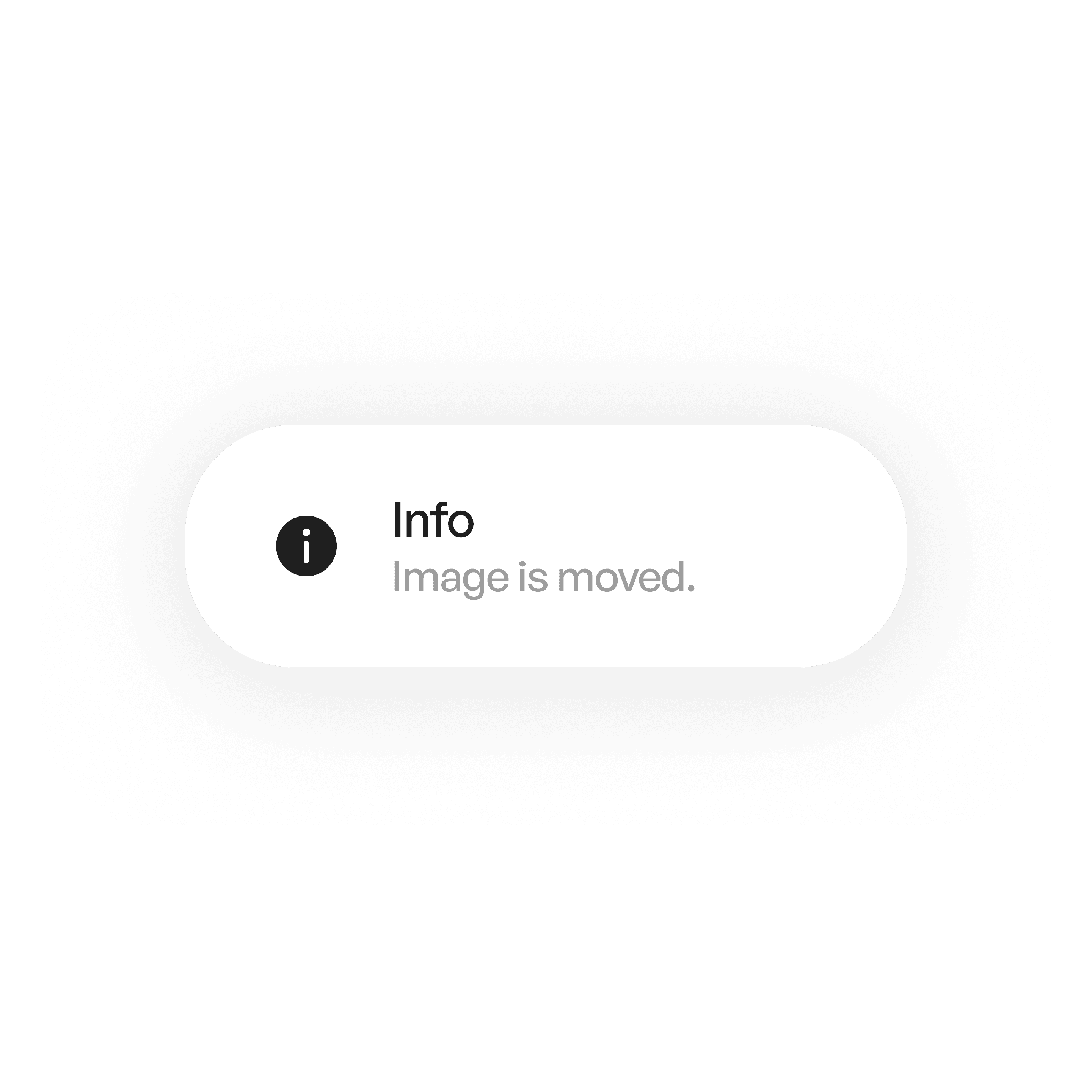
Info Toast
Shares neutral updates.
States
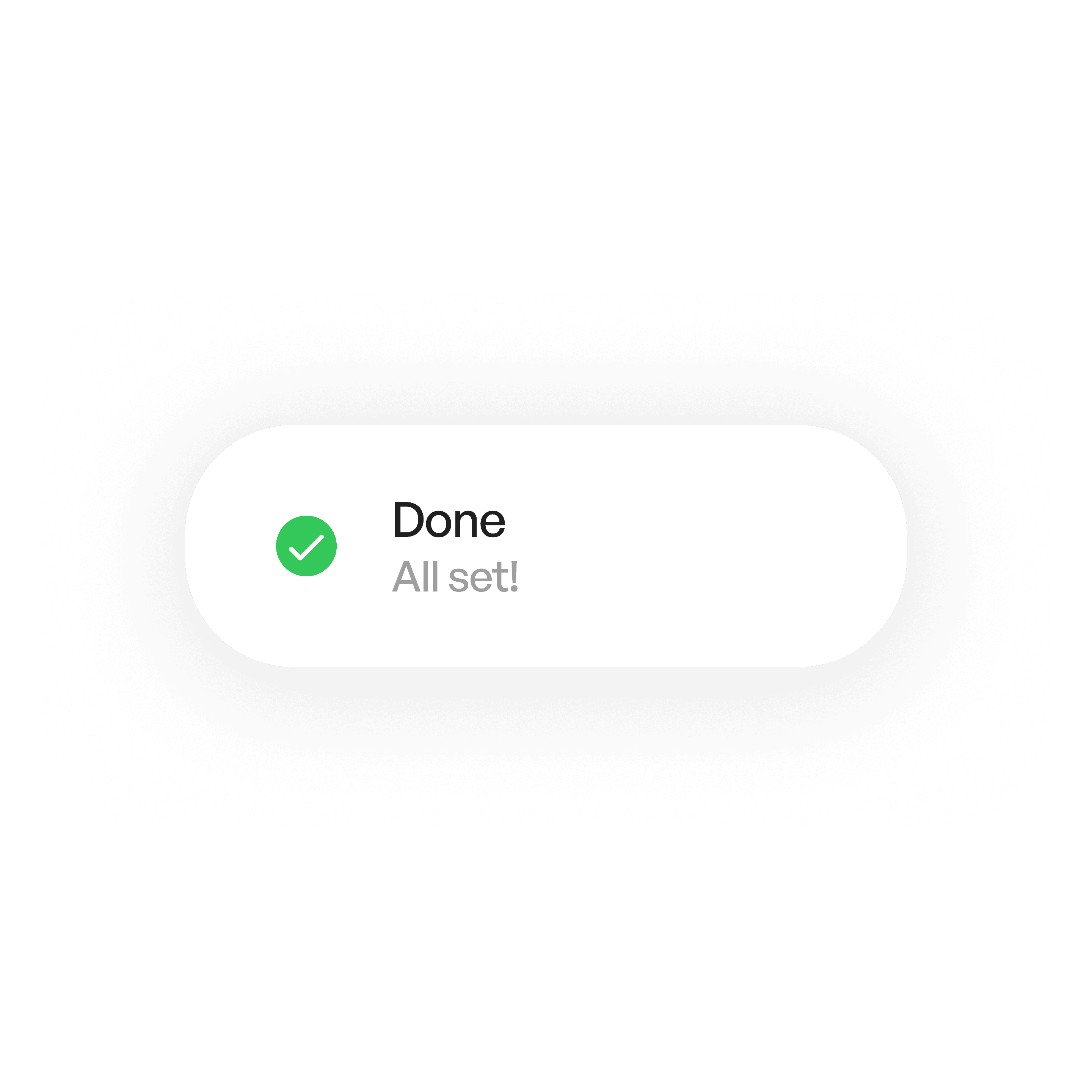
Standard
Message appears for 3–5 seconds.
Usage tips
Dos
Use to provide short, passive feedback after user actions.
Keep messages brief and clear.
Use icons or colors to reinforce meaning.
Allow undo for destructive actions when possible.
Don’ts
Don’t use toasts for critical alerts — use modal dialogs instead.
Don’t stack excessive toasts at once.
Don’t require users to manually dismiss them every time.
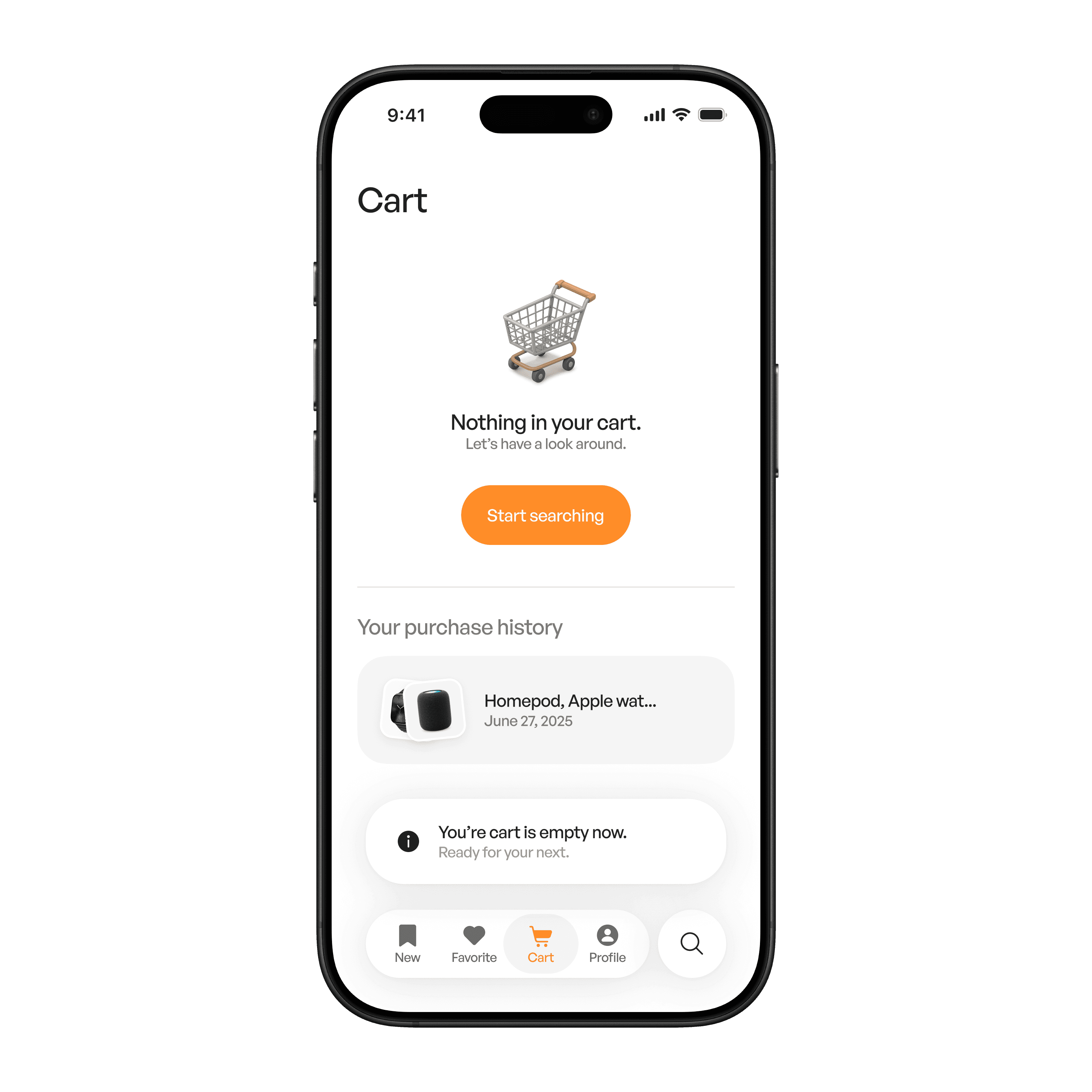
Real-world example