14 UX Design Patterns From Psychology (With UI Examples) 2026
Being a product designer i’ve learnt so many valuable lessons from great designers all around the world like Dieter Rams, Johny Ive, Tom Kelley, Steve Jobs approach to design and so many more. We all know about trends, modern methods and studying the data but the core factor of design usually lost in between, and that’s all about humans.
To be right on point, we’re designing for humans, so that anything that we feel like it works great and we love it, has to do something with how humans perceive and experience. That’s where understanding humans becomes the main objective of a product. So let’s look a few terms to be applied to UX design.
Fitt’s Law
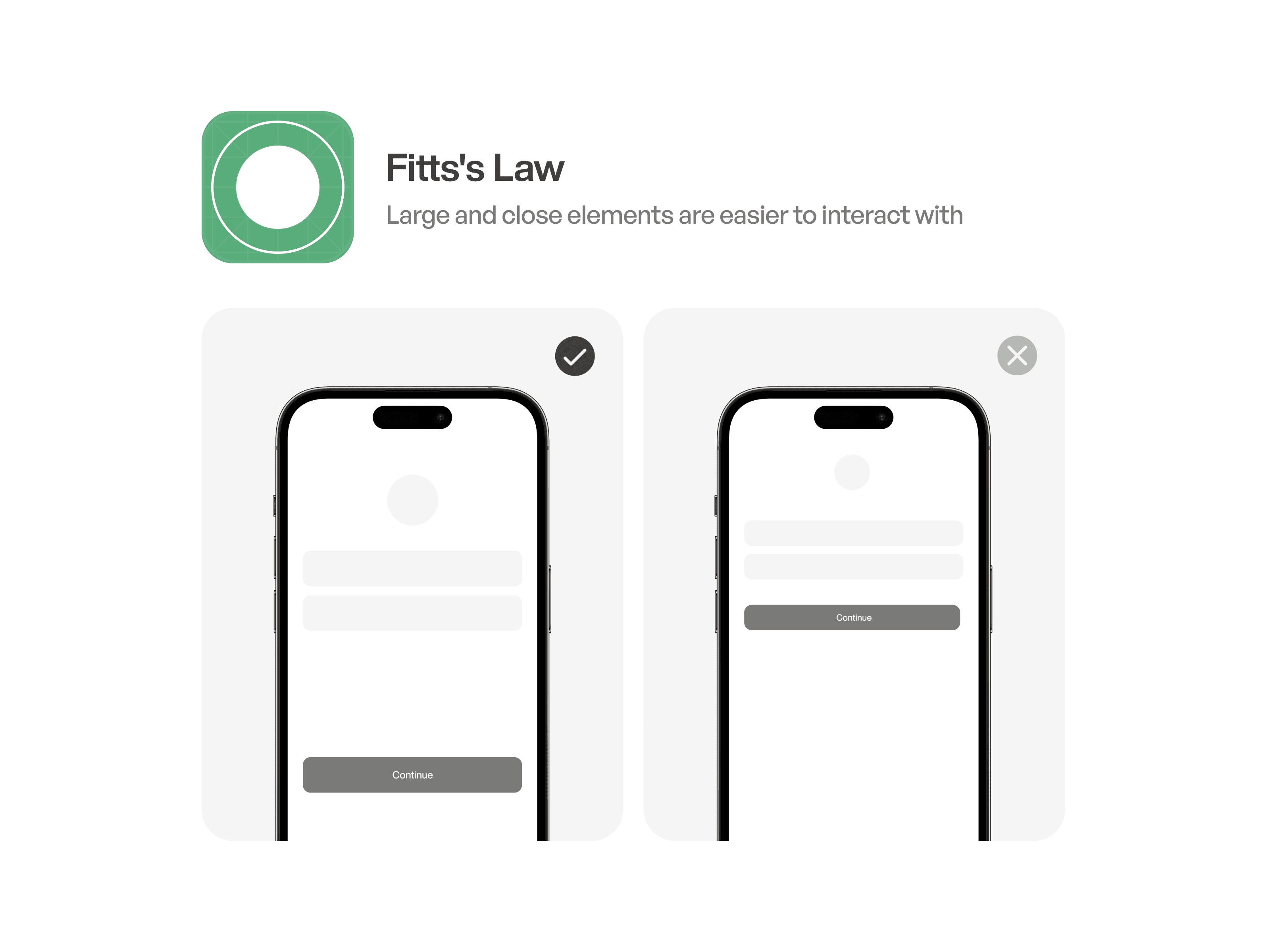
Fitts’s Law predicts the time required to rapidly move to a target area, based on the distance to the target and the size of the target area. It states that the time required for a pointing task is determined by the distance to the target and the size of the target, with larger targets and closer distances resulting in faster pointing movements.
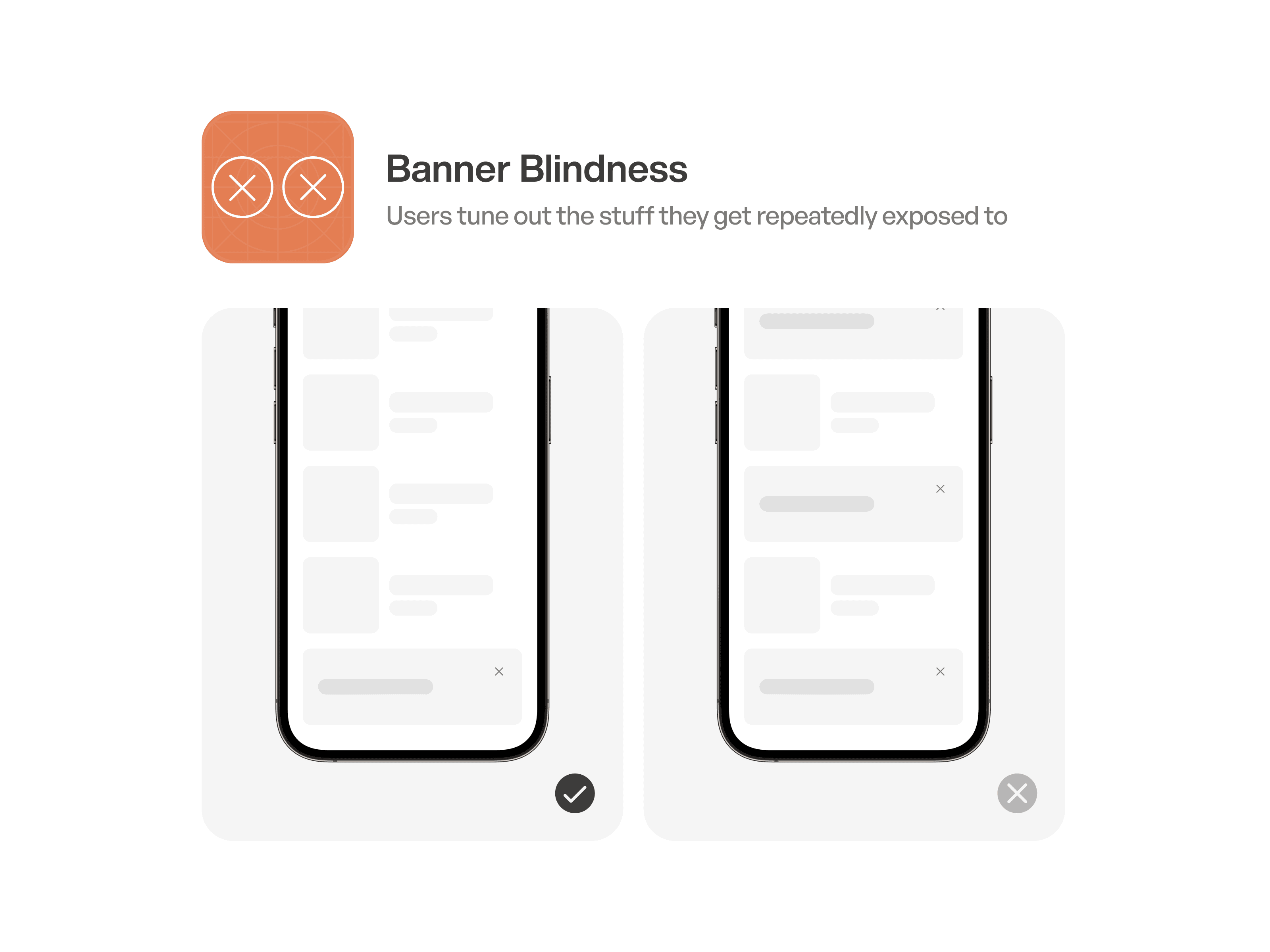
Banner Blindness
Banner blindness is a phenomenon where website visitors consciously or subconsciously ignore banner-like advertisements or promotional content on web pages. This occurs due to repeated exposure to such elements,conditioning users to automatically filter out or overlook these areas of the page, resulting in reduced visibility and effectiveness of banner ads.
Labor Illusion
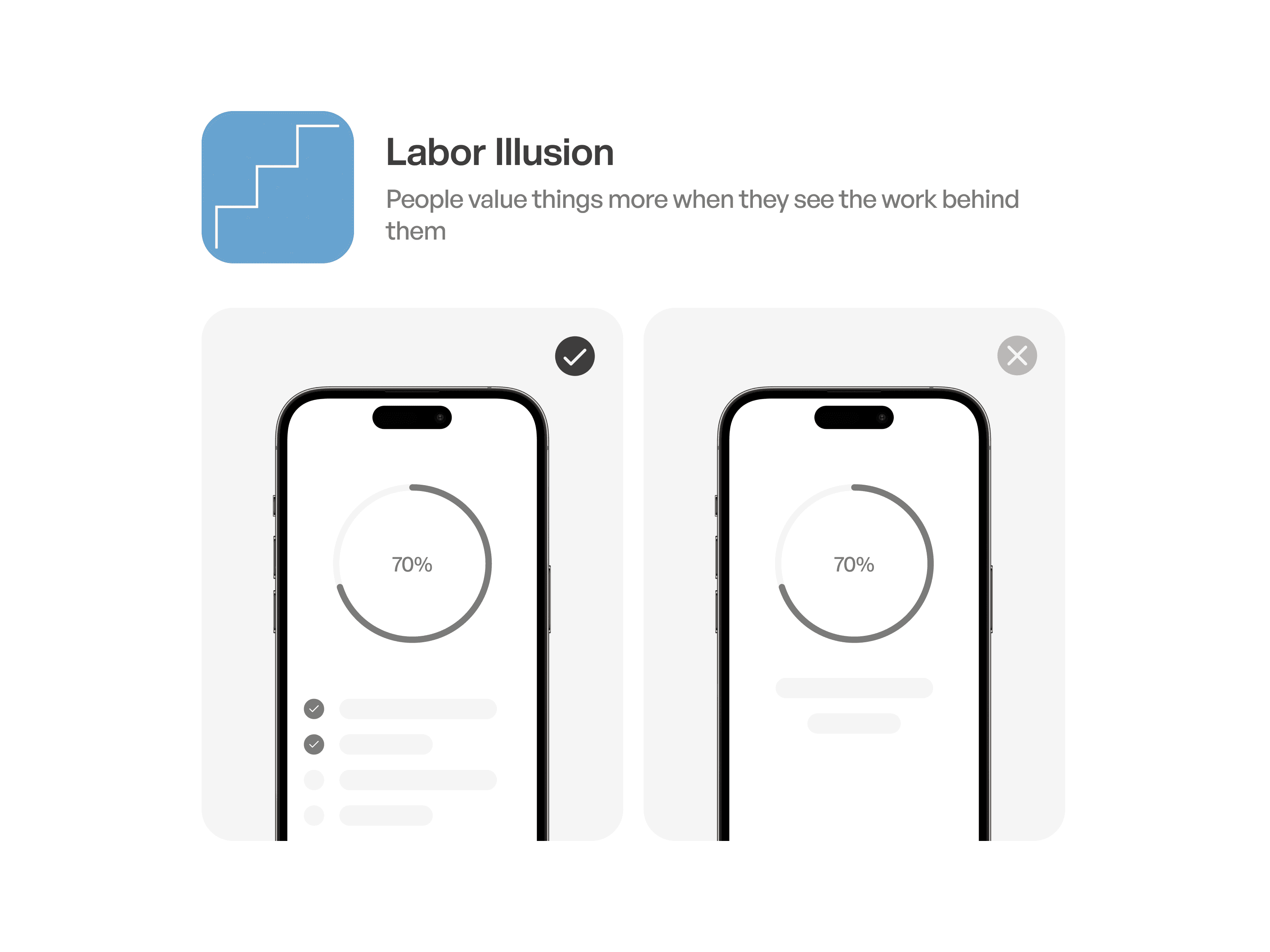
Labor illusion is a cognitive bias where individuals perceive products or services to be of higher quality when they appear to involve more manual effort or labor, even if the actual process is automated or streamlined. This illusion arises from the association of craftsmanship and effort with value and authenticity, influencing consumer perceptions and preferences.
Being a product designer i’ve learnt so many valuable lessons from great designers all around the world like Dieter Rams, Johny Ive, Tom Kelley, Steve Jobs approach to design and so many more. We all know about trends, modern methods and studying the data but the core factor of design usually lost in between, and that’s all about humans.
To be right on point, we’re designing for humans, so that anything that we feel like it works great and we love it, has to do something with how humans perceive and experience. That’s where understanding humans becomes the main objective of a product. So let’s look a few terms to be applied to UX design.
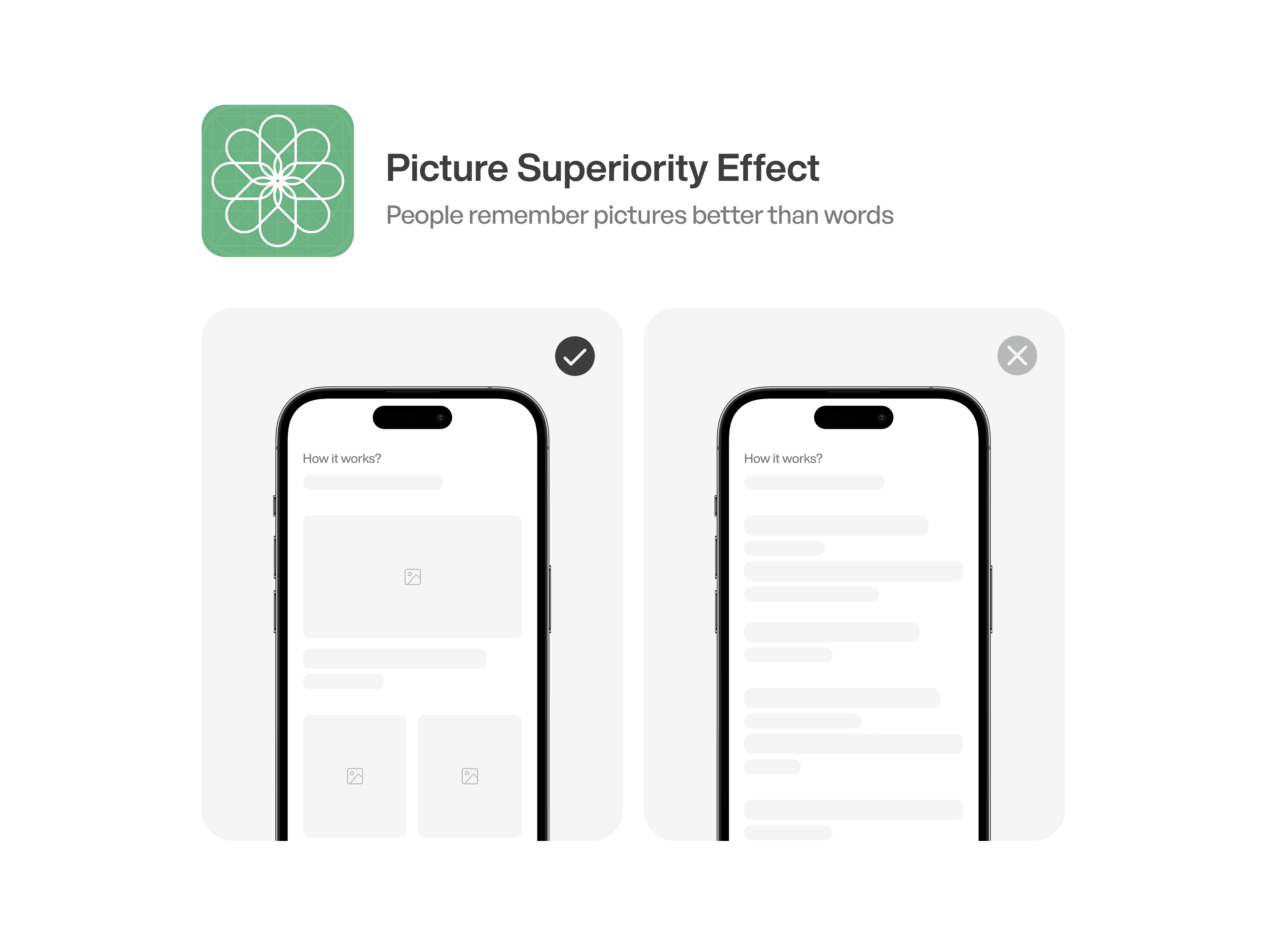
Picture Superiority Effect
The Picture Superiority Effect is a cognitive phenomenon where information presented in visual form, such as images or graphics, is more easily remembered and recognized compared to text or verbal descriptions. This effect highlights the power of visual stimuli in memory retention and learning processes.
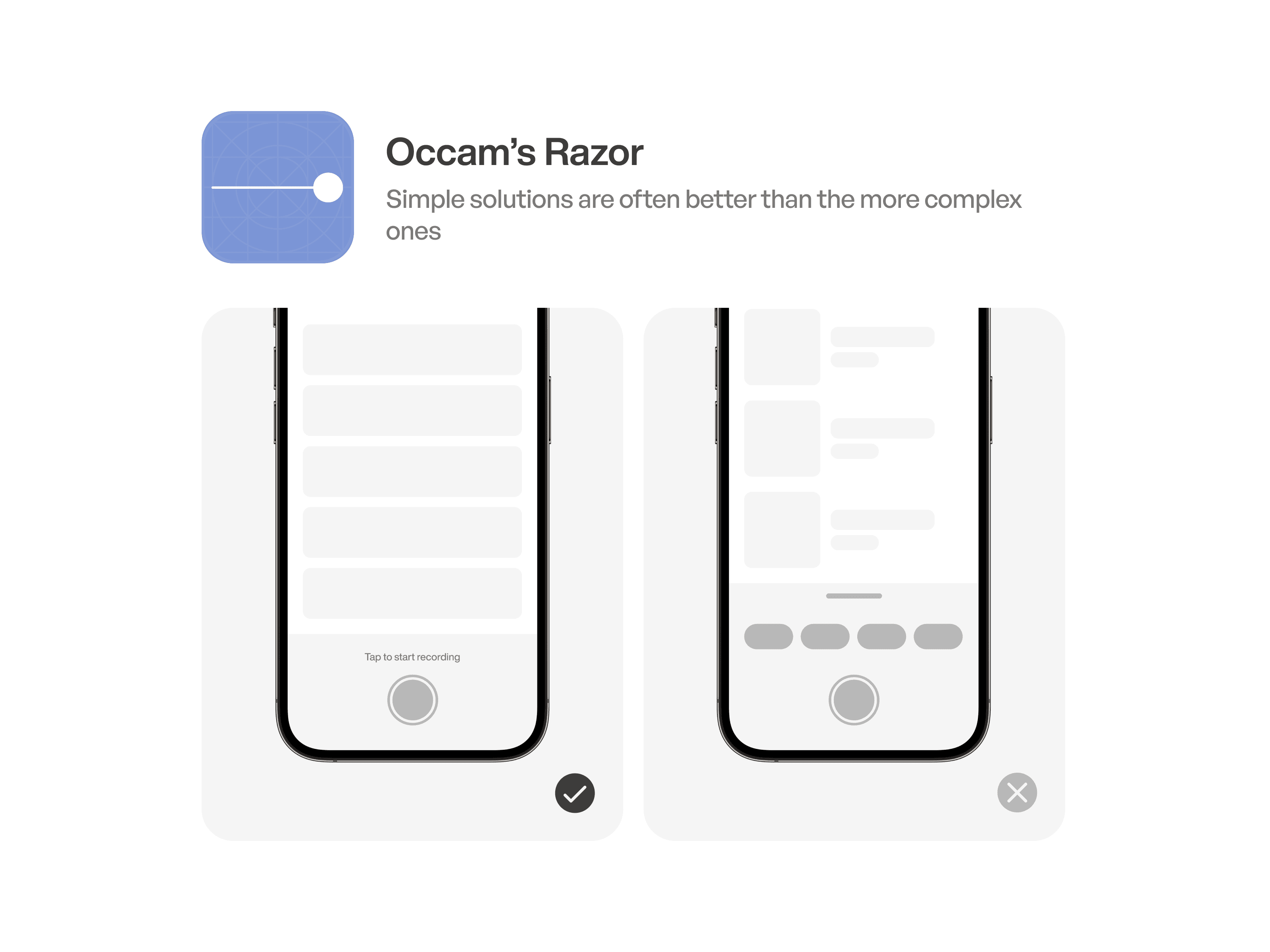
Occam’s Razor
Occam’s Razor, also known as the principle of parsimony, suggests that among competing explanations or hypotheses, the simplest one is usually the correct one. In other words, when faced with multiple explanations for a phenomenon, the one that requires the fewest assumptions or entities is typically preferred.
Anchoring bias
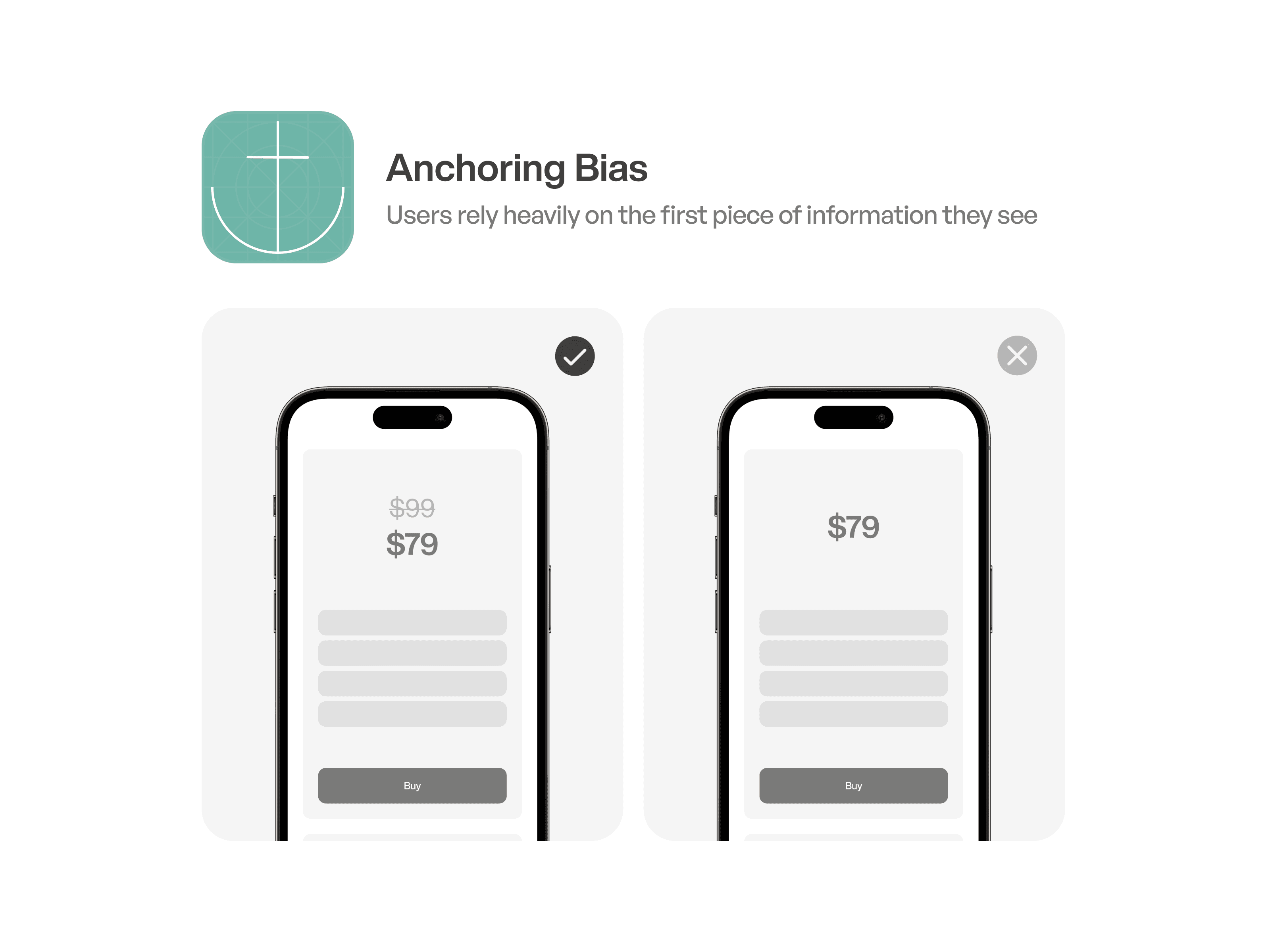
Anchoring bias is a cognitive bias where individuals rely too heavily on initial information (the “anchor”) when making decisions or judgments, even if the anchor is irrelevant or misleading. This bias can lead to systematic errors in judgment, as individuals may be unwilling to adjust their estimates or decisions sufficiently away from the initial anchor.
Progressive Disclosure
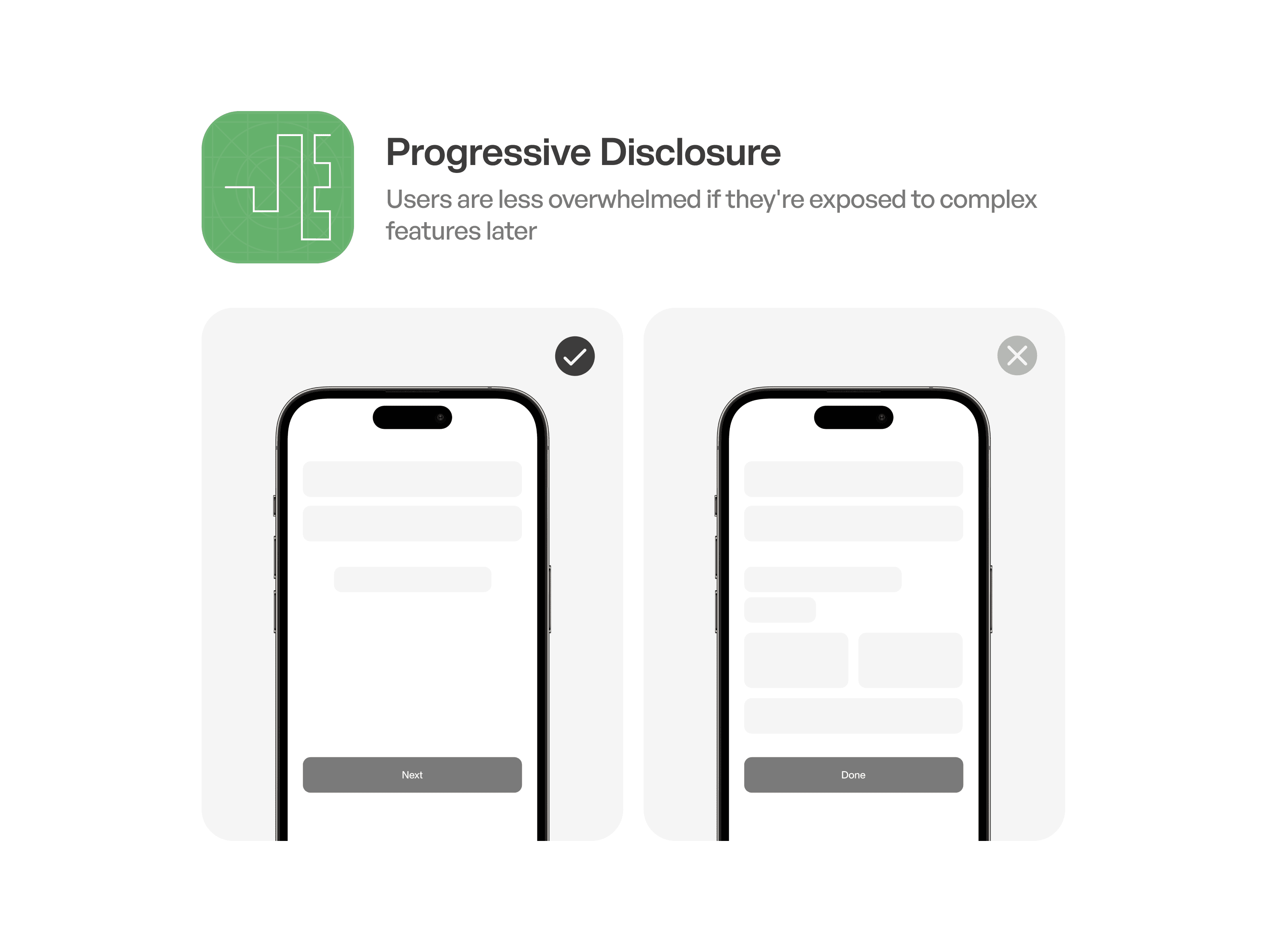
Progressive disclosure is a design technique where information is revealed gradually, presenting only the most relevant or essential details initially and offering additional information as needed or requested. This approach helps to manage complexity, reduce cognitive overload, and enhance user understanding by providing information in a structured and digestible manner, improving the overall user experience.
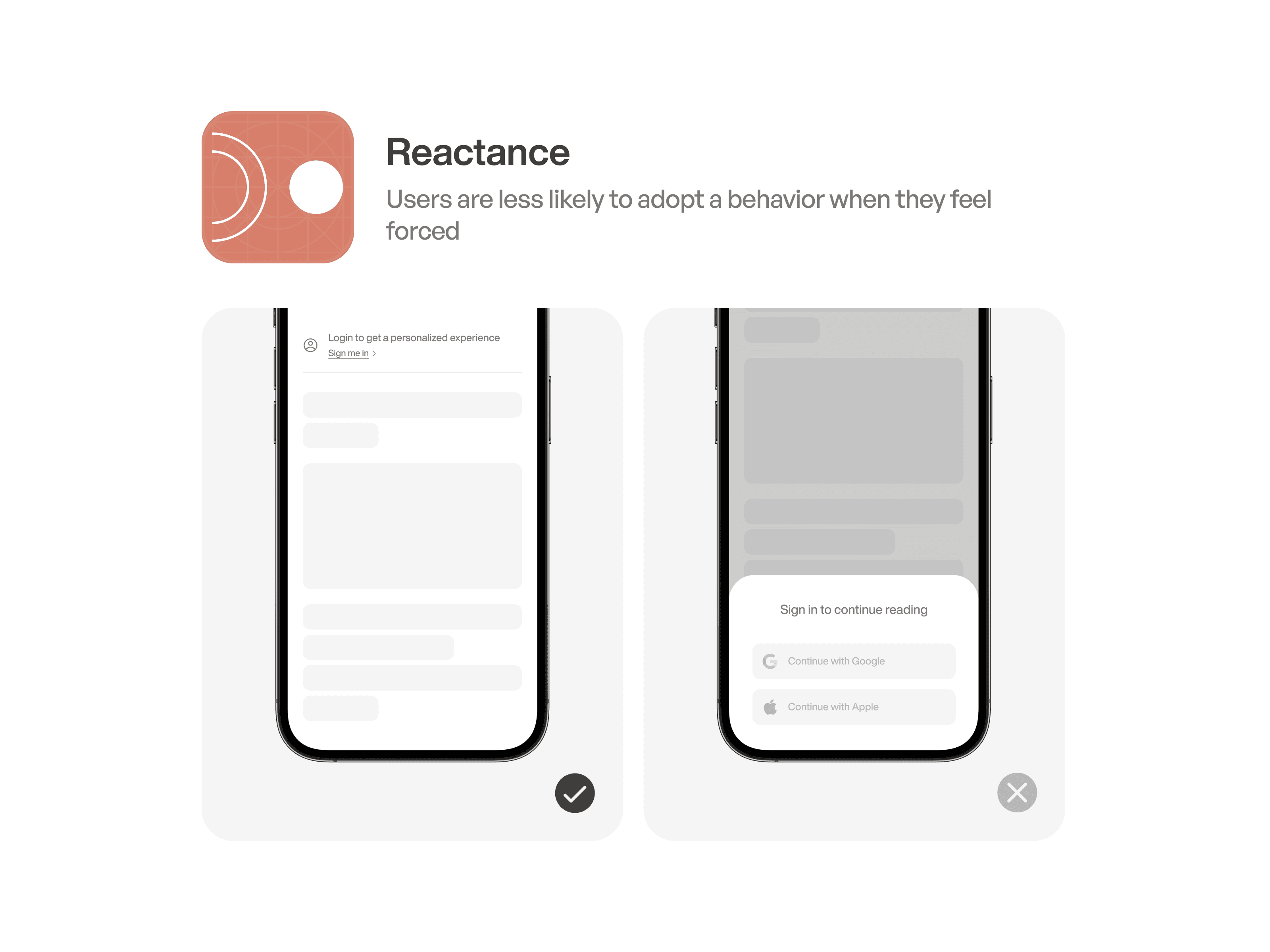
Reactance
Reactance is a psychological phenomenon where individuals resist or react negatively to perceived attempts to restrict their freedom of choice or autonomy. This reaction is often triggered when individuals feel that their freedom or control is threatened, leading them to assert their independence by acting contrary to the imposed restrictions or influence.
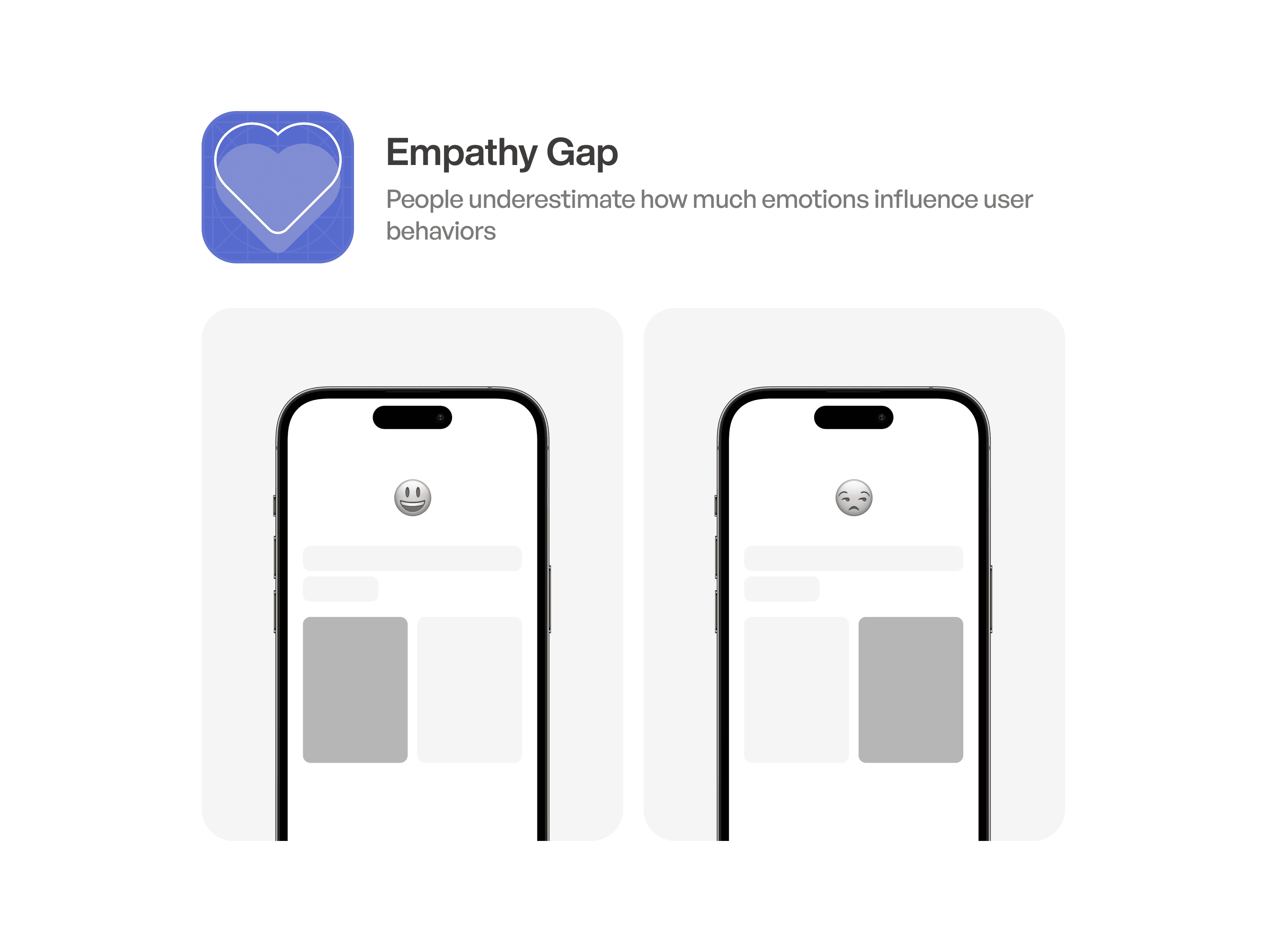
Empathy Gap
The empathy gap occurs when individuals underestimate how their emotions influence their decisions or behaviors, especially when they are in a different emotional state.
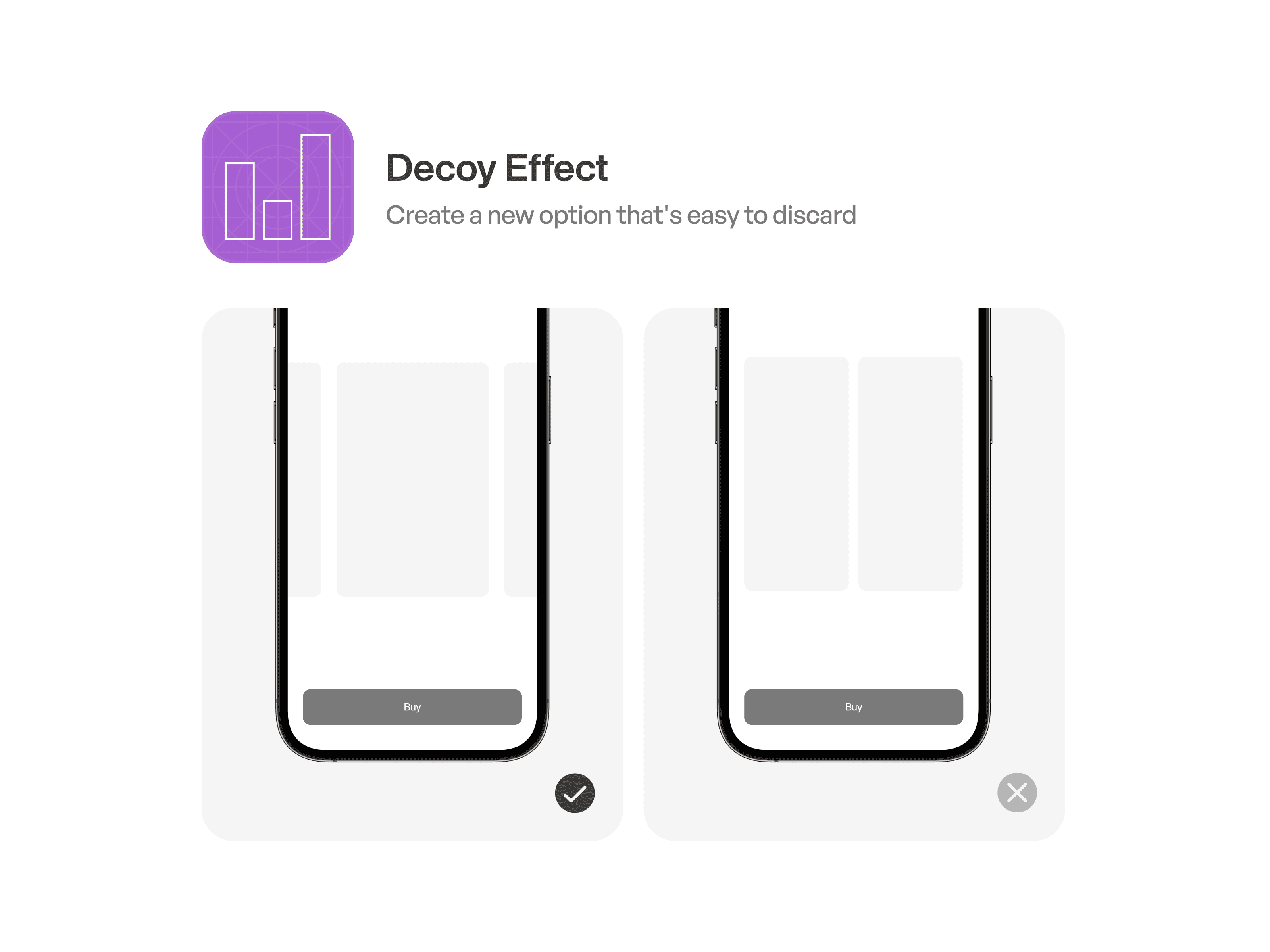
Decoy Effect
The Decoy Effect is a cognitive bias where the introduction of a third, less attractive option influences individuals to favor one of the original options, which may have seemed less appealing when considered alone. This effect is often used in marketing and decision-making contexts to steer people towards a specific choice by manipulating their perception of alternatives.
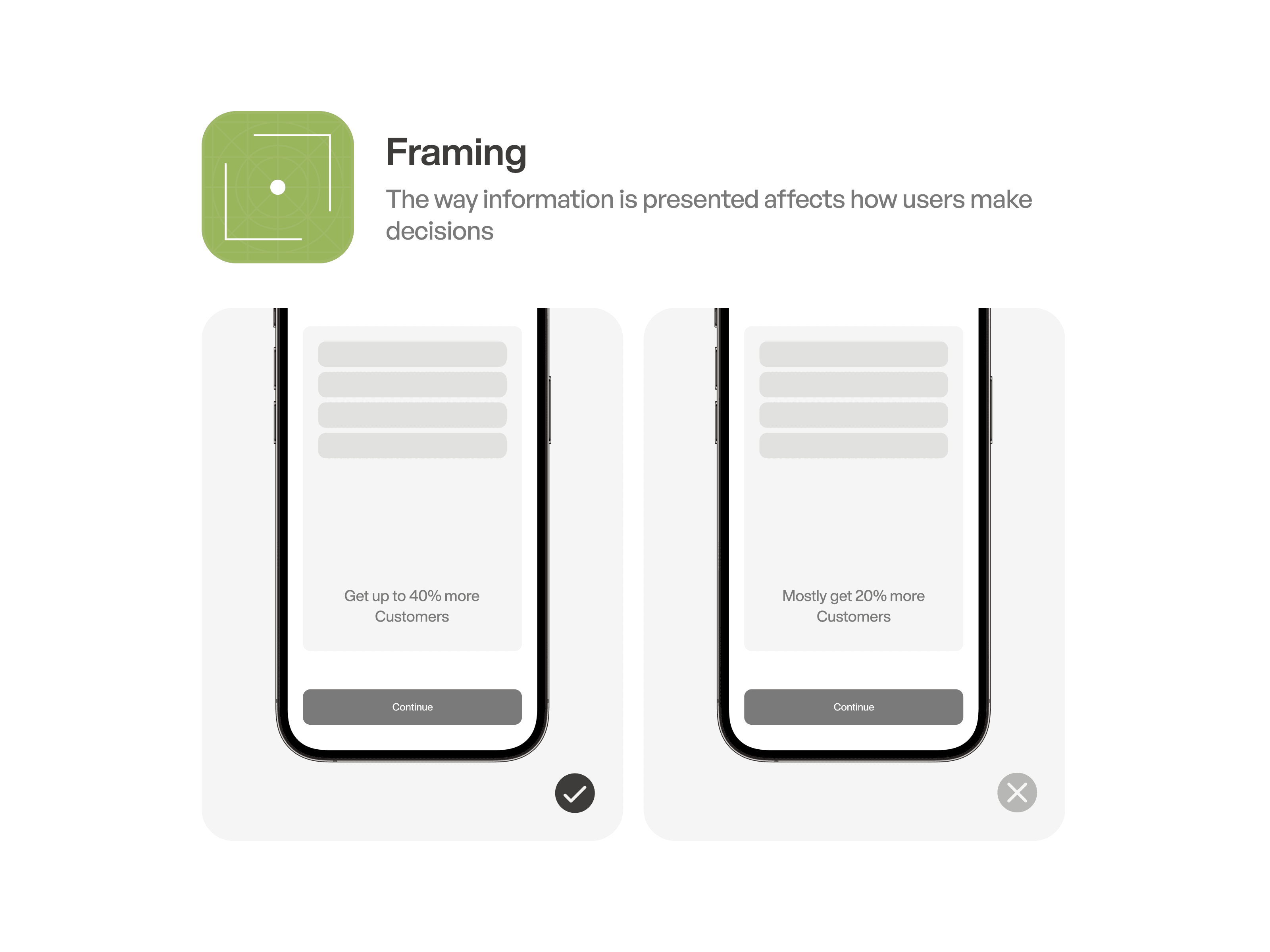
Framing
Framing is a cognitive phenomenon where the presentation or context of information influences individuals’ perceptions, judgments, and decisions. By framing information in different ways, such as emphasizing gains versus losses or highlighting different aspects of an issue, individuals may interpret the same information differently, leading to varied responses and outcomes.
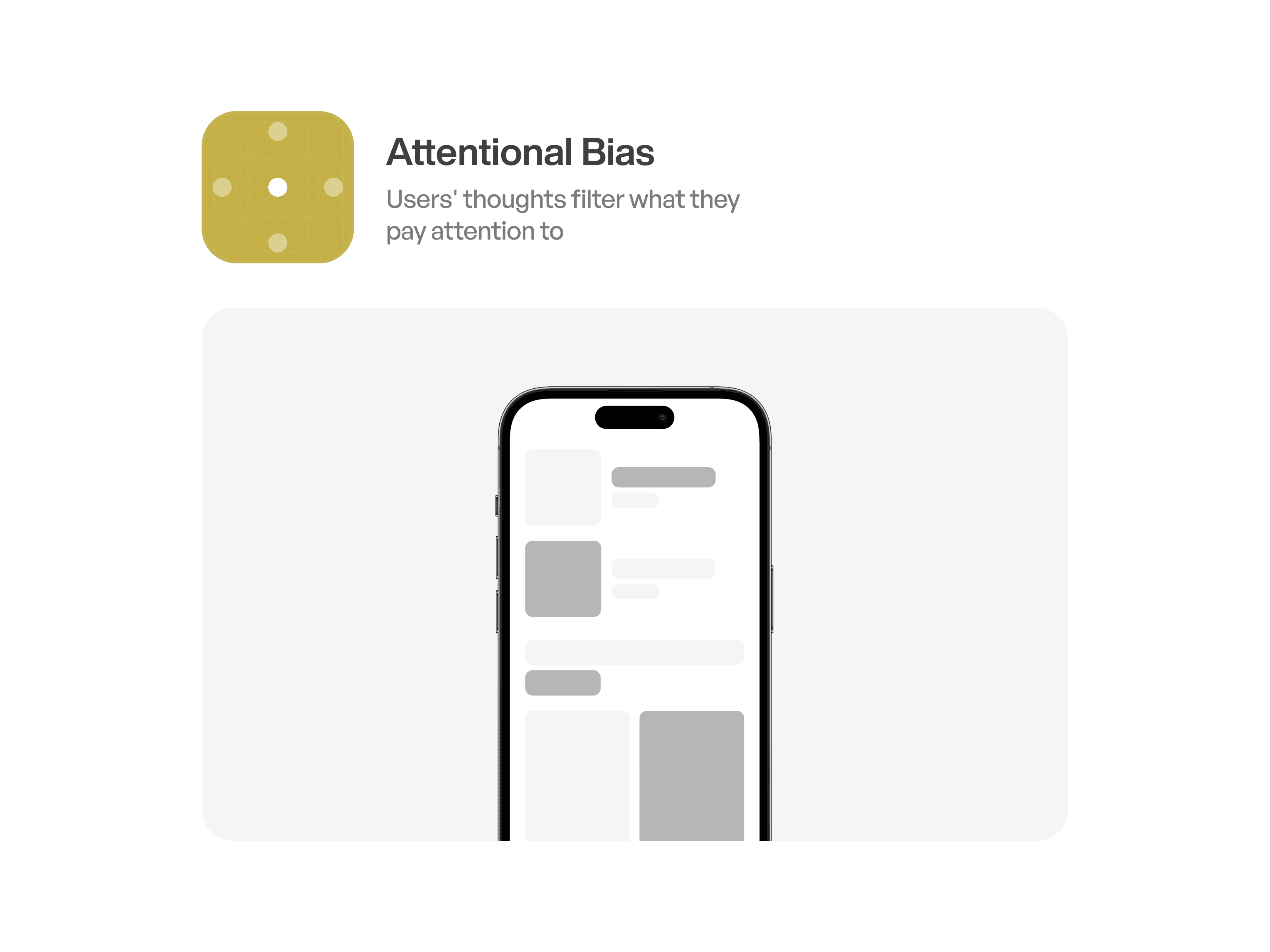
Attentional Bias
Attention bias refers to the tendency of individuals to selectively focus their attention on certain stimuli or information while neglecting others. This cognitive phenomenon can be influenced by factors such as past experiences, emotions, and individual differences, and it plays a significant role in shaping perception, memory, and decision-making processes.
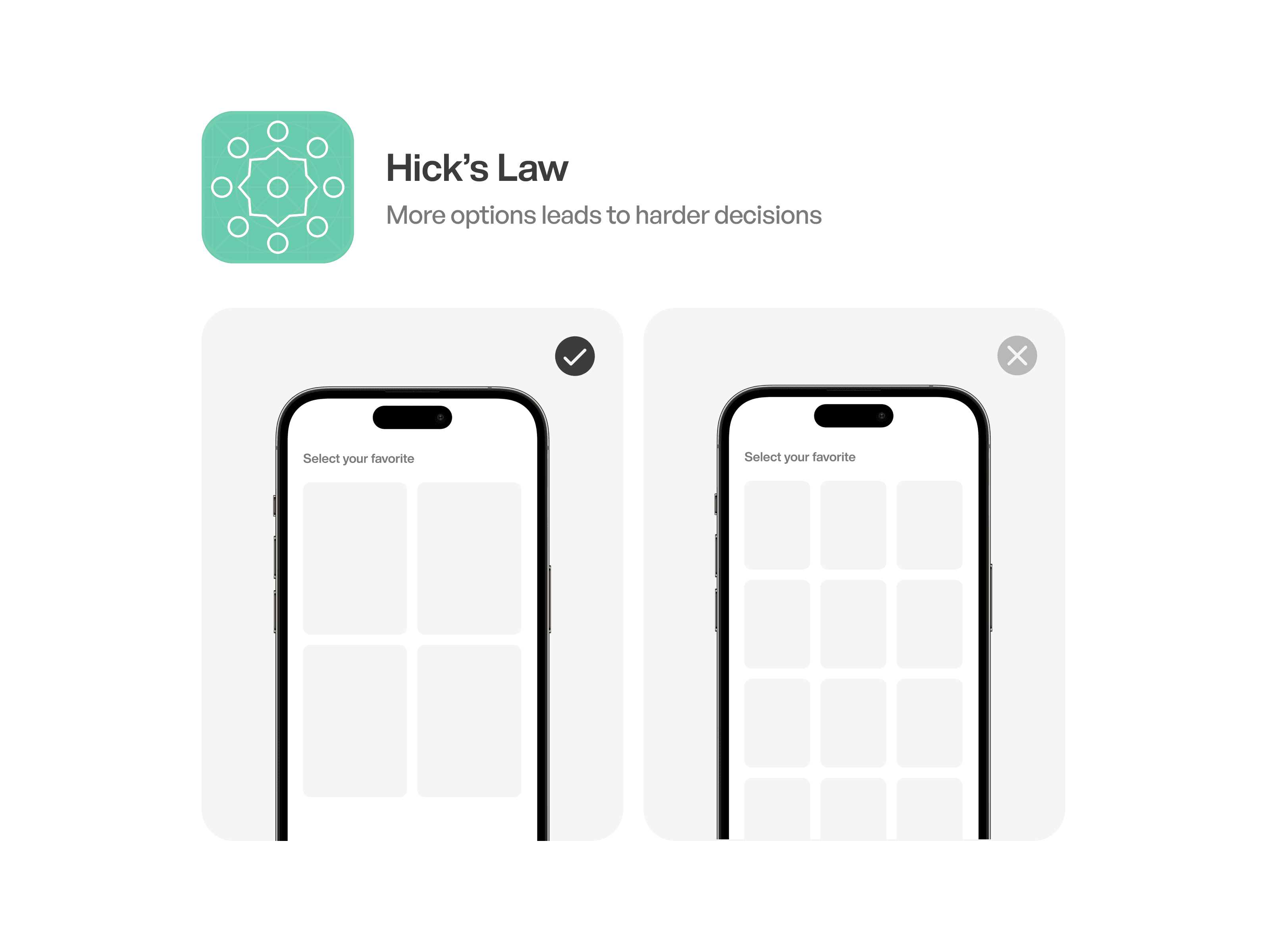
Hick’s Law
Hick’s Law is a principle in psychology and design that suggests the time it takes for an individual to make a decision increases with the number of choices or stimuli present. This law emphasizes the importance ofsimplifying choices and reducing complexity in design to improve decision-making efficiency.
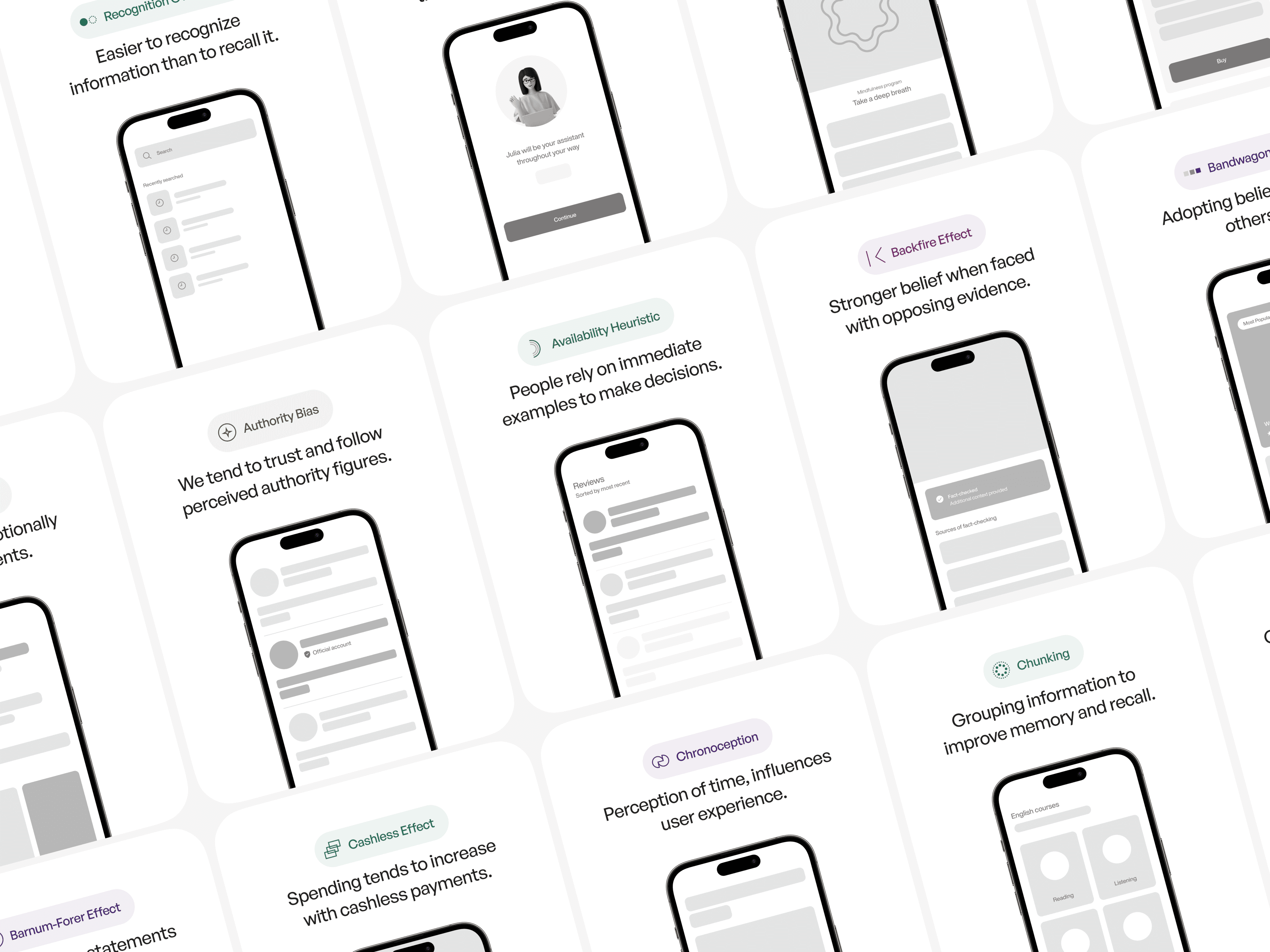
From User Psychology 3
100+ psychology principles with examples, visuals, and detailed breakdowns of how to use them in real products. Explore
User Psychology 3.
👉 https://thesigma.co/user-psychology-3