Social Proof in UX: Persuasion Psychology That Builds Trust & Drives Conversions
Every product has a moment where the user pauses and wonders:
“Should I trust this?”
“Should I sign up?”
“Should I continue?”
And most of the time, the decision doesn’t come from logic — it comes from watching what others do.
That instinct has a name: social proof — one of the most powerful persuasion forces in UX.
It’s not manipulation. It’s simply human nature.
1. What Is Social Proof? (Definition)
Social proof is the psychological tendency to follow the behaviors, decisions, or opinions of others — especially when we’re uncertain.
In UX, it shows up in onboarding, pricing pages, conversion flows, checkout, reviews, and almost any moment that requires trust.
Social proof isn’t about showing “numbers.”
It’s about reducing the emotional risk behind a decision.
2. The Psychology Behind It
Humans rely on others’ choices for two reasons:
1. Uncertainty reduction
When we’re unsure, our brain looks for shortcuts — “If many people trust this, it’s probably safe.”
2. Herd behavior
From childhood, we’ve learned that following the group often leads to safer outcomes.
3. Efficiency
Decisions are exhausting.
Social proof lets users skip mental load and simply choose the option others chose.
This is why social proof is most effective:
when the user feels uncertain
when the action is high-stakes (money, privacy, identity)
when choosing feels effortful
when the user is evaluating trustworthiness
The less certain the user feels, the more powerful social proof becomes.
3. Why Social Proof Matters in UX
Because trust is the foundation of every conversion.
Social proof directly improves:
Signup Conversion
Checkout Completion Rates
Pricing Plan Selection
Onboarding Drop-off
Feature Adoption
Perceived Credibility
Emotional Trust
Every time you introduce social proof in the right place, you shrink the user’s hesitation.
When social proof is missing, the UI feels “empty,” even if visually beautiful.
4. Real-World Example
Imagine two pricing pages:
Page A
Feature list
Three pricing plans
CTA buttons
It looks clean, structured… but the user is unsure.
“Is this company legit? Why choose the Pro plan? Who else uses it?”
Page B
“Trusted by 12,400 designers”
“Used by teams at Airbnb, Spotify, N26”
“4.9/5 rating from 800+ reviews”
“Most Popular: Pro Plan (73% choose this)”
Suddenly the user stops evaluating alone —
they’re borrowing the decisions of thousands of others.
This is the psychological power of social proof.
5. Common Mistakes (And How to Avoid Them)
❌ Mistake 1: Using generic, vague credibility badges
Example: “Trusted by thousands worldwide.”
Fix: Use specificity → real numbers, real testimonials, real logos.
❌ Mistake 2: Putting social proof at the bottom of the page
Fix: Place it exactly where hesitation happens —
next to forms, CTAs, pricing, or onboarding.
❌ Mistake 3: Using irrelevant testimonial content
Fix: Match testimonials to the user’s context (“This helped me reduce design time by 30%” is better than “Great tool!”).
❌ Mistake 4: Hiding user success stories
Fix: Surface mini case studies inside flows.
“Sarah closed her first 5 deals using our CRM.”
❌ Mistake 5: Overusing it
Fix: You don’t need social proof everywhere.
You need it where trust dips.
6. How to Apply Social Proof in Your UI (Practical Tips)
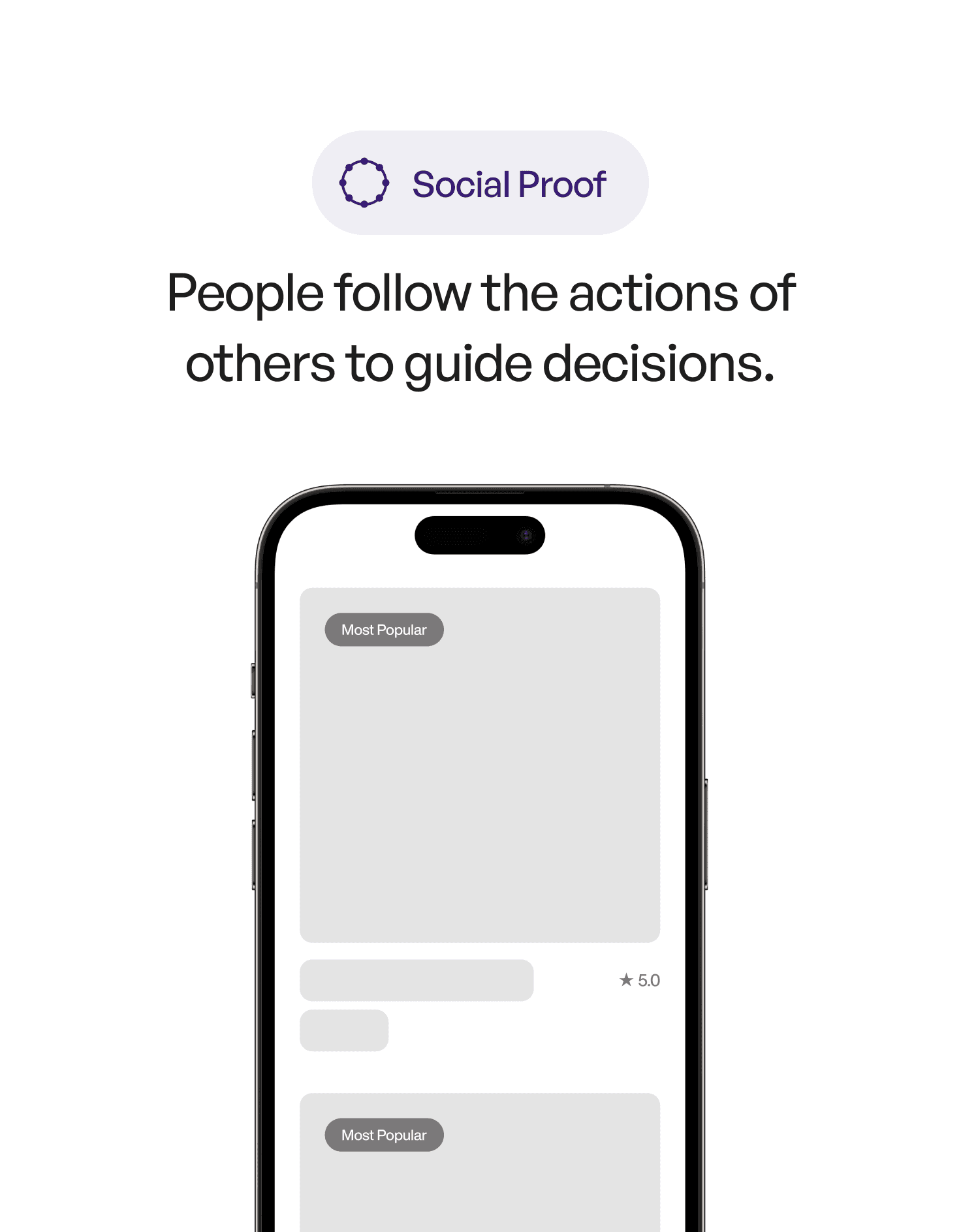
1. Highlight the most chosen option
This is the “bandwagon effect.”
Label the most popular plan visually. Users love clarity.
2. Add real logos of teams who use your product
Logos create instant emotional safety.
3. Add success metrics (specificity wins)
“12,400 designers use this.”
“1.2M monthly views created.”
“4.9/5 rating from 800+ reviews.”
4. Use onboarding testimonials
A short quote during sign-up increases momentum.
5. Use social proof inside empty states
When a screen is empty, trust drops.
Fill it with: “Tens of thousands have already started their first project.”
7. Key Takeaways
Social proof reduces uncertainty and increases trust
It works best in high-hesitation moments
Specificity and authenticity outperform vague statements
Place social proof next to decision points
Use testimonials, numbers, logos, popularity indicators, and case studies
📘 Want to Go Deeper Into UX Psychology?
If you want to learn 100+ persuasion, behavioral, and visual psychology principles with examples, visuals, and full application guides, explore
User Psychology 3 — our complete handbook for applying psychology to modern digital products.