Fitts’s Law in UX: How Target Size & Distance Shape Faster, Easier Interaction
Some interfaces feel smooth.
Others feel like the UI is fighting back.
Most of the time, the difference comes down to one thing: how easy it is for users to reach the next action.
That’s the heart of Fitts’s Law, one of the most practical psychology principles in UX design — especially in mobile apps, dashboards, and any interface where movement and precision matter.
1. What Is Fitts’s Law? (Definition)
Fitts’s Law states:
The time it takes to reach a target depends on two things: its size and its distance.
In simpler terms:
Bigger = easier to tap or click
Closer = faster to reach
Small + far = error-prone and frustrating
This law influences buttons, icons, navigation menus, floating actions, sliders — everything users physically interact with.
2. The Psychology Behind It
Humans aren’t perfect machines.
Our motor system has limits — especially on touchscreens.
Cognitively and physically, three things matter:
1. Precision
Small targets require more accuracy → more time → more mistakes.
2. Distance
Traveling the cursor or thumb farther increases movement time.
3. Motor effort
The more a user has to “aim,” the more effort they spend, increasing friction inside the UI.
This is why well-designed apps feel lighter:
they quietly reduce motor effort so that every movement requires less physical and mental energy.
3. Why Fitts’s Law Matters in UX
Because every task in a product — from tapping “Next” to closing a modal — depends on how fast a user can reach the next step.
Fitts’s Law affects:
Form completion speed
Navigation efficiency
Button tapping accuracy
Checkout friction
Accessibility
Mobile one-hand usability
When you ignore Fitts’s Law, users feel the interface is slow or awkward.
When you design for it, the interface feels intuitive, responsive, and effortless.
4. Real-World Example
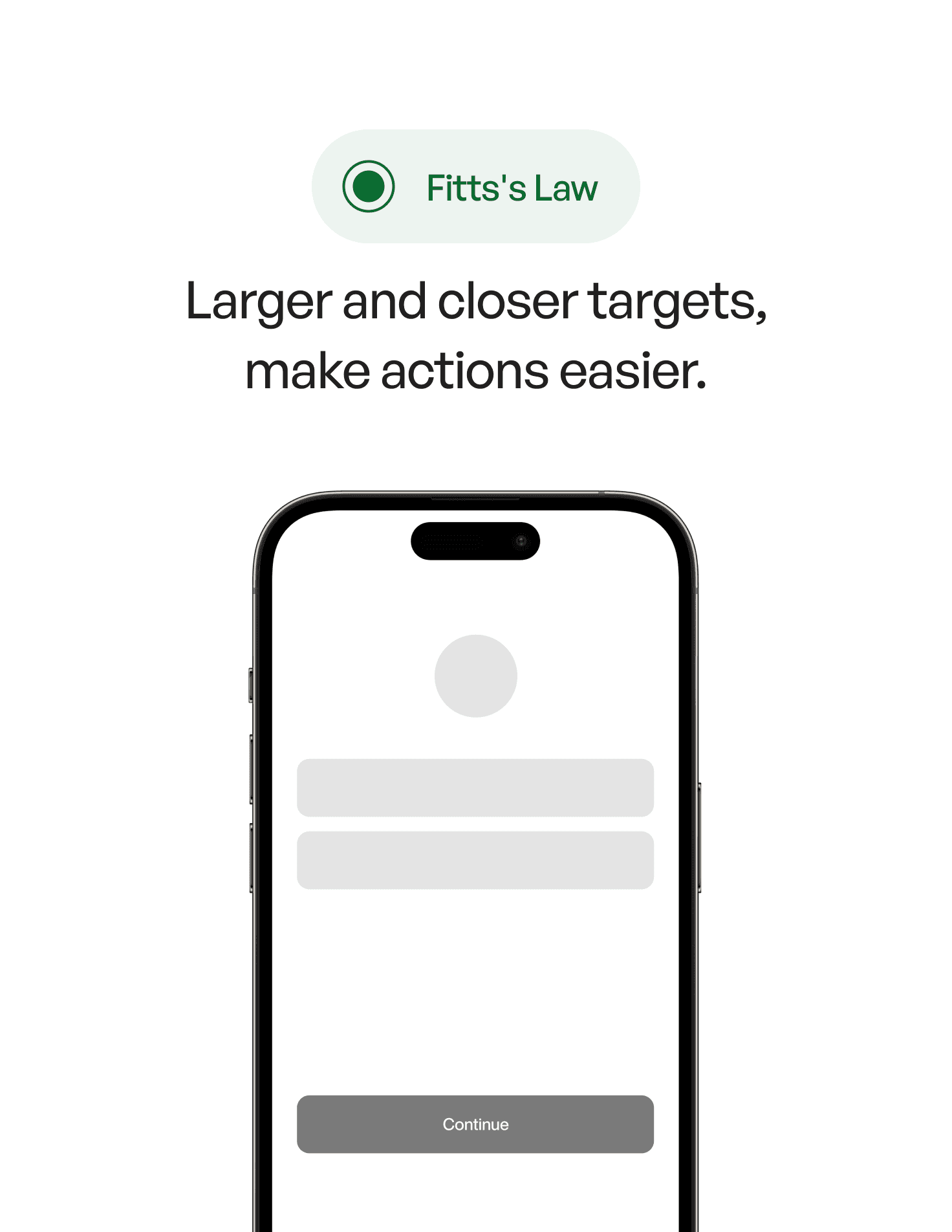
Imagine a mobile app where the primary action (“Continue”) is:
small
gray
placed at the top-right corner
competing visually with other secondary actions
Now imagine the same screen where:
the “Continue” button is large
positioned within natural thumb-reach (bottom area)
visually dominant
isolated from secondary actions
The second version is dramatically faster and more comfortable — not because it added anything, but because it removed friction from the physical movement.
This is the psychology of interaction.
5. Common Mistakes (And How to Avoid Them)
❌ Mistake 1: Tiny touch targets
Users shouldn’t need sniper-level accuracy.
Fix:
Use at least 44–48px minimum size for interactive elements (Apple and Google both recommend this).
❌ Mistake 2: Placing primary actions far from natural hand positions
Especially on large phones.
Fix:
Put primary actions in the thumb zone.
❌ Mistake 3: Crowding multiple actions too close together
It increases mis-taps.
Fix:
Increase spacing and visually separate destructive actions.
❌ Mistake 4: Making the most important action look secondary
Even subtle changes affect movement behavior.
Fix:
Use hierarchy — color, size, placement.
❌ Mistake 5: Tiny icons for vital actions
Icons should be as easy to hit as buttons.
Fix:
Put icons inside a larger touch container.
6. How to Apply Fitts’s Law in Your Designs (Practical Tips)
1. Make primary actions big, bold, and reachable
Don’t hide your CTA in a corner.
2. Reduce distance between related actions
Grouping speeds up workflows.
3. Use corner and edge advantage
Touching edges is easier because fingers naturally stop there — great for bottom navigation bars.
4. Keep destructive actions farther away
Distance can increase safety.
5. Test on real hands, not just Figma
Small shifts in placement feel huge on an actual phone.
7. Key Takeaways
Fitts’s Law predicts how fast users can hit targets
Bigger and closer = faster and more comfortable
Design should reduce motor effort, not amplify it
One-hand reach matters more than ever
Small UI tweaks dramatically change perceived usability
📘 Want to Master UX Psychology?
If you want 100+ design psychology principles with real examples, visuals, and practical applications, explore
User Psychology 3 — our complete handbook on using psychology to design better digital products.